Microsoft's Azure Machine Learning is and end-to-end data science and analytics solution that helps professional data scientists to prepare data, develop experiments, and deploy models in the cloud. It replaces the Azure Machine Learning Workbench.
$0
per month
DataRobot
Score8.2 out of 10
N/A
The DataRobot AI Platform is presented as a solution that accelerates and democratizes data science by automating the end-to-end journey from data to value and allows users to deploy AI applications at scale. DataRobot provides a centrally governed platform that gives users AI to drive business outcomes, that is available on the user's cloud platform-of-choice, on-premise, or as a fully-managed service. The solutions include tools providing data preparation enabling users to explore and…
A de minimis incentive was given to thank the reviewer for their time. The incentive was not used to bias or drive a particular response, nor was the incentive contingent on a positive endorsement. More Info
Verified User
Chose DataRobot
At the time DataRobot provided a more automatized and complete variety of pre-trained models and ready-to-use solutions.
A de minimis incentive was given to thank the reviewer for their time. The incentive was not used to bias or drive a particular response, nor was the incentive contingent on a positive endorsement. More Info
I would highly recommend Azure machine learning design for those with less access to high-end computing infrastructure, as using Azure saves a lot of time, money, and effort by providing a hustle-free platform that is easy to use and train your employees on. On the other hand, if you are looking for complete control of the machine learning model you create and would like to add detailed functionalities and try different algorithms, then Azure is less suitable here as it’s very high level.
A de minimis incentive was given to thank the reviewer for their time. The incentive was not used to bias or drive a particular response, nor was the incentive contingent on a positive endorsement. More Info
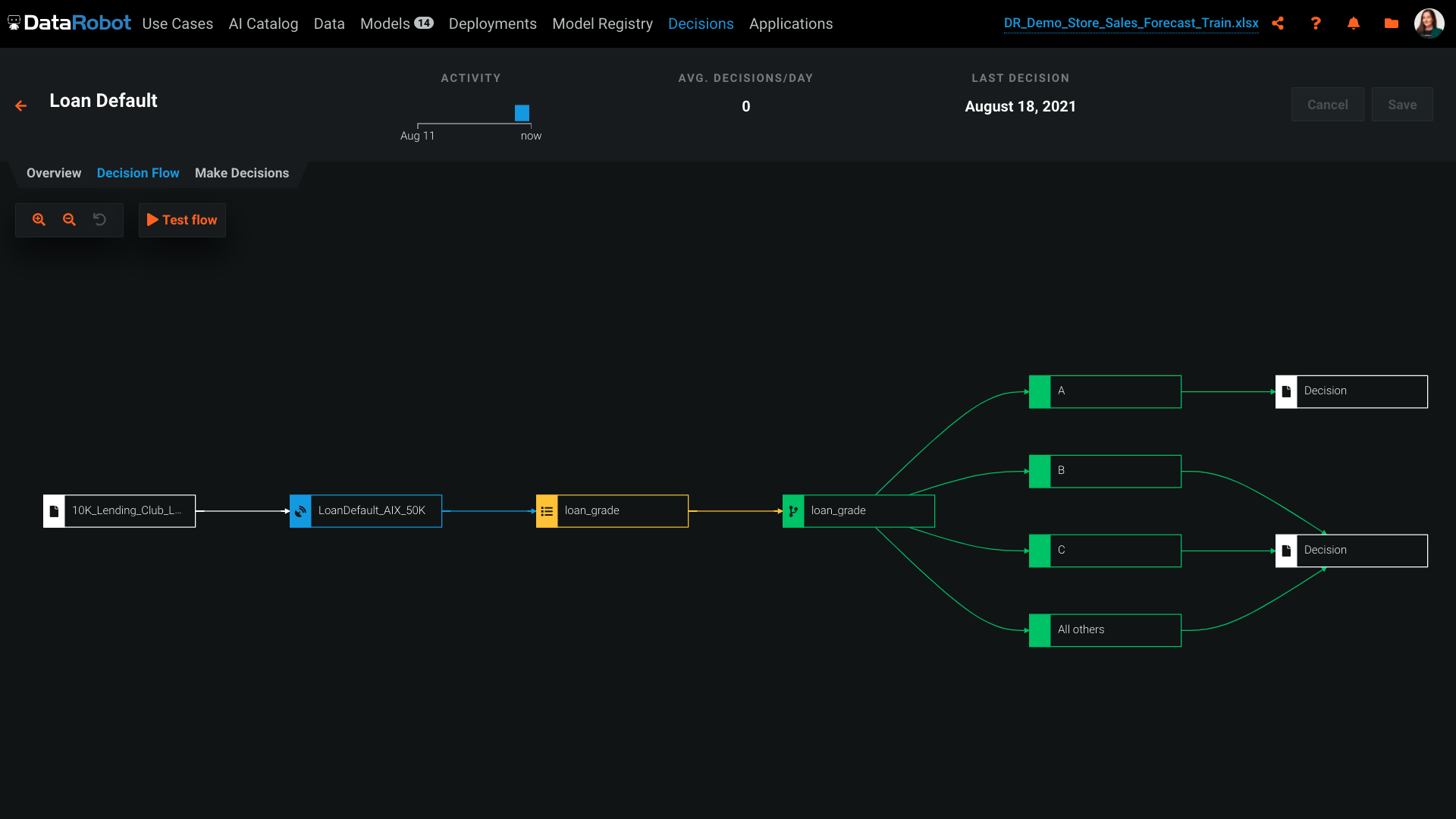
DataRobot can be used for risk assessment, such as predicting the likelihood of loan default. It can handle both classification and regression tasks effectively. It relies on historical data for model training. If you have limited historical data or the data quality is poor, it may not be the best choice as it requires a sufficient amount of high-quality data for accurate model building.
A de minimis incentive was given to thank the reviewer for their time. The incentive was not used to bias or drive a particular response, nor was the incentive contingent on a positive endorsement. More Info
DataRobot helps, with algorithms, to analyze and decipher numerous machine-learning techniques in order to provide models to assist in company-wide decision making.
Our DataRobot program puts on an "even playing field" the strength of auto-machine learning and allows us to make decisions in an extremely timely manner. The speed is consistent without being offset by errors or false-negatives.
It encompasses many desired techniques that help companies in general, to reconfigure in to artificial intelligence driven firms, with little to no inconvenience.
A de minimis incentive was given to thank the reviewer for their time. The incentive was not used to bias or drive a particular response, nor was the incentive contingent on a positive endorsement. More Info
Few models: Even though it has a lot of Machine Learning models, it is quite limited when compared to R. Most Data Scientists still use and prefer R, so the newest models tend to release as R libraries. With Azure ML, we need to wait for Microsoft to evaluate and decide if including a new model is a good idea or not
Tableau interface: last time I checked there was no easy way to connect with Tableau.
Cloud based: You always need a good internet connection to use it.
A de minimis incentive was given to thank the reviewer for their time. The incentive was not used to bias or drive a particular response, nor was the incentive contingent on a positive endorsement. More Info
The platform itself is very complicated. It probably can't function well without being complicated, but there is a big training curve to get over before you can effectively use it. Even I'm not sure if I'm effectively using it now.
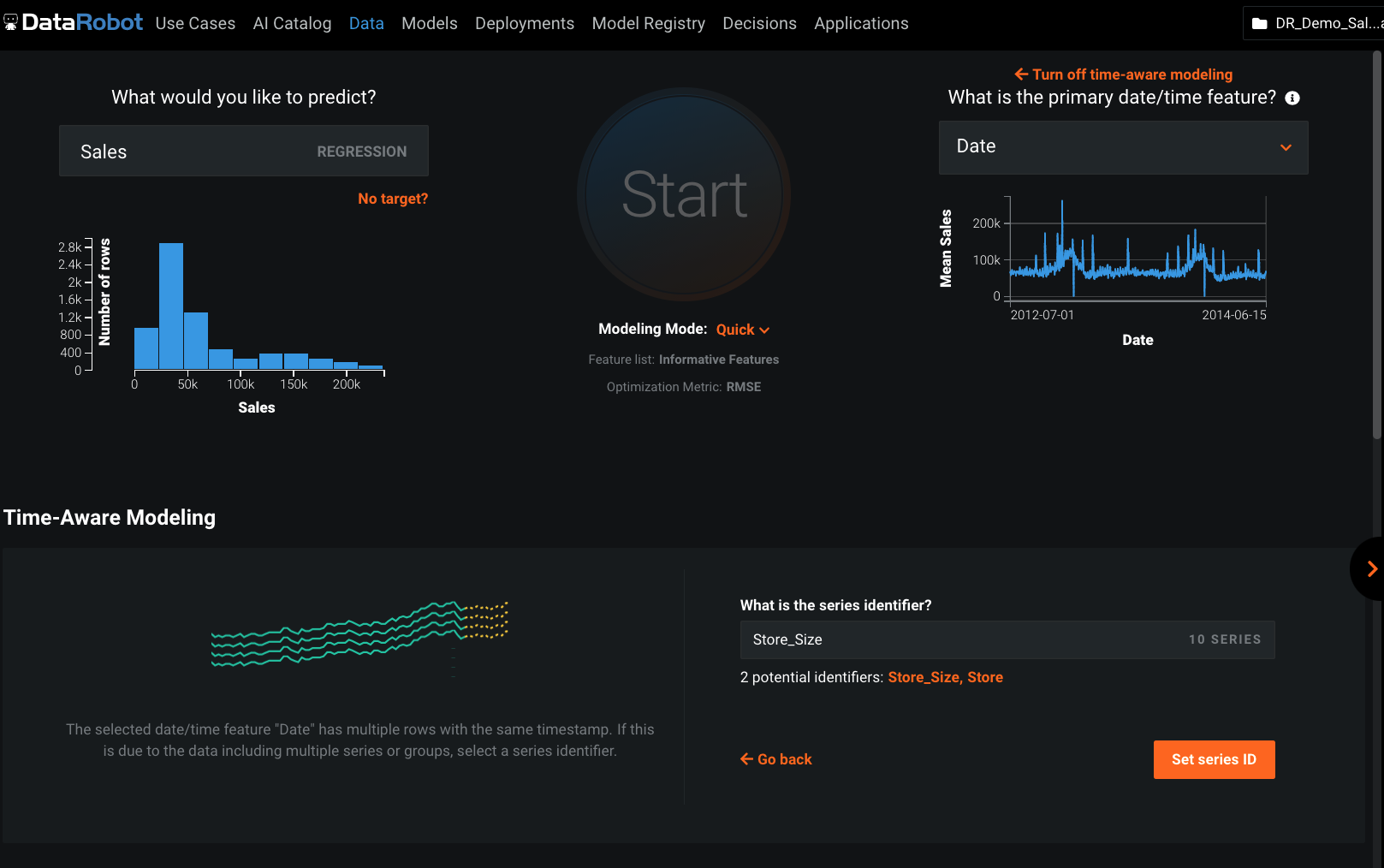
The suggested model DataRobot deploys often not the best model for our purposes. We've had to do a lot of testing to make sure what model is the best. For regressive models, DataRobot does give you a MASE score but, for some reason, often doesn't suggest the best MASE score model.
The software will give you errors if output files are not entered correctly but will not exactly tell you how to fix them. Perhaps that is complicated, but being able to download a template with your data for an output file in the correct format would be nice.
A de minimis incentive was given to thank the reviewer for their time. The incentive was not used to bias or drive a particular response, nor was the incentive contingent on a positive endorsement. More Info
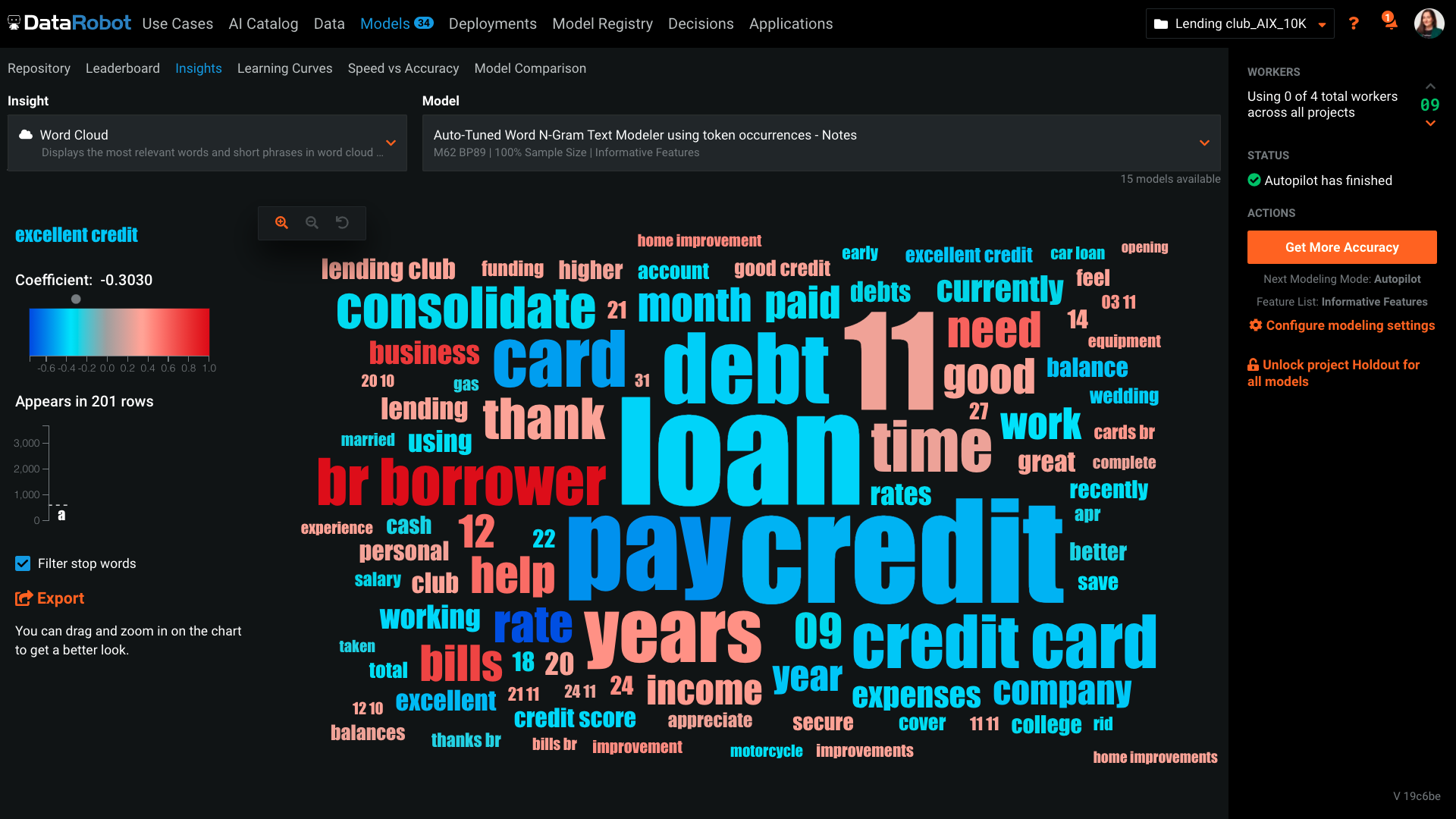
DataRobot presents a machine-learning platform designed by data scientists from an array of backgrounds, to construct and develop precise predictive modeling in a fraction of the time previously taken. The tech invloved addresses the critical shortage of data scientists by changing the speed and economics of predictive analytics. DataRobot utilizes parallel processing to evaluate models in R, Python, Spark MLlib, H2O and other open source databases. It searches for possible permutations and algorithms, features, transformation, processes, steps and tuning to yield the best models for the dataset and predictive goal.
A de minimis incentive was given to thank the reviewer for their time. The incentive was not used to bias or drive a particular response, nor was the incentive contingent on a positive endorsement. More Info
Good UX/UI and overall good usability, but it takes a while to get used to the product & platform. The whole design seems fragmented with little in terms of integration with project management tools such as JIRA, or wireframing. Overall it feels like an unfinished product that's meant for teaching more than for production.
A de minimis incentive was given to thank the reviewer for their time. The incentive was not used to bias or drive a particular response, nor was the incentive contingent on a positive endorsement. More Info
I'm satisfied with the Azure Machine Learning Studio- it fulfilled my goal in a single channel. Even haven't worr[ied] about the maintenance or any fault tolerance. This provide[s] the user interactive UI to grab the features easily. [Their] support teams also very help[ful], they stand with us at any time.
As I am writing this report I am participating with Datarobot Engineers in an complex environment and we have their whole support. We are in Mexico and is not common to have this commitment from companies without expensive contract services. Installing is on premise and the client does not want us to take control and they, the client, is also limited because of internal IT regulations ,,, soo we are just doing magic and everybody is committed.
A de minimis incentive was given to thank the reviewer for their time. The incentive was not used to bias or drive a particular response, nor was the incentive contingent on a positive endorsement. More Info
It is easier to learn, it has a very cost effective license for use, it has native build and created for Azure cloud services, and that makes it perfect when compared against the alternatives. As a Microsoft tool, it has been built to contain many visual features and improved usability even for non-specialist users.
A de minimis incentive was given to thank the reviewer for their time. The incentive was not used to bias or drive a particular response, nor was the incentive contingent on a positive endorsement. More Info
I've done machine learning through python before, however having to code and test each model individually was very time consuming and required a lot of expertise. The data Robot approach, is an excellent way of getting to a well placed starting point. You can then pick up the model from there and fine tune further if you need.
A de minimis incentive was given to thank the reviewer for their time. The incentive was not used to bias or drive a particular response, nor was the incentive contingent on a positive endorsement. More Info
A de minimis incentive was given to thank the reviewer for their time. The incentive was not used to bias or drive a particular response, nor was the incentive contingent on a positive endorsement. More Info
A de minimis incentive was given to thank the reviewer for their time. The incentive was not used to bias or drive a particular response, nor was the incentive contingent on a positive endorsement. More Info