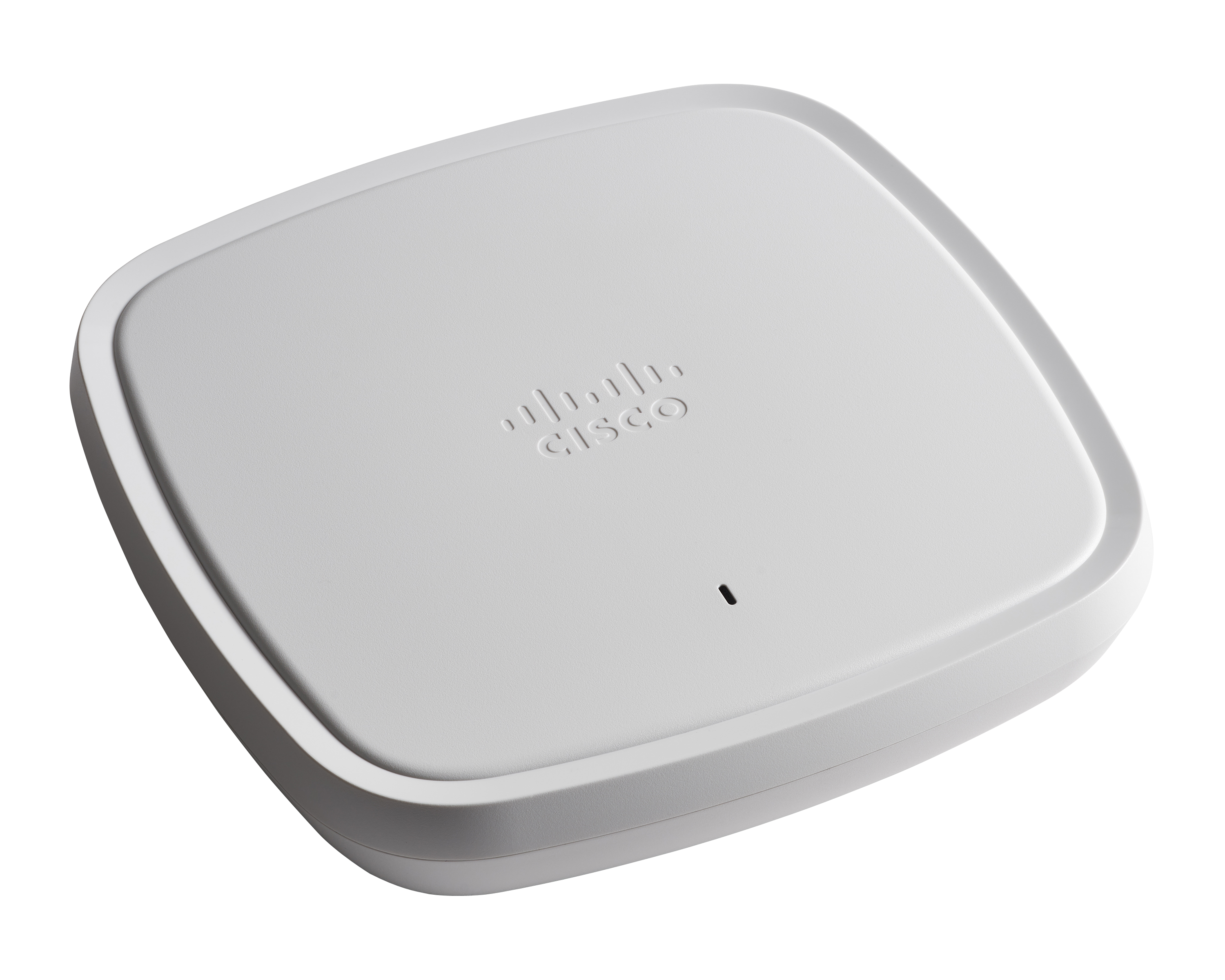
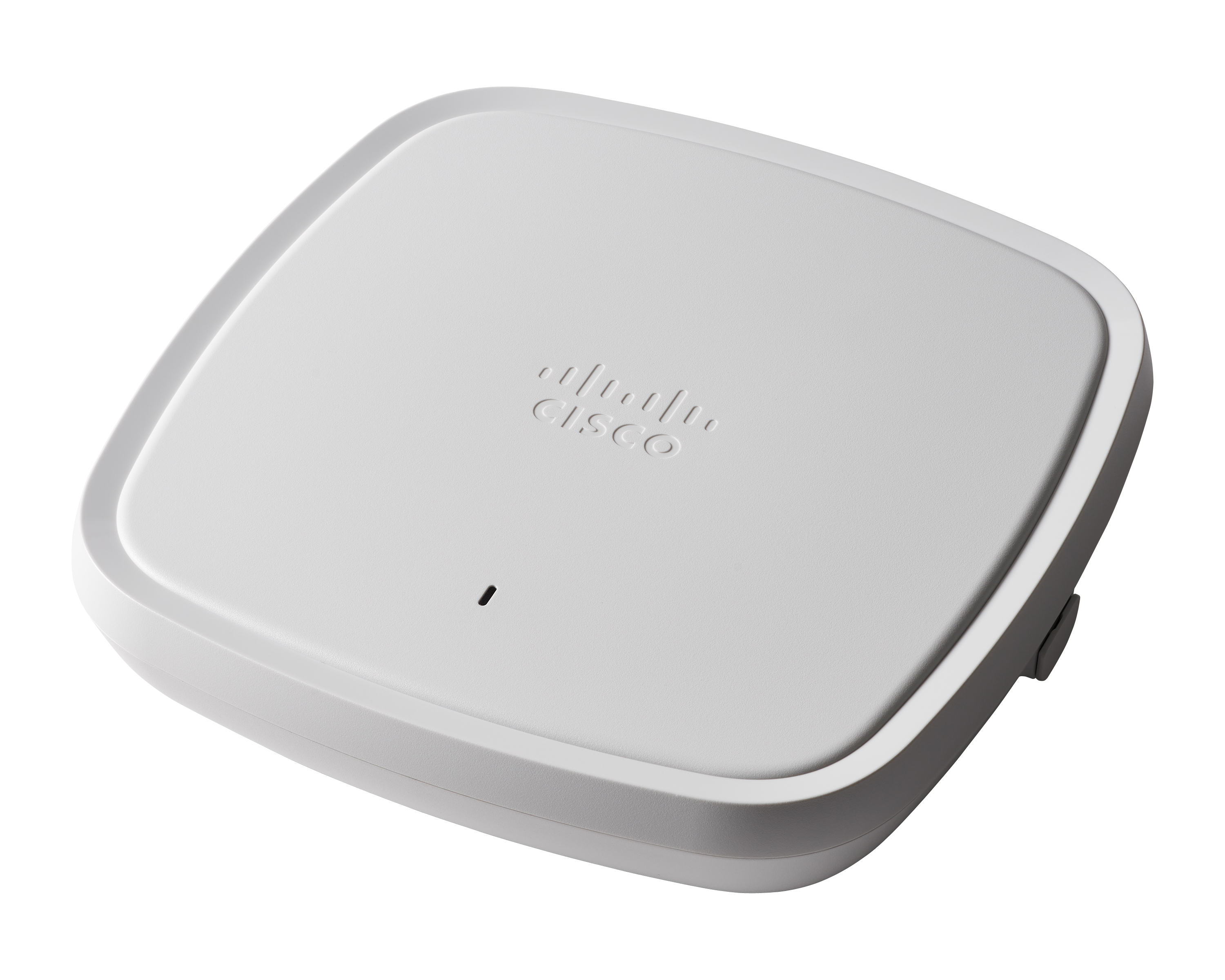
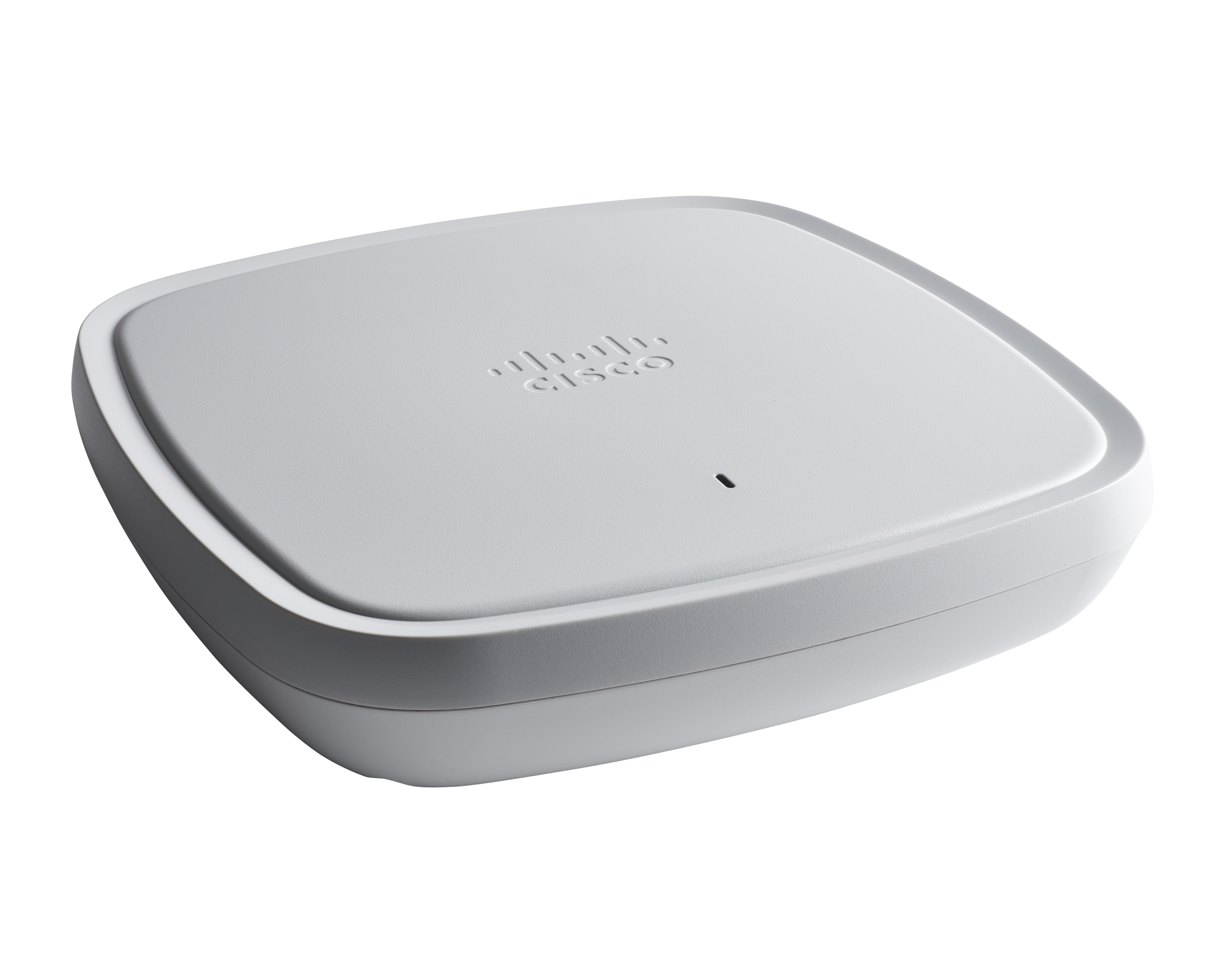
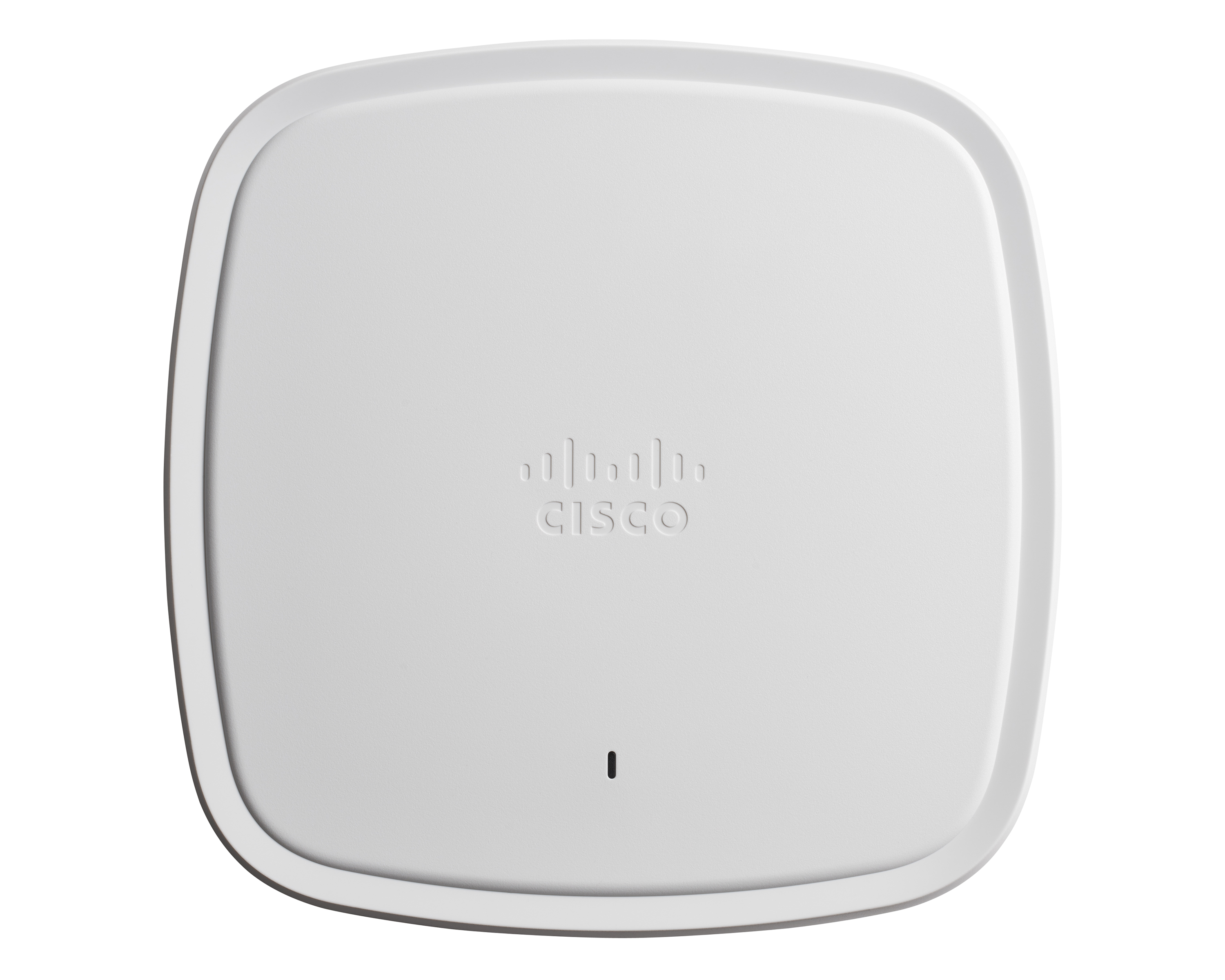
The Cisco Catalyst 9100 Access Points includes the 9115 and 9117, and designed to meet high demand network access.
N/A
Extreme Wireless Access Points
Score9.6 out of 10
N/A
Extreme Networks' Wireless Access Points (or ExtremeWireless) are designed to provide performance in the most demanding environments with the latest Wi-Fi technologies including 6 GHz, OFDMA, MU-MIMO, and software-defined dual 6 GHz radios.
A de minimis incentive was given to thank the reviewer for their time. The incentive was not used to bias or drive a particular response, nor was the incentive contingent on a positive endorsement. More Info
Cisco Catalyst 9100 Access Points are well suited for dense Client solutions. We have used these in areas where we have a large number of guests that need top-notch connectivity without ever losing connection. The one area where we do have difficulty is in outdoor deployment, where large areas need to be covered, but we do not have physical connectivity in order to get the access points connected. This is not an access point issue but more of a physical connectivity limitation.
A de minimis incentive was given to thank the reviewer for their time. The incentive was not used to bias or drive a particular response, nor was the incentive contingent on a positive endorsement. More Info
The Extreme access point solution has been used in the cooperative scenario with VLANs for employees in access through 802.1x authentication and also for guests through the captive portal that allows access of people for a limited time and prior registration. The equipment has great performance and connection speed and supports a high density of users connected at the same time without lag and crashes. The management of this equipment is being carried out through software with cloud management and is accessed by our infrastructure team to configure and monitor alerts.
A de minimis incentive was given to thank the reviewer for their time. The incentive was not used to bias or drive a particular response, nor was the incentive contingent on a positive endorsement. More Info
So this product actually helps in healthcare facilities where we have a wireless, we call this WOW monitors. It's Wireless On Wheels. So we use those monitors to the patient's room to room. So in that case, rather than connecting it to wire, so it really helps us to connect through the WIFI and access the patients whenever we be needed.
A de minimis incentive was given to thank the reviewer for their time. The incentive was not used to bias or drive a particular response, nor was the incentive contingent on a positive endorsement. TR verified that a representative sample of customers was invited. More Info
Ease of use and Management. The process of implementing APs is straight forward and managing the wireless infrastructure is quite simple and efficient.
Coverage: we are very happy with the distance each AP coverages in our warehouses without having any drop issues or over implementing APs.
Cost competitive versus other cloud managed wi-fi solutions such as Cisco, Aruba or Mist.
A de minimis incentive was given to thank the reviewer for their time. The incentive was not used to bias or drive a particular response, nor was the incentive contingent on a positive endorsement. More Info
They could definitely download their code faster. When we first get them out of the box and join them on the network, it takes probably 20, 30 minutes per access point to download the new code from the wireless controller and then reboot itself and then come back online.
When you're configuring it on the controller, if you want to switch access point groups, we have them broken out per site. Every time you add it to one of those groups, it also has to reboot. That's like downtime for us. That could be improved, I think.
A de minimis incentive was given to thank the reviewer for their time. The incentive was not used to bias or drive a particular response, nor was the incentive contingent on a positive endorsement. TR verified that a representative sample of customers was invited. More Info
In my experience, licensing has become a nightmare. Licensing must be tied to a device, they also won't let you activate used units from other companies if they are donated or purchased third-party.
Customer service is outsourced overseas.
In my experience, technicians are incentivized to close tickets quickly - whether the issue has been fixed or not - which can be frustrating to work with.
A de minimis incentive was given to thank the reviewer for their time. The incentive was not used to bias or drive a particular response, nor was the incentive contingent on a positive endorsement. More Info
On a scale of 1–10, we would rate our likelihood to renew Cisco Catalyst 9100 Access Points as a 9. The access points have provided reliable wireless connectivity, strong security features, and consistent performance, which are critical for supporting both in-office and hybrid work. Minor improvements could make the experience fully seamless.
A de minimis incentive was given to thank the reviewer for their time. The incentive was not used to bias or drive a particular response, nor was the incentive contingent on a positive endorsement. More Info
The Cisco Catalyst 9120 Access Points have been a solid deployment for me. Using their interface is a mix of new and old. They run IOS, so if you know the CLI, you can easily navigate around them. You can join them to an older controller if it supports a certain version, you can join it to a new 9800 controller--very straight forward--and you can run the embedded wireless controller on them directly. I've found this to be very useful at smaller sites. The Cisco Catalyst 9120 Access Points are not limited to feature sets like the older generations' mobility express platform.
A de minimis incentive was given to thank the reviewer for their time. The incentive was not used to bias or drive a particular response, nor was the incentive contingent on a positive endorsement. TR verified that a representative sample of customers was invited. More Info
Extreme Wireless Access Points are easy to manage. They are easy to deploy and install. The hardware and firmware are reliable. There a number of things to be improved since we are still using the WiNG platform, but all of those things will be much better when we migrate to CloudIQ.
A de minimis incentive was given to thank the reviewer for their time. The incentive was not used to bias or drive a particular response, nor was the incentive contingent on a positive endorsement. More Info
On a scale of 1–10, I would rate the overall usability of Cisco Catalyst 9100 Access Points as an 8. The interface is intuitive, and common tasks like monitoring and basic configuration are straightforward. While some advanced features and troubleshooting functions remain complex, the majority of operations are user-friendly, making the system efficient for IT teams managing hybrid and in-office environments.
A de minimis incentive was given to thank the reviewer for their time. The incentive was not used to bias or drive a particular response, nor was the incentive contingent on a positive endorsement. More Info
Using Cisco Catalyst 9100 Access Points you can expect good performance, if not excellent. Coupled with other tools and managment systems you can easily gain good insight and ease of management. Flexible deployment variations help you adopt the equipment to work for most any required scenario you could think of. It's a well designed and evolved product.
A de minimis incentive was given to thank the reviewer for their time. The incentive was not used to bias or drive a particular response, nor was the incentive contingent on a positive endorsement. More Info
Extreme Wireless Access Points can support all our devices, even in high capacity areas. They are easy to manage and get basic information. There was a time back around 2017-2018 where people's devices needed to make sure they were using the latest wireless drivers; otherwise, people were having connection issues. Other than that time period, we were able to have fewer complaints from end users.
A de minimis incentive was given to thank the reviewer for their time. The incentive was not used to bias or drive a particular response, nor was the incentive contingent on a positive endorsement. More Info
We rate Cisco support 8/10 because the response time is generally very good, with most cases receiving attention and feedback within the same business day. When hardware replacement is required, delivery can sometimes take longer than expected, but replacements are consistently provided. Overall, the service remains credible, reliable, and essential for maintaining business continuity and network availability.
A de minimis incentive was given to thank the reviewer for their time. The incentive was not used to bias or drive a particular response, nor was the incentive contingent on a positive endorsement. More Info
Support was always responsive and willing to help, but at times did not know when to call it and send a replacement to stop the bleeding. I respect that fact that they wanted to get the solution working, and the wanting to learn more and understand, but at times you cant do that at the expense of the customer.
A de minimis incentive was given to thank the reviewer for their time. The incentive was not used to bias or drive a particular response, nor was the incentive contingent on a positive endorsement. More Info
On a scale of 1–10, I would rate the in-person training for Cisco Catalyst 9100 Access Points as an 8. The sessions were interactive and provided hands-on experience, which helped IT staff understand configuration, troubleshooting, and advanced features. Greater depth in real-world scenario exercises could make the training even more effective.
A de minimis incentive was given to thank the reviewer for their time. The incentive was not used to bias or drive a particular response, nor was the incentive contingent on a positive endorsement. More Info
On a scale of 1–10, I would rate the online training for Cisco Catalyst 9100 Access Points as a 6. While the training materials were comprehensive and covered essential topics, some modules were overly technical and not always intuitive for all users. Additional practical examples and interactive exercises would improve understanding and make the training more effective.
A de minimis incentive was given to thank the reviewer for their time. The incentive was not used to bias or drive a particular response, nor was the incentive contingent on a positive endorsement. More Info
Key insights from implementing Cisco Catalyst 9100 Access Points include the importance of thorough planning, pilot testing, and involving both IT teams and end-users early in the process. Centralized management and robust security features simplify long-term operations, but adequate training and clear documentation are essential to maximize adoption and ensure smooth, reliable connectivity across hybrid work environments.
A de minimis incentive was given to thank the reviewer for their time. The incentive was not used to bias or drive a particular response, nor was the incentive contingent on a positive endorsement. More Info
We are migrating from Aironet platform to Cisco Catalyst 9100 Access Points. That's more flexible, and we do it to sync switching, SDWAN, and wifi under one family.
A de minimis incentive was given to thank the reviewer for their time. The incentive was not used to bias or drive a particular response, nor was the incentive contingent on a positive endorsement. More Info
I've used both Aruba and Cisco (traditional, not Meraki) for wireless, and each have their own strengths. Aruba offers a lot of feature functionality, though the interface is difficult and confusing to use (this was ~4 years ago). Cisco wireless is fairly straightforward to set up and expand, though features are more limited. Aerohive's benefit is the easy+speed of deployment. I've also used the Citrix NetScaler SSL VPN soft client and that works fairly well, though it doesn't compare like-for-like due to the fact that it's software vs. Aerohive, which is hardware.
A de minimis incentive was given to thank the reviewer for their time. The incentive was not used to bias or drive a particular response, nor was the incentive contingent on a positive endorsement. More Info
These access points offer flexibility in deployment scenarios, supporting both standalone and controller-based architectures. Organisations can choose the model that best suits their current needs and scale as their requirements grow. Cisco Aironet Access Points are compatible with Cisco's Wireless LAN controllers, allowing for centralized management and monitoring of a large number of access points across the network. With the recent changes, it will even support cloud base controllers.
A de minimis incentive was given to thank the reviewer for their time. The incentive was not used to bias or drive a particular response, nor was the incentive contingent on a positive endorsement. More Info
A de minimis incentive was given to thank the reviewer for their time. The incentive was not used to bias or drive a particular response, nor was the incentive contingent on a positive endorsement. More Info
Linking APs to AD, via NPS, and gaining the password reset policy; helped us move past some issues that we were held up on with SOC
Segregating corporate wifi and guest wifi, plus forcing guest wifi to agree to the Acceptable Use Policy, was needed to pass a compliance audit of the network.
Being able to locate which users are connected to which individual wifi AP, has been a asset with troubleshooting
APs sharing connections allows for us to overlap the wifi zones and create redundancy if an AP were to go offline for any reason.
A de minimis incentive was given to thank the reviewer for their time. The incentive was not used to bias or drive a particular response, nor was the incentive contingent on a positive endorsement. More Info