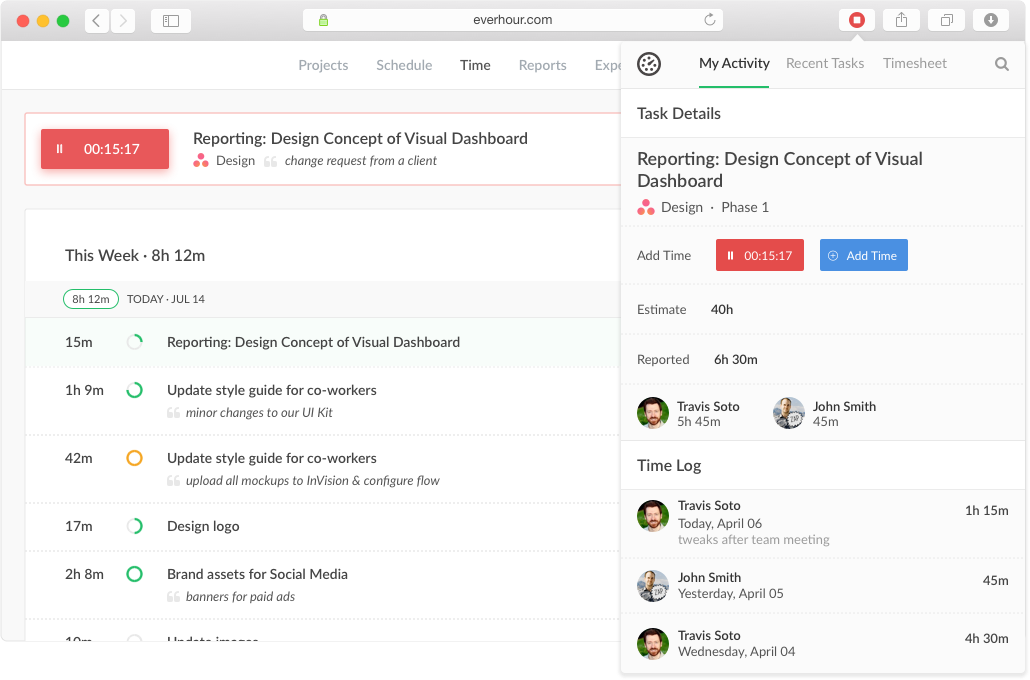
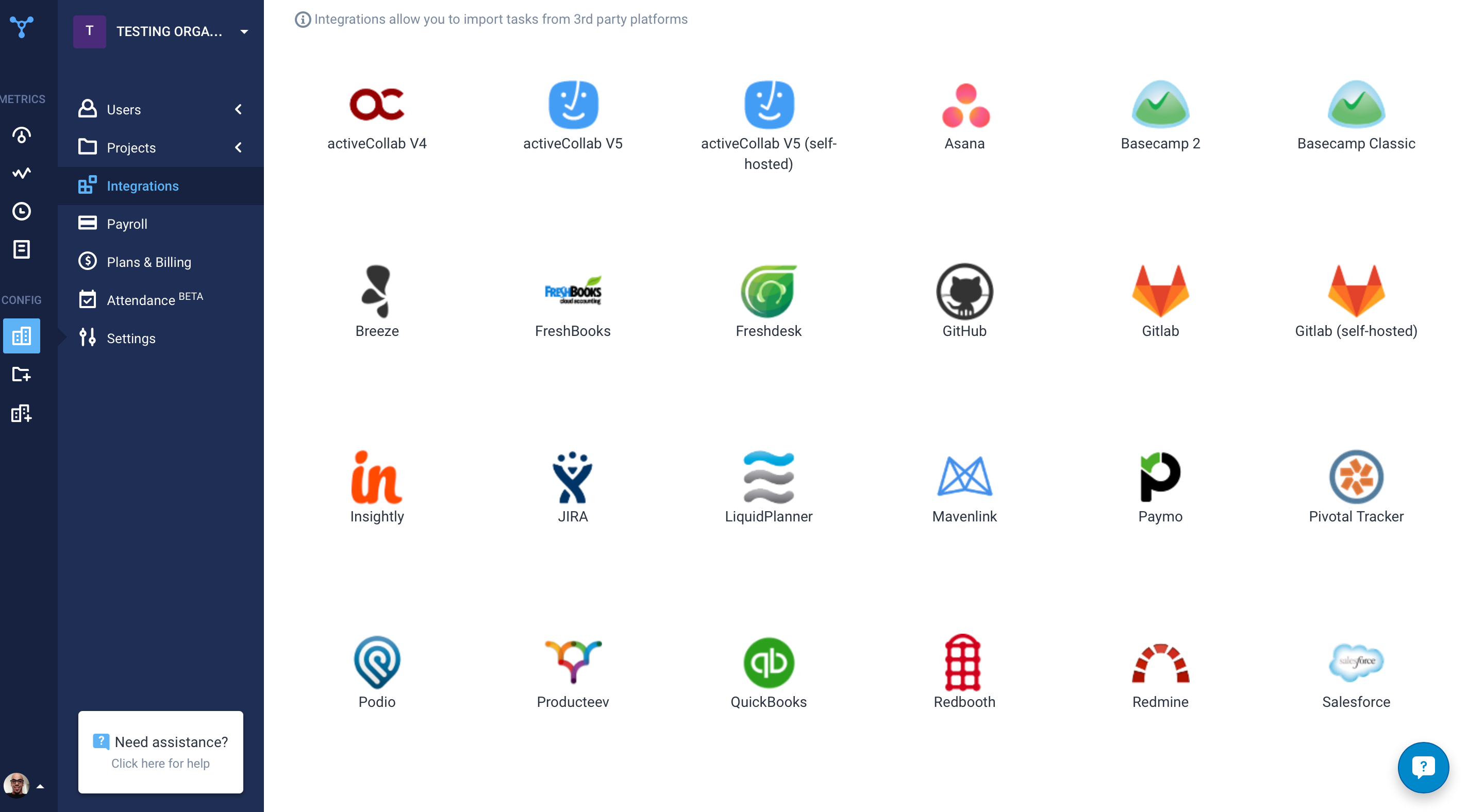
Everhour is a time tracker equipped with project & team management features. Everhour integrates with project management apps so users can track time on tasks right from its interface: Asana, Basecamp, Trello, Jira, ClickUp, Basecamp, Notion, Todoist, GitHub, GitLab, etc. Its time tracking features provide options for timekeeping and time management. It helps to facilitate a team's time tracking experience by adding reminders, auto stop timers, start and stop timers, and…
$0
Hubstaff
Score 9.3 out of 10
Small Businesses (1-50 employees)
Hubstaff is a workforce analytics software tailored to boost productivity in remote, hybrid, and in-house teams while fostering a positive employee experience. Integrating with over 30 apps, Hubstaff's key features include time tracking, screenshots, activity tracking, URL and app monitoring, workforce analytics, automatic payroll and invoicing, scheduling, GPS and location monitoring, and timesheets. Hubstaff is compatible with Mac, Windows, Linux, Chrome, iOS, and…
Originally, I was using Harvest and really liked its features. However, the Harvest invoicing system only pushes data into QBO, but doesn't check / sync invoice numbers or update for payment status, so it was resulting in duplicate invoice numbers and extra effort to update …
It's great when you need precise billable hour tracking across multiple clients with different rates, integrated invoicing, and detailed project breakdowns. I would have liked to see regular security audits and/or a SOC report given the nature of the information that's being documented in the product. However, that may not be a huge deal depending on your organization.
It enables you to monitor workers' time on every project. It monitors productivity even if an internet connection is not available. It provides a customizable interface. Every task is customizable to suit project requirements. It allows you to track time from anywhere in the world. In this way, it provides powerful insights to determine how many hours are required to do a project.
Integration with project management tools, like Trello, that makes the project management easier to do because you have metrics and statistics grouped on just one site.
Metrics of expended time per user and per project makes decisions easier You can have all the data to support changes or decisions in the company, like rentability of certain type of products offered.
The Everhour team is always evolving, so they always ask how you feel about everything and if anything is not working as expected. You are always surprised with new improvements that you didn't think could be useful but that end up adding value to your business.
Its interface is also quite easy to handle and is designed in a user friendly way.
Overall, I feel that Hubstaff is a very useful invention that has the ability to attract and fascinate users.
Hubstaff offers a customizable and easily tailored according to your requirements user interface where with the help of just one click you can start or even stop tracking your daily project activities.
Expenses tracking system - if it will allow to track all fixed INs and OUTs inside the project (and track invoices based not only on time tracking but generated manually) it can replace our financial tool or make it more automated
I am having a problem with its customer support. [I feel it is] one of the worst customer service I have gone through for the longest time. They did not even know about their own platform, response time is late and there is no such name of help from their side what so ever which makes it a very difficult platform to use.
[I believe it] needs a lot of upgrades in customer support system.
Everhour's overall usability is definitely one of its key strengths. The UI is intuitive and clean, making time tracking feel less "technical" than other solutions we've tried. Our entire team, including less tech-savvy contractors, found it easy to use.
I give it 9 because it is really good for time tracking and managing remote teams. It helps me to manage my team very efficiently. Still, prices are high, so don't give 10. I need more discounts to add more team. Also need more accuracy as users are now fooling the tools with various cheats. Overall it is good and helfull
I've never had any issues and always received proper support. They let you know in advance when they'll be in maintenance and it's always in odd hours, so it's good. You still can use it when they are maintaining it.
In the almost 2 1/2 years we have had to contact support 1 time and it really was for a feature request. Their support team responded quickly and told us that the feature was going to be added in the next few months. We have had no support issues ever. I have never had a time tracking solution that has had no issues until Everhour.
Hubstaff has always responded to support requests in a timely manner and has kept me in the loop of changes. When contacting them about future changes/features they've always been upfront on whether that is a change they are looking to make and when that change may occur. Finally, if the person I have communicated with was unable to resolve, they always escalated to the next best person who can answer/resolve.
Originally, I was using Harvest and really liked its features. However, the Harvest invoicing system only pushes data into QBO, but doesn't check / sync invoice numbers or update for payment status, so it was resulting in duplicate invoice numbers and extra effort to update status in both places. So, I started looking for another solution. I tried a LOT of products. Everhour addressed the following issues I encountered from various other services:
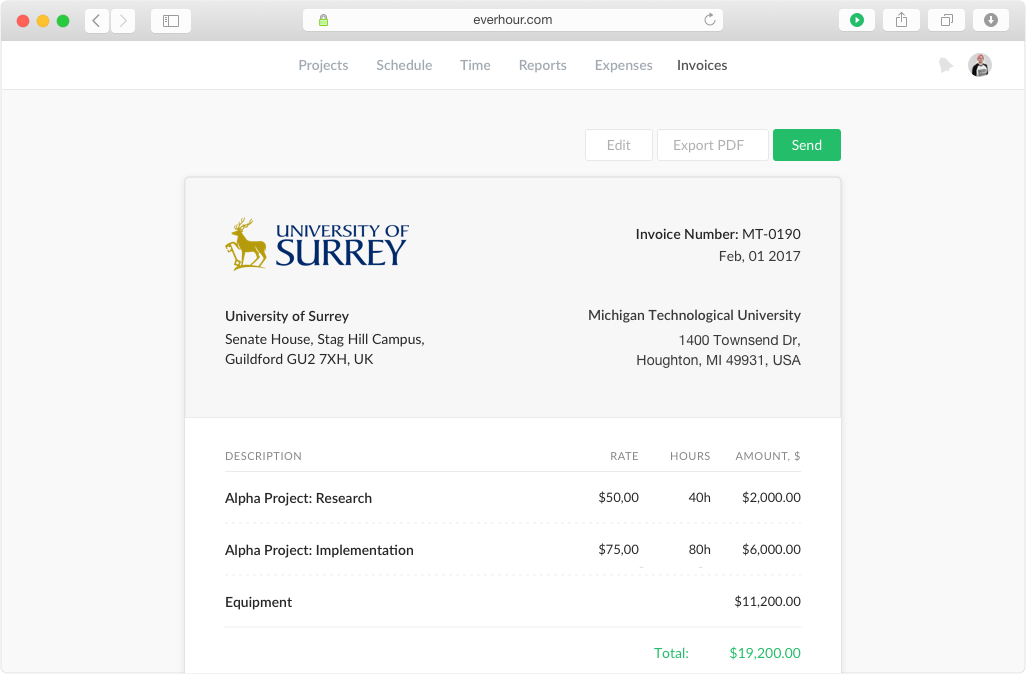
Bi-directional sync of invoices so records in QBO & Everhour always match (without having to load a bunch of extraneous records to either system)
Start-stop timer
Set budgets by project and client to easily monitor project status & profitability
Allow all team members to track to projects they're following, even if not assigned to them
Clean, modern interface (if I'm using it every day, it better be pretty and easy to use)
Ability to edit time, and limit others' ability to edit their time (though we don't restrict time editing for our users)
Doesn't require use of Projects in QBO in order to sync properly
Doesn't try to take over invoicing or break QBO functionality
Hubstaff keeps interesting and smart features and functions. The most interesting feature is the reporting feature that has brought much convenience to me. It is no doubt a great tool for planning budgets, managing workflows, tracking time, and best supervision capabilities.
We're more aware on the investement of hours required in a project, not just the estimated hours but the actual time invested by every member of the team
Everhour is a good tool to adequate the pricing to the actual investement of hours needed and to bill the clients when the actual time invested exceeded the estimated time
The members of the team (and i'm speaking for myself too) are now more aware of how much it takes to complete a task. Having this in mind help us to organise our everyday and to know when we are free to take new clients
Hubstaff has enabled us to identify the most productive workers which enables us to maximize profitability.
Hubstaff has enabled us to quickly identify drops in engagement or output, or just poor performance due to not caring so we can move on instead of trying to fit a square peg into a round hole.
HubStaff lets us actively measure retainers vs delivered hours and adjust contracts to what we really need based on our time expenditures.