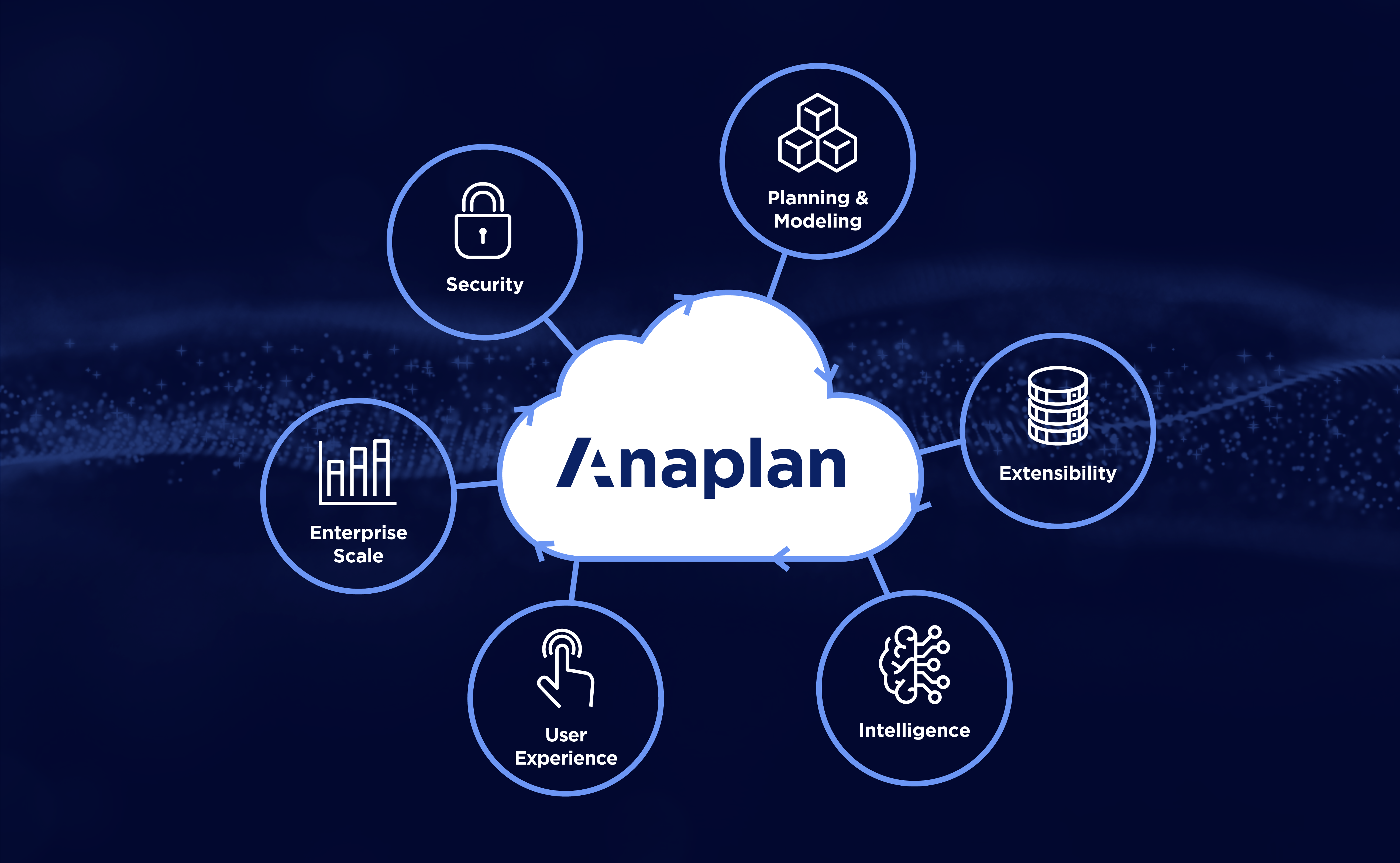
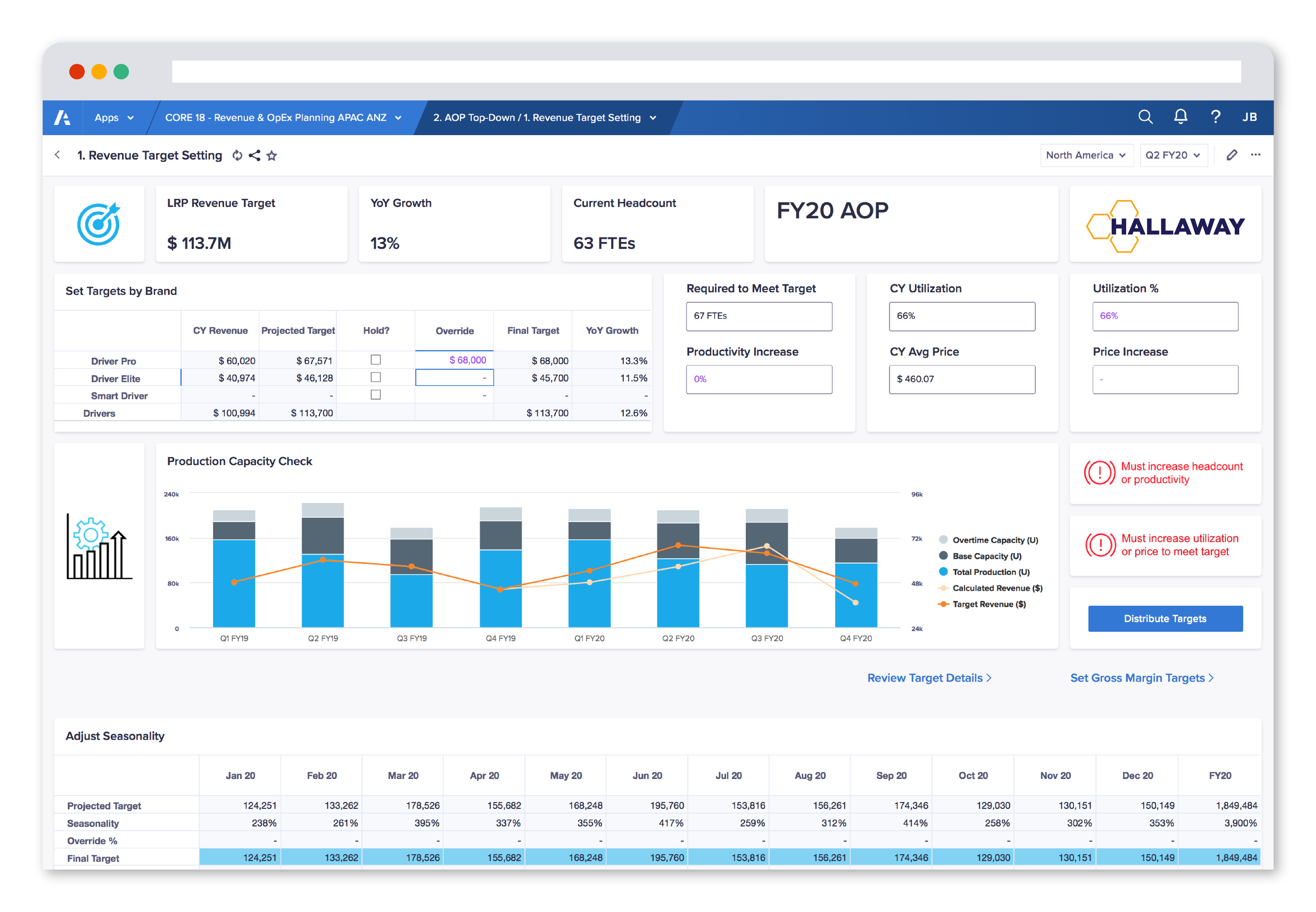
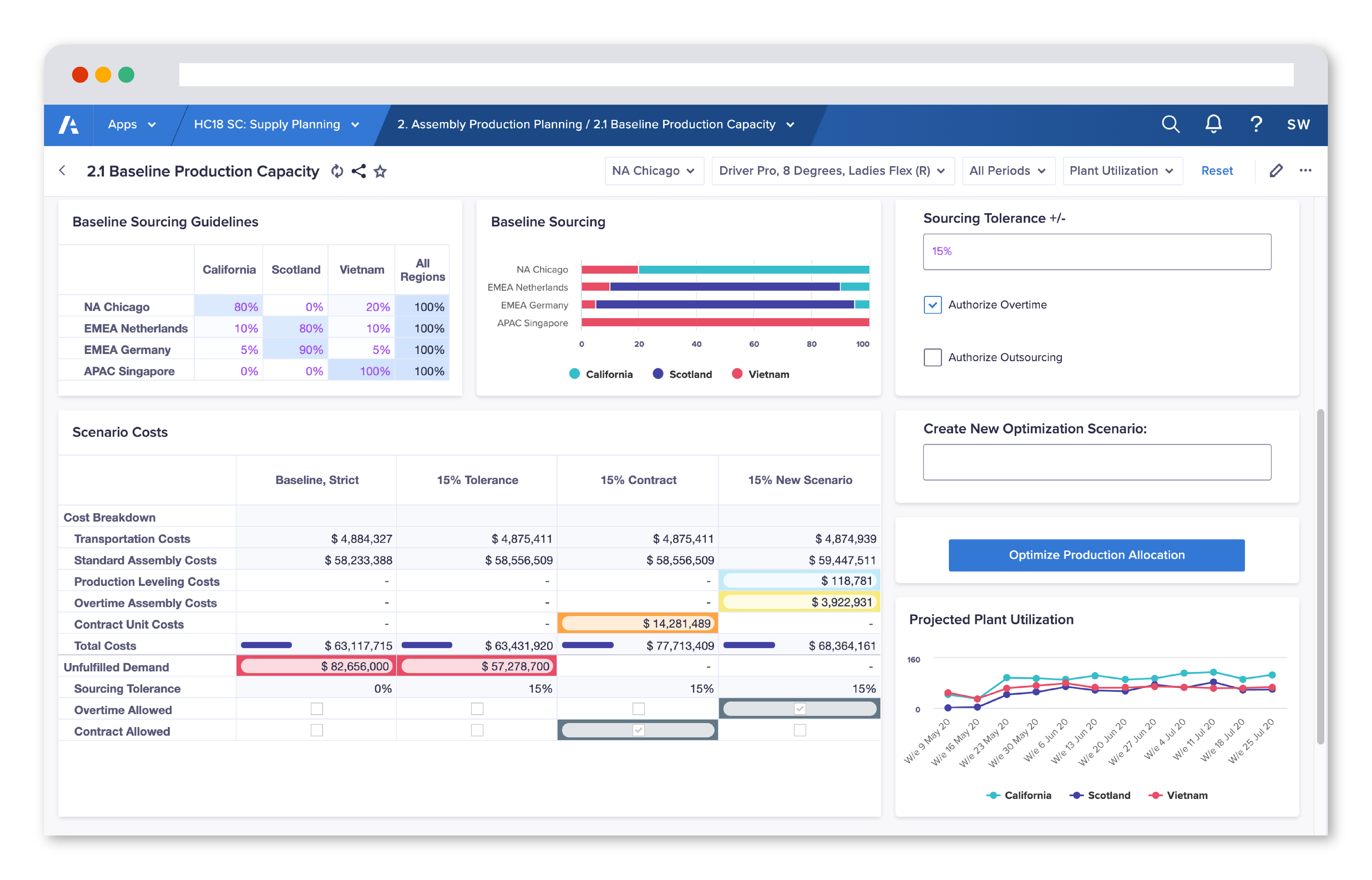
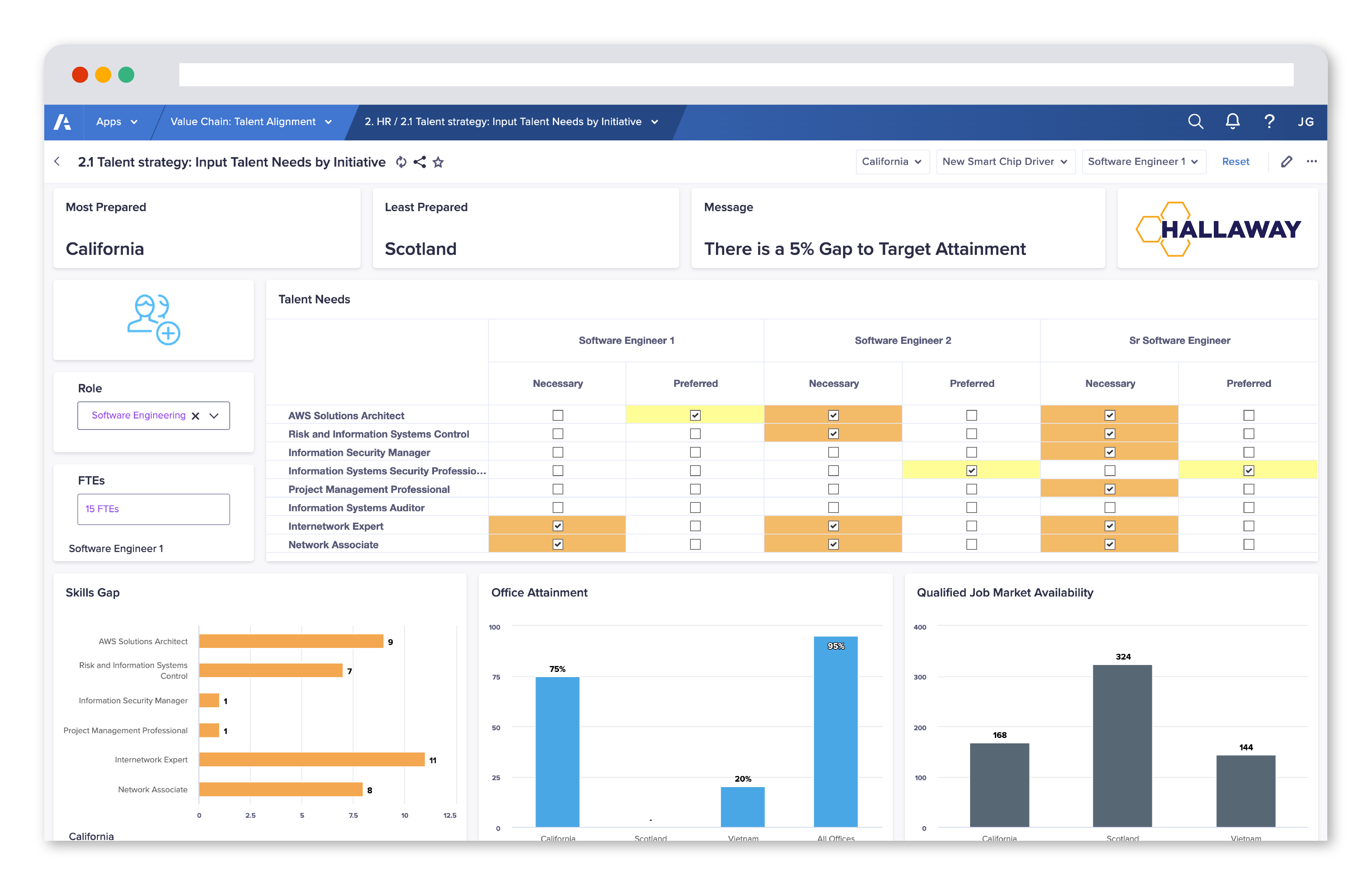
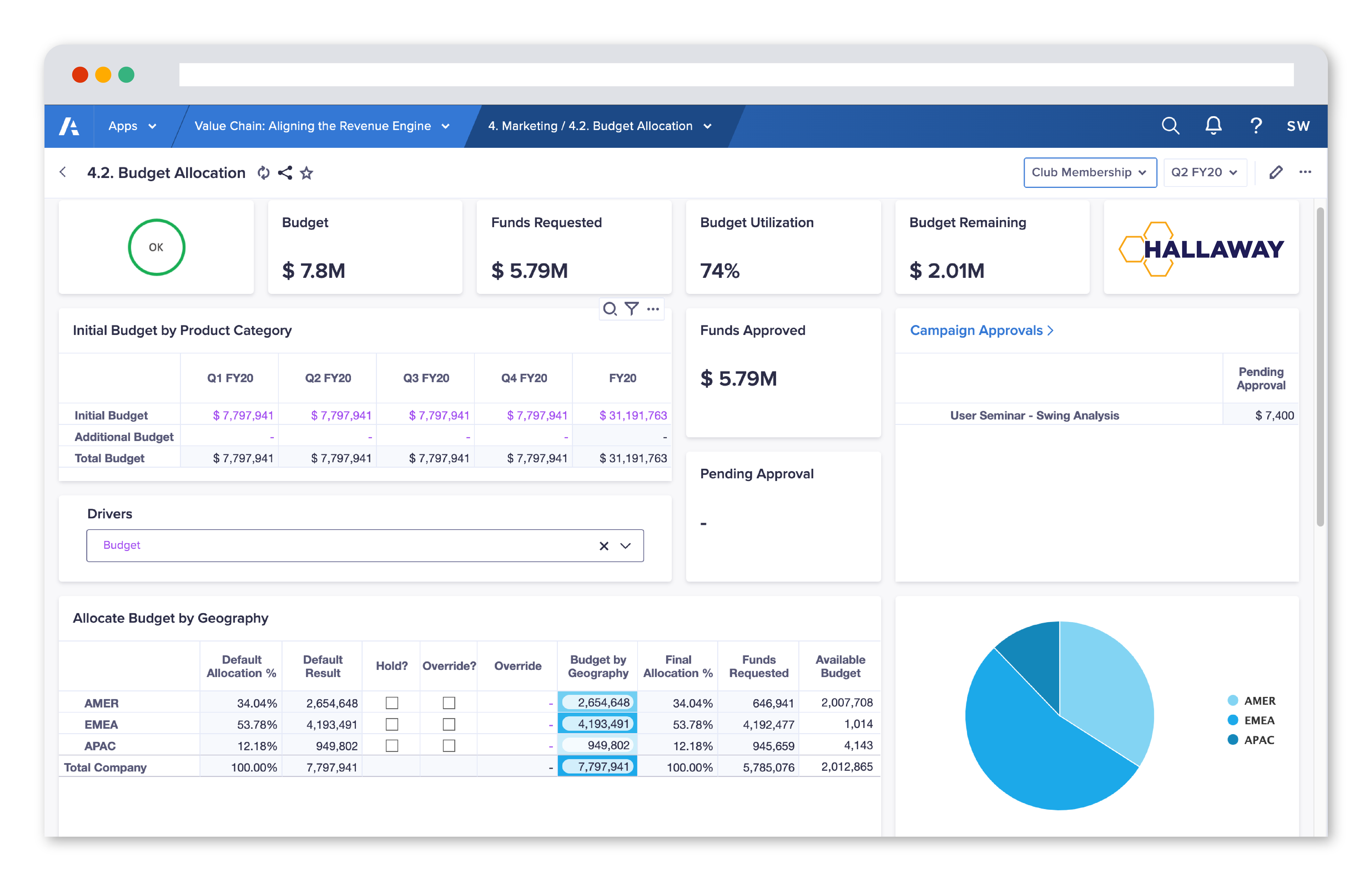
Anaplan is a transformative way to see, plan, and run your business. Using its proprietary Hyperblock™ technology, Anaplan lets you contextualize real-time performance, and forecast future outcomes for faster, confident decisions. Anaplan enables connected strategy and planning across your enterprise to move your business forward. Based in San Francisco, Anaplan has over 200 partners and more than 2,000 customers worldwide.
N/A
Pentaho
Score 7.5 out of 10
N/A
Pentaho is a suite of open source business intelligence and analytics products, now offered and supported by Hitachi Data Systems since the June 2015 acquisition.
Anaplan revolutionizes the planning process by standardizing it, creating transparency in data, particularly in showcasing results to the management team. By replacing Excel-centric planning methods, Anaplan not only opens the door to handling larger datasets but also enables a more intricate level of data granularity at an accelerated pace. What sets it apart is its capacity to facilitate a seamless collaboration within a cross-functional model, accommodating diverse departments and business functions in a dynamic, real-time environment.
Pentaho is very well suited to perform data extraction & data mining from various cloud storage & transform that data using various available data models. However, the software struggles when it comes to visualizing the extracted data in an appealing manner & can be difficult for end-users to get an understanding of data tables created using those models.
The "new" UX front-end offers a lot of modern and intuitive features, but it lacks the ability to view multiple "tabs" of dashboards and reports. The "classic" dashboard had this feature but now with the UX, you need to be really smart about how to design a single page where the users won't get "lost".
Lacks the ability to "wrap text" (similar to excel) and auto-size grid rows
I think the relative obscurity of the tool is a downside, not as many developers, consultants or peers you can tap into.
Lack of a solid user community held us back, looking at Power BI and Qlik, they have huge user communities that help each other out. Would have liked that here.
Smaller company means smaller sales force, and the lack of a local presence made it hard to only interact online with the account rep. Other companies have someone local who often stops by with pre-sales developers to just pitch in free of charge when they have time.
In any line of work, a tool that is flexible and would allow different departments of your company to easily interact and exchange valuable insights, is highly anticipated and needed. For me, what Anaplan provides to a business, be it a smaller one or an enterprise customer, is an easily scaling, agile planning and modeling platform that can meet almost any need and give a high-end solution to the problems any company faces on a daily basis.
I will use Pentaho until I find a better tool with a better, easier to use report designer client. For now, Pentaho has been the most powerful reporting tool for our clients because of its ability to connect to Odoo, integrate in Odoo (reports are accessible in Odoo) and the flexibility in report design and parameter integration
There is a dependency in this rating - in that I find Anaplan extremely easy to use, but I've spent the necessary time developing a strong understanding of the platform. Once you understand how to use it, the platform is flexible, easy to use, and fun to use.
The Pentaho tools are designed so you can start playing around on your own. Of course, you will need guidance at some point, but the training teams are good at guiding new users, and the online documentation is usually pretty up-to-date.
Some of the tools, such as the Pentaho Data Integration tool and the Pentaho Server, are pretty self-explanatory. The other tools maybe are not so quickly and obvious to use, but again, with some documentation and some customer support, you can find your way around them.
There are very few outages. Maintenance is scheduled on two or three Saturdays per month, so as not to affect businesses. When there is an outage, users are kept informed of progress to restore the platform and typically this takes no more than an hour. Anaplan customer support is very responsive if we ever have questions about platform issues
Everything is calculated in memory in the cloud. It's nearly instantaneous updates when you make changes. The only time things get a little slow is when you have a massive model with very intricate calculations...but "slow" for Anaplan is not what I would call "slow" for something like Hyperion. We used to have Hyperion calcs that ran for 60 mins before you could use data. The equivalent would be 60 seconds in Anaplan.
1. Anaplan has separate 24/7 customer support channel to help with queries, 2. Customer Partner from Anaplan to support vendor with their queries like license purchase, use case implementation support, customer advocacy 3. Anaplan Learning Platform to help learning new product features free of cost and Yearly Anaplan connect across globe to share success stories of various companies.
They were responsive to our questions when we raised issues. They gave us workarounds when required. They were quite knowledgeable when it came to issue analysis and providing fixes. They were forthright in informing us if a bug was not due for release soon.
The in-person training is simply not worth the cost. After a few weeks of playing in Anaplan, I went to the basic training and knew more than the person teaching it. a year down the road, I was the first person to complete the advance training, and again could have been teaching the class better than the person running the session. Spend some time on your own trying out different things and you will get all the understanding you need to be successful.
Anaplan training materials are clear, simple, easy to understand and to follow. Visuals are excellent. The vendor is good at updating training materials in a timely manner and encouraging users and administrators to keep coming back to Academy site for refresher courses or new feature courses. I really like their interactive diagrams
Course Taken: DI1000 Pentaho Data Integration Fundamentals Setup A week before your class started, the instructor will start sending out class material and lab setup instructions. This is helpful so that you understand how the environment is laid out and can start reviewing the content. Ultimately it saved about a 1/2 day trying to setup with 10 other people online which was great! The Course The 3-day course was laid out like many other technical classes with 15-30 minutes instruction and 15-60 minutes of lab exercises. The instructor was very knowledgeable with the functionality from version to version and answered questions as we went along. I was amazed at some of the functionality that was available that I was not using at the time and quickly implemented changes to many existing transformations and jobs. The novice users seemed to catch on quickly and more experienced users explained how some of the functionality was used in their home environments. Towards the end there was enough time so that we were able to ask very directed questions about our own environments. Overall, I really found the class to be informative and deliver enough information to be dangerous. My skills improved and I was able to design better and efficient transformations for the HIE. Course Description: https://training.pentaho.com/instructor-led-training/pentaho-data-integration-fundamentals-di1000
Agile methodology and breaking the work down into sprints was very helpful. Implementation required a deeper dive into our data than expected for the consultants to be able to construct the data model. But once it was in place, the focus on knowledge transfer enabled us to be able to use the product effectively after the team rolled off.
Get the right people in before starting implementation. Start small and build as you go approach is time consuming and involves lot of rework. Evangalize within the organization the capabilities and limitations equally so that correct delivery expectations are set. Set expectations with the Customer that the tool cannot replace proprietary software in terms of stability/usability and that timelines could change given the new ness of the product.
Anaplan is what I would consider a modeling platform. It excels at taking a forecasting or planning process and systematizing it - and allowing for whatever nuances and granularity you need to perform that modeling. It is not positioned as "data collection" platform - which are typically designed to take data uploads from Excel to calculate basic opex and revenue models. It's much more customizable and flexible.
Since the Pentaho platform offers a range of broad functionality across data preparation and advanced analytics, it also can be easily integrated to support many data sources and machine-learning frameworks. Based on that fact, we selected Pentaho to be used in our internal department. It also supports many of our BI use cases as required by company management or the business user. Last but not least, the Pentaho license is cheaper than their competitor.
We have managed to leverage Anaplan for financial planning and forecasting across the business. It is now used by almost every department, with more than 50 users (but I know of companies that have hundreds of users) and still the platform is quick and reliable. It is easy to make changes to divisions and departments or add users and apply different user settings - the core part of the model is not affected and end users can continue their work without any disruption
Speeding up the process of closing and updating the current month forecast
Reduced work on the preparation of reports and presentations. We used different Anaplan approaches with varying success, but the overall result was there.
It's hard to gauge, but the overall increase in process and algorithm transparency, along with data protection, has given an excellent platform for scaling up the company's processes.