QuickBooks Commerce (formerly TradeGecko) is a cloud-based Order and Supply Chain Management platform. TradeGecko was acquired by Intuit QuickBooks in August 2020, and plans to sunset the resulting product were announced June 2021 (it will be discontinued as a standalone product in June, 2022).
N/A
Zoho Inventory
Score9 out of 10
N/A
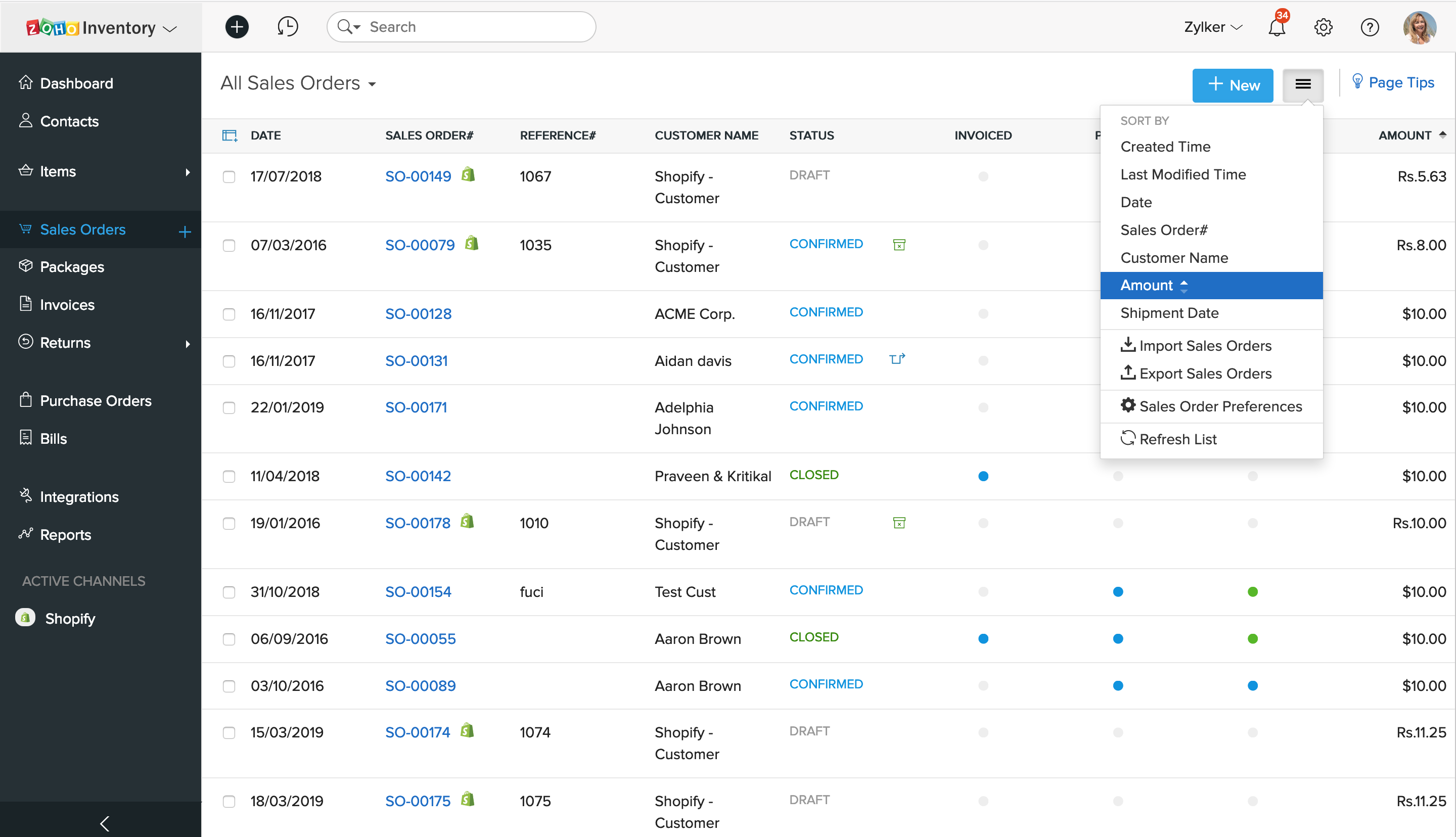
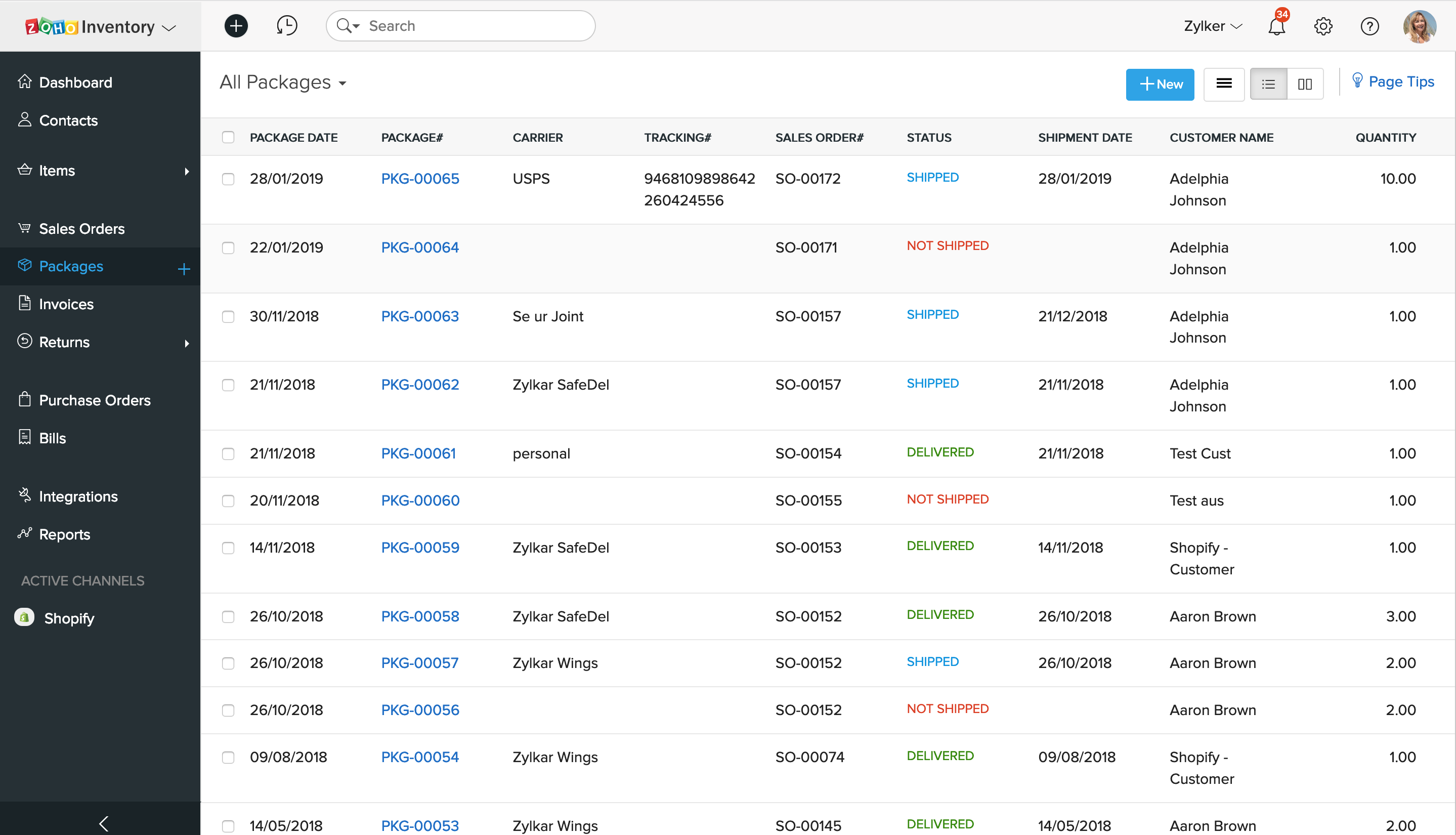
Zoho Inventory is a cloud-based inventory management solution designed for small to midsize businesses. It features inventory management modules including reporting and analysis, and lot traceability. It features mobile compatible apps for Android and iOS devices. Zoho Inventory offers additional capabilities such as built-in shipment estimating, and tracking and delivery confirmation features that allow users to invoice, ship and track products. The solution allows users to create…
$39
per organization / month billed annually ($49.00 billed monthly)
Pricing
QuickBooks Commerce
Zoho Inventory
Editions & Modules
No answers on this topic
BASIC
$39.00
per organization / month billed annually ($49.00 billed monthly)
STANDARD
$79.00
per organization / month billed annually ($99.00 billed monthly)
STANDARD
$199.00
per organization / month billed annually ($249.00 billed monthly)
Offerings
Pricing Offerings
QuickBooks Commerce
Zoho Inventory
Free Trial
Yes
Yes
Free/Freemium Version
No
Yes
Premium Consulting/Integration Services
Yes
No
Entry-level Setup Fee
Required
Optional
Additional Details
Monthly and yearly subscriptions available to meet your business' needs. Cancel at anytime.
Basic - $99/month
Business - $249/month
Business Premium - $449/month
Enterprise - $999/month
Using TradeGecko requires to the company to make compromises. Which compromises depends on the business, what they are using for other 3rd party applications and what they sell. You need to be very good with excel since you are able to upload and modify most files, which gives you major control over your data. They however need to modify the way in which new inventory items get loaded, as it is quite awkward if you use variants. 'Reports' as has been described prior has improved dramatically and most if not all can be downloaded in CSV/Excel format. This allows you to build your own reports with the data from the system. If your business is very complex in nature, TradeGecko probably isn't the system for you. If you are doing thousands of transactions a day, again this is not the system. However, if you are a small to smaller mid-sized business, the system, its cost and the 3rd party applications make it worth a first second and third look.
A de minimis incentive was given to thank the reviewer for their time. The incentive was not used to bias or drive a particular response, nor was the incentive contingent on a positive endorsement. More Info
It's a basic system which does some things well but the things it does well are the basic things you would expect! Many other features that are a little beyond basic are just not available or you can get 90% of the way there but get stuck on the final 10% so you need to hire a developer who can try to get you through the last bit. An inventory management system with no bin locations pretty much sums it up. The reporting system is terrible. To get any real use you need to integrate it with Zoho Analytics but the problem there is it only syncs every 3 hours. The integrated shipping process is extremely cumbersome
A de minimis incentive was given to thank the reviewer for their time. The incentive was not used to bias or drive a particular response, nor was the incentive contingent on a positive endorsement. More Info
A de minimis incentive was given to thank the reviewer for their time. The incentive was not used to bias or drive a particular response, nor was the incentive contingent on a positive endorsement. More Info
A de minimis incentive was given to thank the reviewer for their time. The incentive was not used to bias or drive a particular response, nor was the incentive contingent on a positive endorsement. More Info
- Couldn't integrate with existing QBO account. Had to set up a new QBO account and transfer all data, create lots of journal entries - was very time-consuming and labor-intensive. Caused some financial discrepancies to resolve.
- Have to process returns on Amazon and Shopify orders manually
- Tax-inclusive is not allowed - European sales are tax inclusive - can't import order with VAT included. Looks like the software is suitable for US only. Have to create such orders manually in Commerce and then manual journal entries in QBO
- Supports accrual accounting method only. In cash - it's a mess
- Support - not knowledgeable enough - I could only call for support (now they have chat) and they always had to get with the back-end and every call was not less than 1 hour. At the end I would get a link for the training materials
- Inventory not synching timely sometimes - I have a screenshot proving that inventory on our Amazon account was 0 but Commerce still had quantities, I had to manually press synch
- Shipping line from Shopify orders is not coded to Shipping income account but goes together with Sales of product income account
- When partial of the PO is received, not able to create a bill for the partial. There're only 2 settings: either bill created at the time of PO creation (for the whole PO amount - which increases your AP right away) or at the time the whole PO received. It works only when PO is shipped as a whole.
A de minimis incentive was given to thank the reviewer for their time. The incentive was not used to bias or drive a particular response, nor was the incentive contingent on a positive endorsement. More Info
Templates within Zoho Inventory are very weak. You can't customize many including package slips, shipment docs, etc...
When an order has multiple packages, it's next to impossible to find the item you are looking for. Scenario, a large order has many packages and a customer has cancelled one of the items. You must click through every package to find the item, edit the package and remove it before you can cancel the item.
The reports within Inventory are extremely basic and many of them are useless
The packing slip module is useless as it does not print out bin locations
It's an inventory management system but it does not have bin locations
The backorder system is useless. If you "backorder" something then the whole order is locked until the backorder arrives in. Scenario.... a client orders 20 items, 1 is on backorder. You "backorder" that one item but want to ship the other 19... not possible. The order gets completely locked.
You can't print out RMA requests. There is just no option to do it, you have to do a screen shot
Integration with Amazon or other 3rd party e-commerce providers is troublesome.
A de minimis incentive was given to thank the reviewer for their time. The incentive was not used to bias or drive a particular response, nor was the incentive contingent on a positive endorsement. More Info
A de minimis incentive was given to thank the reviewer for their time. The incentive was not used to bias or drive a particular response, nor was the incentive contingent on a positive endorsement. More Info
It is relatively easy to customise but the problem is sometimes it is not easy to see where this customisation is available. Also the integrations with external systems can prove problematic both during installation and ongoing development and maintenance. It's great for small companies with a simple inventory or even larger organisations with smaller product lines. And it is reasonably priced if you ar eprepared to put the time in.
A de minimis incentive was given to thank the reviewer for their time. The incentive was not used to bias or drive a particular response, nor was the incentive contingent on a positive endorsement. More Info
A de minimis incentive was given to thank the reviewer for their time. The incentive was not used to bias or drive a particular response, nor was the incentive contingent on a positive endorsement. More Info
A de minimis incentive was given to thank the reviewer for their time. The incentive was not used to bias or drive a particular response, nor was the incentive contingent on a positive endorsement. More Info
Each of the applications has a specific place. We select and implement the best solutions for our clients based on their budget and requirements. This is often determined by integration requirements. We like to say that every application with do a different 95% of what you need it to. There will always be a different 5% to forgo between applications.
The inventory management is better than QuickBooks however you give up an awful lot to get that benefit. The reporting in QuickBooks is far superior. The reporting in Inventory is terrible with every few options to customize the reports. For example, pulling in a salesperson report that factors in returns is not possible. You can't pull a report to see what items need to be picked for all open orders.
A de minimis incentive was given to thank the reviewer for their time. The incentive was not used to bias or drive a particular response, nor was the incentive contingent on a positive endorsement. More Info
A de minimis incentive was given to thank the reviewer for their time. The incentive was not used to bias or drive a particular response, nor was the incentive contingent on a positive endorsement. More Info
A de minimis incentive was given to thank the reviewer for their time. The incentive was not used to bias or drive a particular response, nor was the incentive contingent on a positive endorsement. More Info