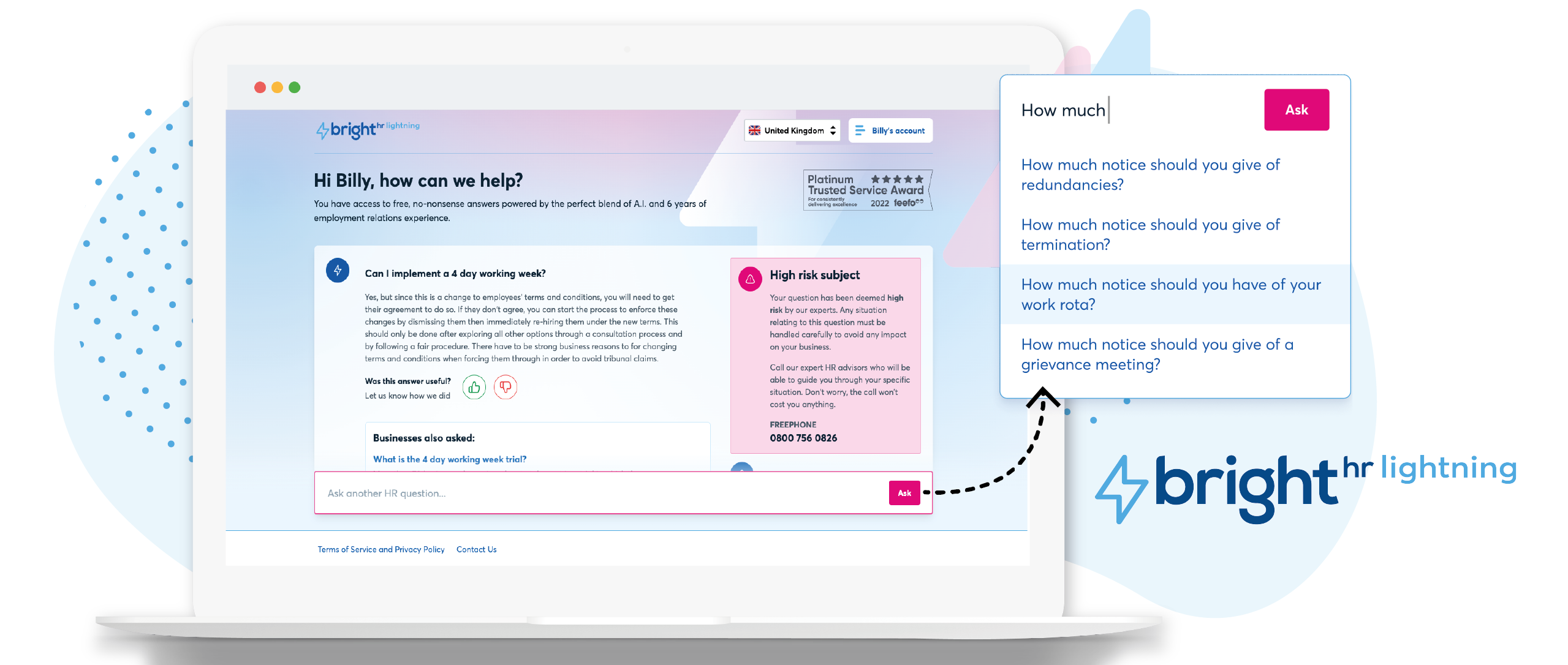
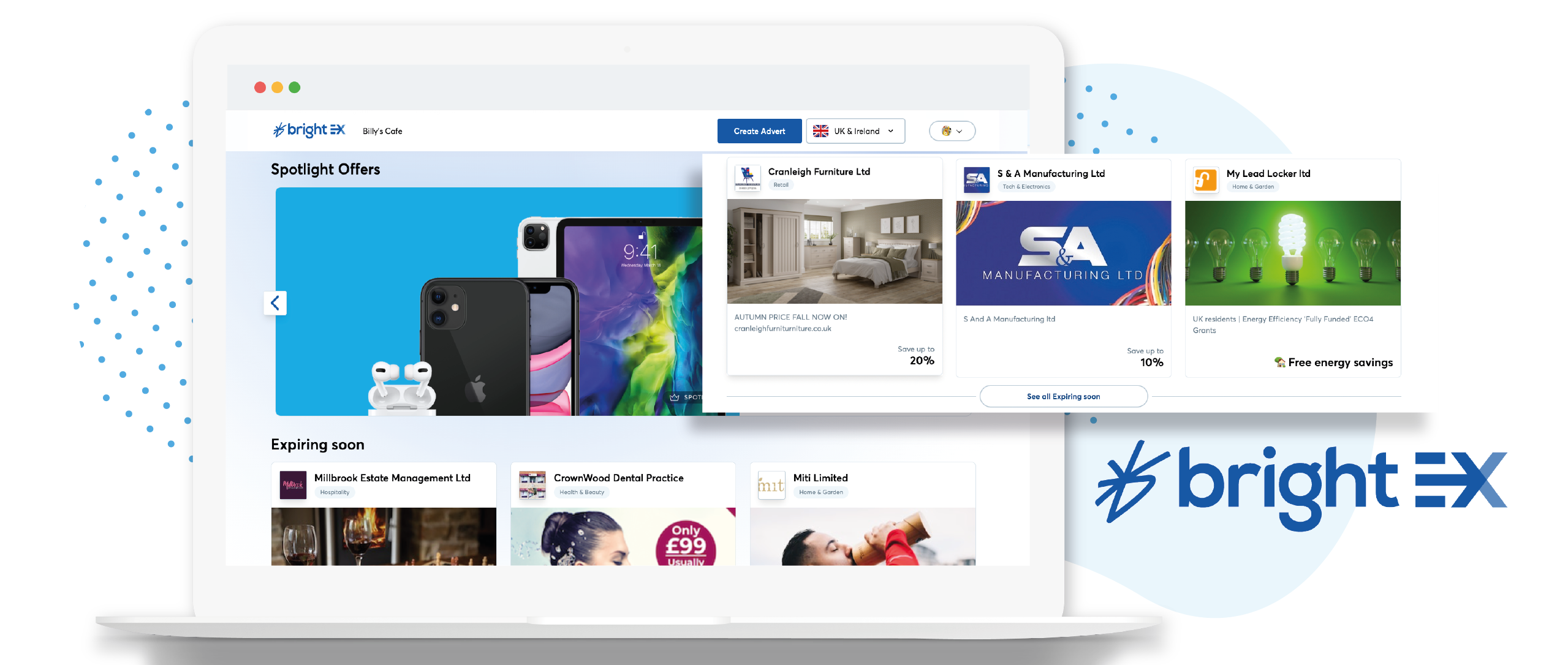
British company BrightHR offers a human resources platform which helps replace paper documents with edocuments and contains features for managing employee scheduling and ROTA, sick leave and tardiness, vacation and holiday shift planning, as well as providing employment law legal advice.
$4.50
When I Work
Score 7.2 out of 10
N/A
When I Work is a way for businesses to schedule, track time and attendance, and communicate with their hourly employees. The schedule and time clock is placed in every employee's pocket with When I Work's iOS and Android apps. It can be used to keep track of time off, employee availability, and manage shift swaps with a few clicks. When I Work integrates with payroll providers to streamline the process and avoid human error.
$2.50
per month per user
Pricing
BrightHR
When I Work
Editions & Modules
No answers on this topic
Essentials
$2.50
per month per user
Essentials + Attendance
$4
per month per user
Pro
$5
per month per user
Pro + Attendance
$7
per month per user
Premium
$8
per month per user
Premium + Attendance
$10
per month per user
Offerings
Pricing Offerings
BrightHR
When I Work
Free Trial
No
Yes
Free/Freemium Version
Yes
No
Premium Consulting/Integration Services
Yes
No
Entry-level Setup Fee
No setup fee
No setup fee
Additional Details
Prices start at £4.50 (per employee/per month)
—
More Pricing Information
Community Pulse
BrightHR
When I Work
Features
BrightHR
When I Work
Human Resource Management
Comparison of Human Resource Management features of Product A and Product B
BrightHR
7.0
36 Ratings
15% below category average
When I Work
-
Ratings
Employment history
6.930 Ratings
00 Ratings
Job profiles and administration
7.629 Ratings
00 Ratings
Workflow for transfers, promotions, pay raises, etc.
7.217 Ratings
00 Ratings
Organization and location management
6.028 Ratings
00 Ratings
Compliance data (COBRA, OSHA, etc.)
7.015 Ratings
00 Ratings
Payroll Management
Comparison of Payroll Management features of Product A and Product B
BrightHR
7.4
14 Ratings
9% below category average
When I Work
-
Ratings
Pay calculation
7.412 Ratings
00 Ratings
Support for external payroll vendors
6.78 Ratings
00 Ratings
Salary revision and increment management
8.09 Ratings
00 Ratings
Reimbursement management
7.58 Ratings
00 Ratings
Leave and Attendance Management
Comparison of Leave and Attendance Management features of Product A and Product B
BrightHR
7.0
48 Ratings
15% below category average
When I Work
-
Ratings
Approval workflow
6.447 Ratings
00 Ratings
Balance details
7.342 Ratings
00 Ratings
Annual carry-forward and encashment
7.424 Ratings
00 Ratings
Employee Self Service
Comparison of Employee Self Service features of Product A and Product B
BrightHR
8.1
48 Ratings
1% below category average
When I Work
-
Ratings
View and generate pay and benefit information
7.216 Ratings
00 Ratings
Update personal information
8.146 Ratings
00 Ratings
View company policy documentation
9.045 Ratings
00 Ratings
HR Reporting
Comparison of HR Reporting features of Product A and Product B
BrightHR
6.8
21 Ratings
10% below category average
When I Work
-
Ratings
Pre-built reports
6.821 Ratings
00 Ratings
Onboarding
Comparison of Onboarding features of Product A and Product B
BrightHR
7.2
15 Ratings
10% below category average
When I Work
-
Ratings
New hire portal
7.013 Ratings
00 Ratings
Manager tracking tools
7.412 Ratings
00 Ratings
Performance Management
Comparison of Performance Management features of Product A and Product B
BrightHR
7.3
17 Ratings
8% below category average
When I Work
-
Ratings
Review reminders
7.517 Ratings
00 Ratings
Multiple review frequency
7.114 Ratings
00 Ratings
Recruiting / ATS
Comparison of Recruiting / ATS features of Product A and Product B
I feel Bright HR is well suited to most small/medium sized businesses where they have a 'straight' forward resource set up. For larger businesses or for complex businesses similar to ourselves, where we operate 24 hours per day, rotational shift patterns, ambulatory staff, locums etc...we have to 'fudge' the way we use the information sometimes to make it work for us.
I recommend When I Work to those companies that are looking for a way to manage work schedules and want to increase the productivity of all employees. This is an important platform that would bring excellent results to small, medium and large companies. This is a constant monitoring system which allows employees to complete their tasks in the indicated time, When I Work sends automated alerts when an employee is not complying with their tasks and this allows us to know exactly the productivity we are having in each one of the sectors. It is an excellent platform for planning and administration of working hours, it has a very easy-to-use UI that allows schedules to be easily managed. Without a doubt, When I Work would be a perfect implementation for any sector or company, since it has a lot of potential to collect exact data on compliance with working hours.
When I Work allowed me to color-code each employee's schedule.
When I Work allowed me to show who was "off" during what time of day. This was essential for morale, as our event included 16-18 hour days, and I wanted to show that everyone had down time each day.
Notifications for requests should be optional based on individual employees. For example an admin won’t necessarily want every staff members leave requests by email and push notification. The settings only currently allow for notifications for everyone or no one. Being assigned as a manager may not allow data viewing required of wider staff.
Toil should automatically be accrued into a balance if the employees clocked in time amounts to more than the target hours. It shouldn’t have to be calculated and requested.
When reviewing hours worked for the week, the history calculation should take into account approved leave and sickness etc. I have a staff members target of 37 hours, but if their hours show 29 hours worked then I have to work out why they worked less. It should account for this if the absence is approved.
When pulling up the schedule on the app, it defaults to Tuesday when the screen is done loading.
If you pull up an individual's schedule it removes your default settings. For example, I have mine set to just my store, but if I need to see an employee's schedule it resets those defaults. You're always looking at the last schedule you pulled up.
It's not entirely my decision - we are members of a 'community' of veterinary practices who have signed up to the contract with pensinusla and have bright hr as part of that contract however, I am usually involved in the tender process as I am one of the biggest users of both bright hr and the services from peninsula
Great modern interface and mostly intuitive but feels like it needs a bit more functionality or improvement to be truly intuitive. For example, you get a notification that you have an overtime request, you click it and it doesn't take you to the page where you can authorize the request and when you do navigate to the right place and action the request, you still have to go back to notifications and mark the request as complete and remove it.
The team are proactive, having an advocacy team is just amazing and a great way to really understand their product roadmap and have input into useful features or feedback
Every time I contact When I Work staff with an issue, someone is there with a quick solution to my problem. I love the chat feature. I can continue to work on other things while the When I Work representative assists me.
it was fairly easy to do but timely as i had to enter everything from scratch - i didn't at the time realise how important it was to set up the variable or fixed working pattern correctly given future changes as this is very tricky once it has been set up and i wished i had been aware that sometimes you can't make future changes without deleting the whole profile and starting again
I chose BrightHR as it offered a one-stop platform for HR management for which we have dedicated UK and ROI HR specialists who not only give HR advice but also write policies and handbooks, etc. They are a one-stop-shop, which was very important as when I signed the contract I did not have an HR person in my team and they were essentially my back office. Also, by signing up, I got access to Bright Safe too; which is great as again it's a one-stop-shop for Health and Safety in the workplace. So I can roll out toolbox talks, training, and accident management.
When I Work seemed a bit easier to implement for our team and employees. When I Work had all the things we needed without a lot of the bells and whistles that we wouldn't really utilize. When I Work was also a bit more affordable for our budget. Overall, it was the better choice.