BeyondTrust Privileged Remote Access enables security professionals
to control, monitor, and manage access to critical systems by privileged users
and third-party vendors (e.g. authorized employees, contractors, etc). BeyondTrust's approach is designed to allow companies to quickly gain
control of system access and protect themselves against cyberattacks without
requiring time-consuming process changes. Features for secure access, vault credentials, and audit…
N/A
Dashlane Password Manager
Score 8.9 out of 10
N/A
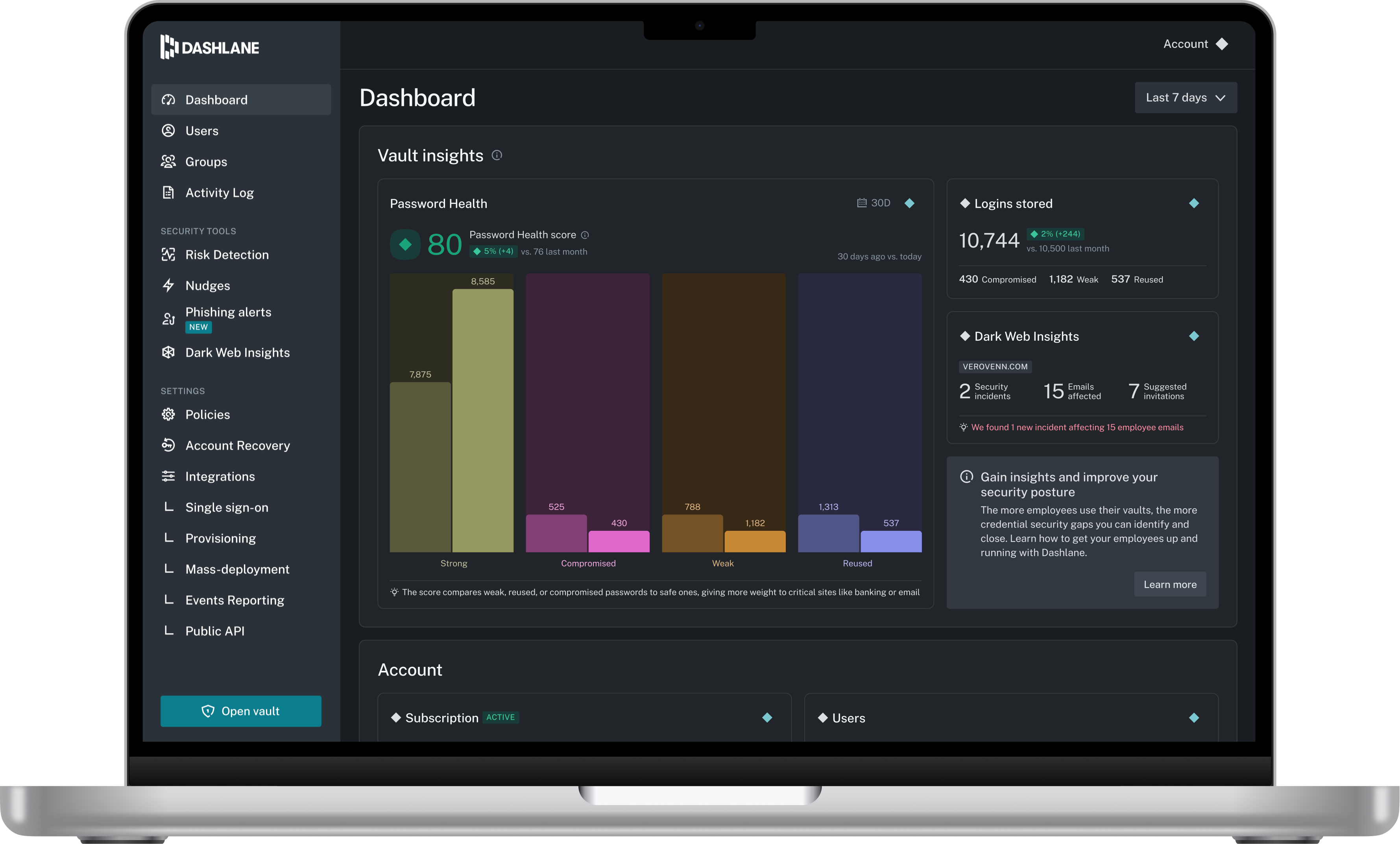
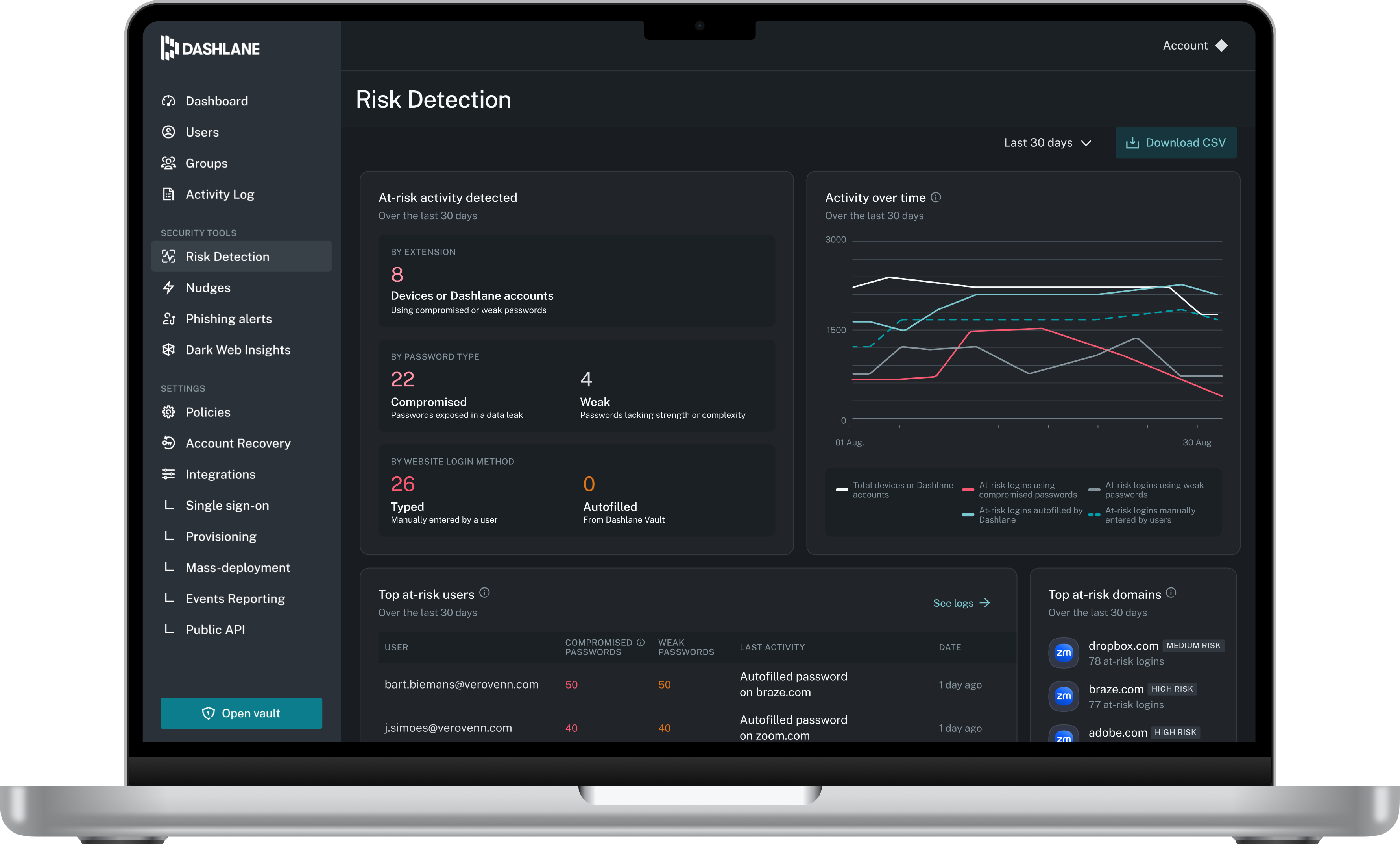
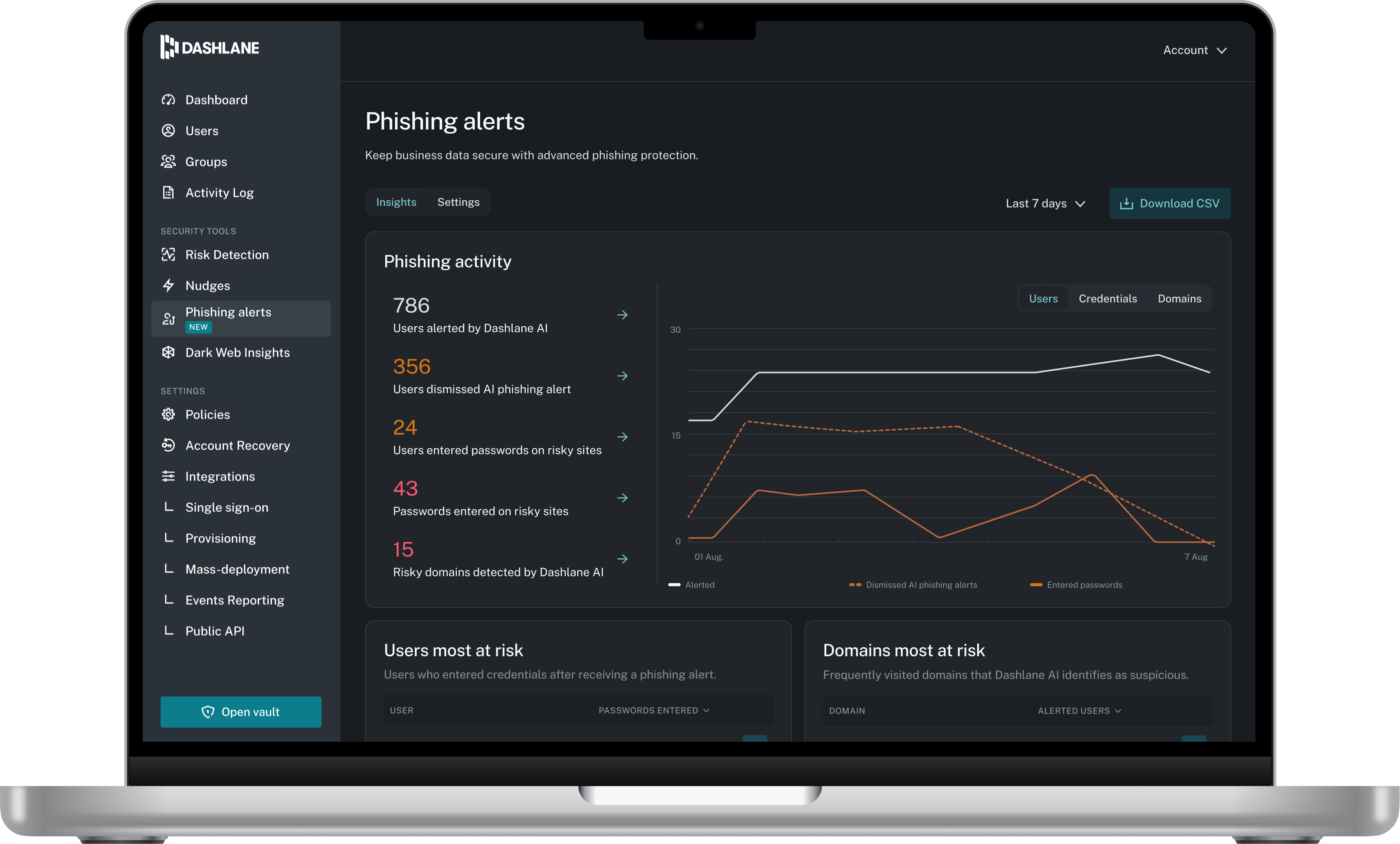
Dashlane is a credential manager that secures every credential, every user, and every employee device to proactively protect against breaches. Brands worldwide can use Dashlane to stay ahead of evolving threats.
BeyondTrust Privileged Remote Access is well suited to grand monitored privileged access to resources. It works in a proxy mode so end-users don't have direct access to servers. This can help prevent attacks on servers from users' machines since all the traffic to the servers goes through the Privileged Remote Access server which performs auth according to the policies. In cases where direct access to the servers/service from the end-user's machine is required, it is a little bit complicated to set up that kind of connection using protocol tunneling.
I think Dashlane is a great service for anyone who uses the internet. We need to create accounts on almost every website, and Dashlane helps generate secure passwords and store them safely, but easily accessible through its seamless browser extension. Any business or personal lifestyle can benefit from Dashlane when you go online
One way to use it is by using a machine as an access proxy, this machine being Linux, has limitations such as copy and paste and does not allow access to more than one web access.
The mobile app works fine for quick access, but autofill across different apps can be inconsistent. Sometimes it doesn’t recognize the login field, which slows people down when they’re on the go.
Occasionally the browser extension logs users out or doesn’t sync immediately with the desktop app, which causes frustration if someone just updated a password.
This review was originally written partially in Portuguese and those parts have been translated into English using a third-party translation tool. While we strive for accuracy, some nuances or meanings may not be perfectly captured.
Dashlane is usable, but there are 2 key issues that annoy me. 1. The mobile app and the browser extension are not synced and i cannot find passwords in the app that are clearly in the extension. 2. The system doe snot make it easy to assign a password to a specific subdomain. I get hundreds of passwords that i have to go through any time i go to any subdomain on my main site because of the nature of my business. I need the option back to assign a password to only work with a specific subdomain (and all related paged on that subdomain) note: The search features have been annoying in the past. I just went to test them to verify my issues and found that notes inside of a password are finally searchable. This helps
We've had no issues with Dashlane. I can't speak to their customer service because I have not personally needed to contact them. I guess that speaks about their product if we've not had any issues to reach out about. Great for supporting data/information on multiple platforms that are shared among team members.
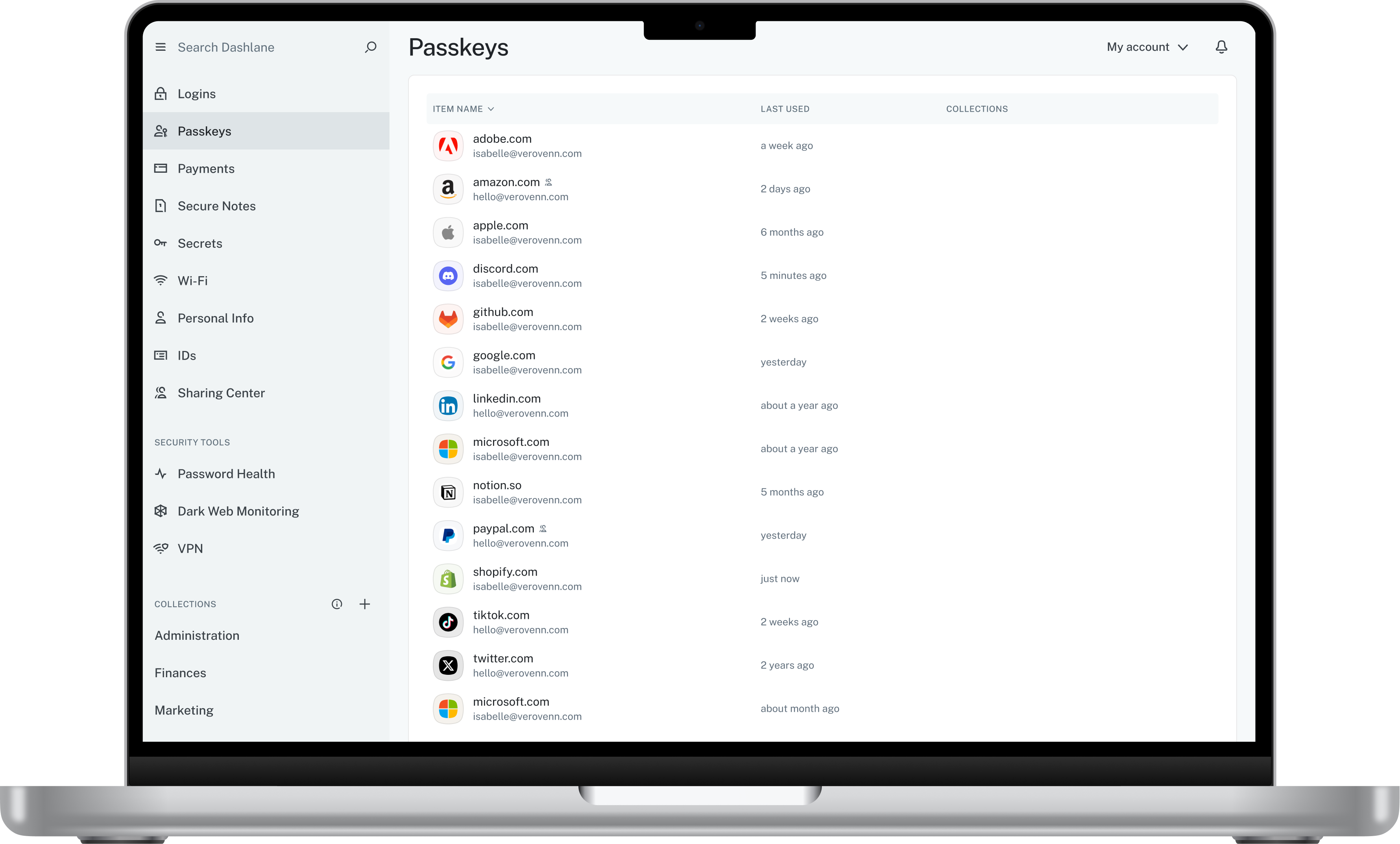
Dashlane’s customer support is often rated higher, providing more responsive and helpful assistance. LastPass has a slightly steeper learning curve than Dashlane, but it offers more flexibility with user permissions, which can benefit teams. Dashlane includes unlimited passkey support and a clean breach history, while LastPass is more accommodating for smaller teams.
Improve security by improving the management of external remote access
Help us meet Remote Access Compliance Requirements by creating audit trails, session forensics, and giving access monitoring and reporting data
Simplify employee access and workflows by giving employees the exact amount of privileged access to systems and applications they need, without hindering productivity or overwhelming the service desk