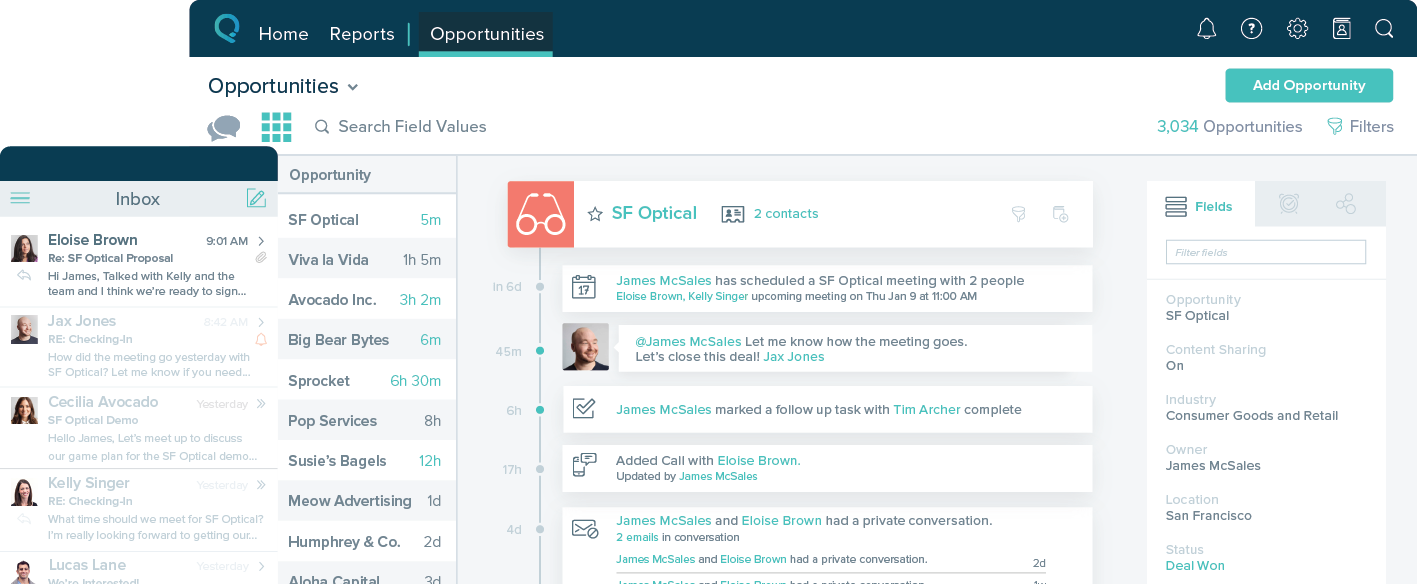
Freshsales is a sales force automation solution for sales teams. It provides features that help salespeople to attract quality leads, engage in contextual conversations, drive deals with AI-powered insights, and nurture customer relationships. With built-in email, phone, chat, and telephony, Freshsales gives sales teams more time for selling by automating the sales process. It includes Freddy AI, salespeople can get insights into the best deals to go after and what actions to take and predict…
$11
per month per user
Salesforce Starter
Score9 out of 10
Small Businesses (1-50 employees)
Salesforce Starter (formerly Salesforce Essentials) is a small business CRM that replaces the former SalesforceIQ product. It is priced at $35 per user, on a monthly basis, or at $25 per month for if billed annually ($300) and can be tried free for 14 days on a trial.
A de minimis incentive was given to thank the reviewer for their time. The incentive was not used to bias or drive a particular response, nor was the incentive contingent on a positive endorsement. More Info
Generally speaking for small to mid sized team I really cannot recommend it enough. It has an excellent feature set, good amount of integrations, fairly customisable and backed by solid support. And the pricing is very competitive too. I feel like if your team is larger than that, you might want to look at other alternatives but for teams that size, its really perfect.
A de minimis incentive was given to thank the reviewer for their time. The incentive was not used to bias or drive a particular response, nor was the incentive contingent on a positive endorsement. More Info
If you own a business that has complex selling processes or requires integrations with 3rd party tools/systems, you should look at Professional, Enterprise, or Unlimited editions. Salesforce operates very well across pretty much every industry, but not all sales, marketing, and operational processes are created equal. If your marketing process requires a long list of sendable contacts then I would recommend adding on Pardot or Hubspot. Always start small and scale up, to avoid boxing yourself in down the road.
A de minimis incentive was given to thank the reviewer for their time. The incentive was not used to bias or drive a particular response, nor was the incentive contingent on a positive endorsement. More Info
It helps you automate your onboarding process for new leads.
It has lots of integrations with other apps, so you can interact with other things like calendars and calls.
It's pretty easy to set sequences so the platform automatically follows up with people for you. This is not only helpful for your sales pipeline, but also for client communication when working on a project that requires their input.
A de minimis incentive was given to thank the reviewer for their time. The incentive was not used to bias or drive a particular response, nor was the incentive contingent on a positive endorsement. More Info
A de minimis incentive was given to thank the reviewer for their time. The incentive was not used to bias or drive a particular response, nor was the incentive contingent on a positive endorsement. More Info
A de minimis incentive was given to thank the reviewer for their time. The incentive was not used to bias or drive a particular response, nor was the incentive contingent on a positive endorsement. More Info
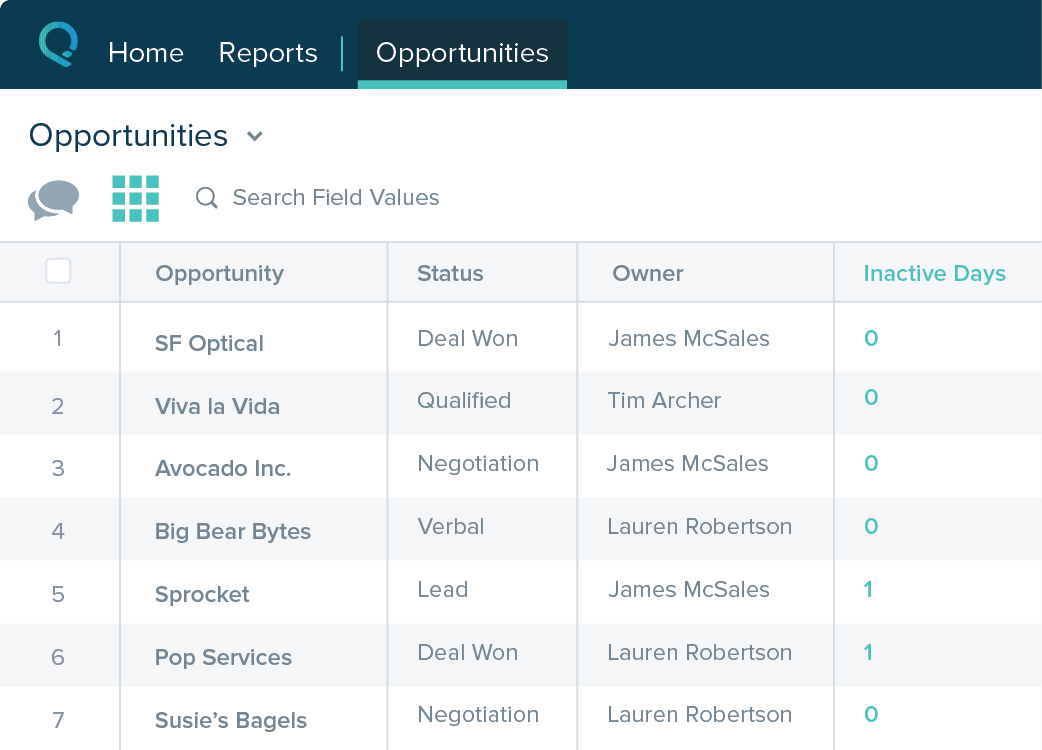
Table views can be sorted by column. Filters can be applied, but only to one column. Multi-column filtering like Excel allows would be extremely useful and a big improvement.
The ability to quick copy data in a table view would also be helpful, like (ctrl ') in excel.
A de minimis incentive was given to thank the reviewer for their time. The incentive was not used to bias or drive a particular response, nor was the incentive contingent on a positive endorsement. More Info
I would give Freshworks CRM's overall usability a 7 out of 10. Although the software has improved since we first obtained it, it still could use improvements to make functionality more intuitive and easier for the average user. It is not that challenging but there is definitely a learning curve
A de minimis incentive was given to thank the reviewer for their time. The incentive was not used to bias or drive a particular response, nor was the incentive contingent on a positive endorsement. More Info
The system is very user-friendly on a desktop but lacks mobile friendliness. The Customer relationship manager disappears after the deal is signed. We struggled to get the system in a usable format, which was not cost-effective. The CRM system on desktop was great but way more complicated than it should be.
A de minimis incentive was given to thank the reviewer for their time. The incentive was not used to bias or drive a particular response, nor was the incentive contingent on a positive endorsement. More Info
When you initially log in to Freshworks, you get snippets to guide you on how to set up. You have a chat option on every page so you can reach out to the support agent and get your issues resolved in real time. The agents are fast, responsive, and experienced in handling even a person who introduced CRM to the world...
We selected FreshSales because we needed something cheaper and more user-friendly than Salesforce, but we're now in the process of switching to HubSpot because it gives you the best of both worlds - ease of use + scale and reliability
A de minimis incentive was given to thank the reviewer for their time. The incentive was not used to bias or drive a particular response, nor was the incentive contingent on a positive endorsement. More Info
A de minimis incentive was given to thank the reviewer for their time. The incentive was not used to bias or drive a particular response, nor was the incentive contingent on a positive endorsement. More Info
A de minimis incentive was given to thank the reviewer for their time. The incentive was not used to bias or drive a particular response, nor was the incentive contingent on a positive endorsement. More Info