Pulseway vs. StackState

Overview
ProductRatingMost Used ByProduct SummaryStarting Price
Pulseway
Score 6.9 out of 10
Mid-Size Companies (51-1,000 employees)
Pulseway is an IT monitoring and management solution that enables users to monitor, manage and control all systems and servers from a smartphone, tablet or browser. For system administrators, Pulseway sends a notification, so they can see an issue and sort it in seconds. Pulseway features: Automation: Auto-remediation workflows, so that IT issues are fixed before users even notice them. Mobile Access: Customers can monitor, manage, connect with…
$0.80
per month per installation
StackState
Score 8.0 out of 10
N/A
StackState is an observability solution that helps enterprises decrease downtime and prevent outages by breaking down the silos between existing monitoring tools and tracking changes in dependencies, relationships, and configuration over time. The system relates these changes to incidents, understanding the precise change that is the root cause of an issue. The vendor states StackState clients realize decreases in mean-time-to-repair (MTTR), fewer outages, and lower costs associated with…
$15
per month per host
Pricing
PulsewayStackState
Editions & Modules
Enterprise
$0.80
per month per installation
StackState for Cloud Native Environments
$15 Per billed annually
per month per host
StackState for Hybrid IT Environments
Contact Sales
Offerings
Pricing Offerings
PulsewayStackState
Free Trial
YesNo
Free/Freemium Version
YesNo
Premium Consulting/Integration Services
NoNo
Entry-level Setup FeeNo setup feeNo setup fee
Additional DetailsNo hidden fees or contracts. Term-based discounts.Pricing includes 10 components per host. If the total number of components exceeds the total number of hosts multiplied by 10, additional components cost $1.50 per component per month (billed annually)
More Pricing Information
Community Pulse
PulsewayStackState
Considered Both Products
Pulseway
Chose Pulseway
Pulseway offers a reliable suite of tools at a reasonable cost. It has a lot of power in it if you are willing to put in the time to configure the automations and such in a way that works for you. They also integrate well with other tools offered by Kaseya.
Chose Pulseway
The 2 major factors were: 1. The fact there was no contract at the time, though later on they pressured us bad to sign long term contracts. We believe vendors should have to validate the usefulness of their product and their support to their customers every day, not just 1 or …
Chose Pulseway
I will admit, we started with Pulseway several years ago because we were able to start using it with a free account, which allowed us to install it on some in-house servers and gain experience with it. The other products we looked at all seem to require a considerable …
Chose Pulseway
Pulseway gives information in a better format, and is easier to maneuver then n-able.
Chose Pulseway
Pulseway is more reliable and easier to use.
Chose Pulseway
Pulseway has a more moderate learning curve compared to Nagios, which was overkill for our environment. Nagios also requires a server to run on, and we wanted to separate our monitoring from our hypervisor.
Chose Pulseway
Pulseway has the most features, the best looking app with the best design and better usability than any others we evaluated. We liked the uniformity of the app design across all platforms (Windows, Android, Apple) and the notifications displayed on each platform. The price was …
Chose Pulseway
I haven't used any competitive products to Pulseway because I haven't found any that truly compare. Once I found Pulseway, I've used nothing else.
Chose Pulseway
It's not a perfect service - disconnects from clients and I have to use ScreenConnect to reconnect to them.
Chose Pulseway
Pulseway is by far the easiest to set up. The dashboard is very straight forward and has very little need for custom configuration. We use Pulseway to review basic server information and compare it to other similar servers to track outliers. It is very easy to see resources, …
StackState

No answer on this topic

Best Alternatives
PulsewayStackState
Small Businesses
Panda Systems Management
Score 7.4 out of 10
Auvik
Auvik
Score 8.7 out of 10
Medium-sized Companies
Action1
Action1
Score 9.5 out of 10
Icinga
Icinga
Score 8.9 out of 10
Enterprises
TeamViewer
TeamViewer
Score 8.6 out of 10
Zabbix
Zabbix
Score 8.5 out of 10
All AlternativesView all alternativesView all alternatives
User Ratings
PulsewayStackState
Likelihood to Recommend
6.2
(0 ratings)
8.3
(0 ratings)
Usability
7.7
(0 ratings)
7.6
(0 ratings)
Support Rating
9.6
(0 ratings)
8.7
(0 ratings)
User Testimonials
PulsewayStackState
Likelihood to Recommend
Pulseway is well suited for just about any situation where there is a need to remotely monitor and manage computers. The most basic features are available to anyone with a free account, so even a home user can set it up and use to keep an eye on computers. The more sophisticated features require a fairly inexpensive subscription, but are well worth the cost for a business wanting to monitor the health of their servers, etc. My experience with Pulseway is limited to using it in situations where there are fewer than a dozen or so computers/servers being monitored. I'm not really sure how well it scales up, so I can't say if it is a good solution for a large corporation with hundreds or thousands of machines that need to be monitored.
Read full review
StackState is suitable for 1000+ hosts. Sometimes specific applications can take higher development time. Well suited for hybrid platforms to build end to end service alarms and service views. Advanced UI navigation might require some training. It is not a simple download and deploy software. It will require development in an agile model. Where newer versions are deployed to suit exact client requirements. Support contract with the StackState Engineer for development of use-cases is required and very useful.
Read full review
Pros
  • Running windows updates: Pulseway really helps us keep our end-user devices up to date, without the need to handle each device individually.
  • Sending notifications on our servers really helps with taking care of issues before they cause downtime.
  • Pulseway's remote desktop client works very well, even over slower internet connections.
Read full review
  • Giving observability of the entire IT stack
  • Custom alerting options.
  • Ingesting many different types of data.
  • Requesting new features is encouraged and they often add them quite quickly.
Read full review
Cons
  • File transfer
  • There are a couple of computers that I keep ScreenConnect around for - as I lose connection with Pulseway and have to reestablish with ScreenConnect. I can't seem to get tech support interested in resolving this issue and it cost's me many $$ just to keep ScreenConnect running.
  • There is an issue with Webroot, their new endpoint solution. I can't get it to work - again, no help from Pulseway - they ignore my emails.
Read full review
  • Although license is based on number of hosts, licenses needs to be renewed every year or the StackState server cannot be used. A single license model does not serve all client requirements.
  • Custom development could be time consuming.
  • The original view with all the hosts on single view is quite useless. We got value only from smaller views.
Read full review
Usability
The tool is easy to use however it is can be daunting with the amount of features available in it. Last I checked, their knowledge base was not very expansive and they relied a lot on the changelog for how to do some stuff. This can make it hard to learn how to do some more advanced things like the automation.
Read full review
Some elements of the product haven't had the usability upgrade yet and can be a bit technical. This is to be expected as they are trying to solve complex problems. I am sure that in the future, steps will be made to simplify this as well for the users / administrators / developers of the platform.
Read full review
Support Rating
I have never had to use the support for Pulseway. However, when initially starting out, we would receive emails every so often asking how we are doing and if there is any support that they can provide. I would imagine that any request would be supplied with the same great support!
Read full review
It's swift, they're thinking along with us. It's a "collaboration approach" rather than a (traditional) customer-supplier relation. Out new ideas are taken in concern and often ends up in enhancements of StackState
Read full review
Alternatives Considered
The 2 major factors were: 1. The fact there was no contract at the time, though later on they pressured us bad to sign long term contracts. We believe vendors should have to validate the usefulness of their product and their support to their customers every day, not just 1 or 2 months every few years. This is the same reason we allow our clients to leave at any time if we fail to meet their standards. 2. The ease of managing the product, we demoed other products that would have almost required a full time employee just to manage the RMM tool itself. The ease of use of Pulseway meant a tech could manage it as part of their other duties much improving the ROI. Note: We also felt NinjaOne met these same conditions but we evaluated it after having used Pulseway for a few years and while we found it a great product, possibly even superior, we originally didn't find enough reason to go through all the work and retraining to change over we Update: Eventually we did make the move to NinjaOne and have been very happy we did as we get much more value from it.
Read full review
No answers on this topic
Return on Investment
  • Problems can be dealt with more rapidly because I have access to systems from anywhere. I don't have to carry a computer with me nor do I have to find a location with potentially non-secure wifi to gain access to my systems.
  • I can handle 99% of my system admin tasks using Pulseway and never have to touch a system or connect to the console.
  • Pulseway gives so much control over a system that I don't need to spend extra money on other software to perform management tasks.
Read full review
  • Easier and faster Root-Cause analysis.
Read full review
ScreenShots

Pulseway Screenshots

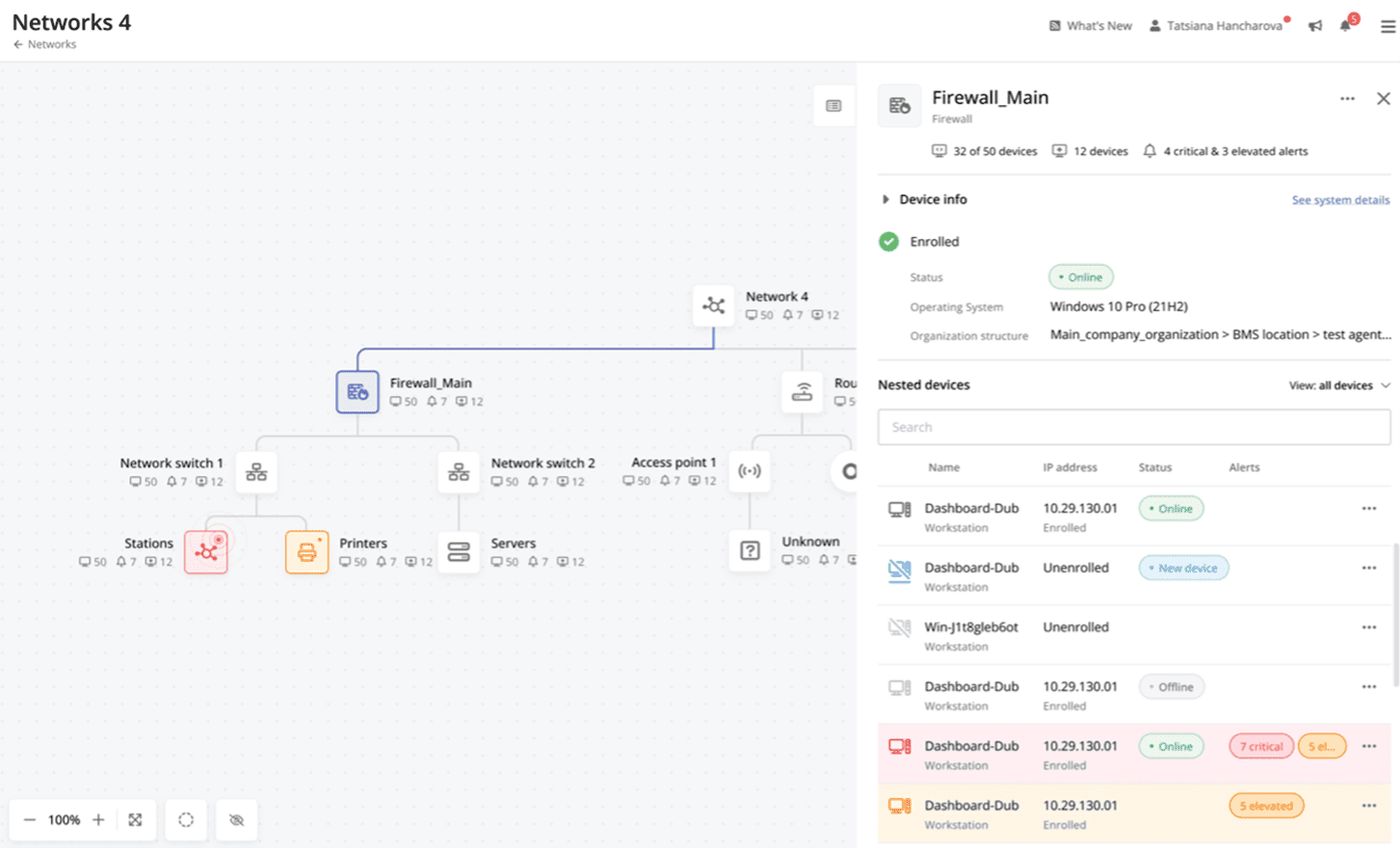
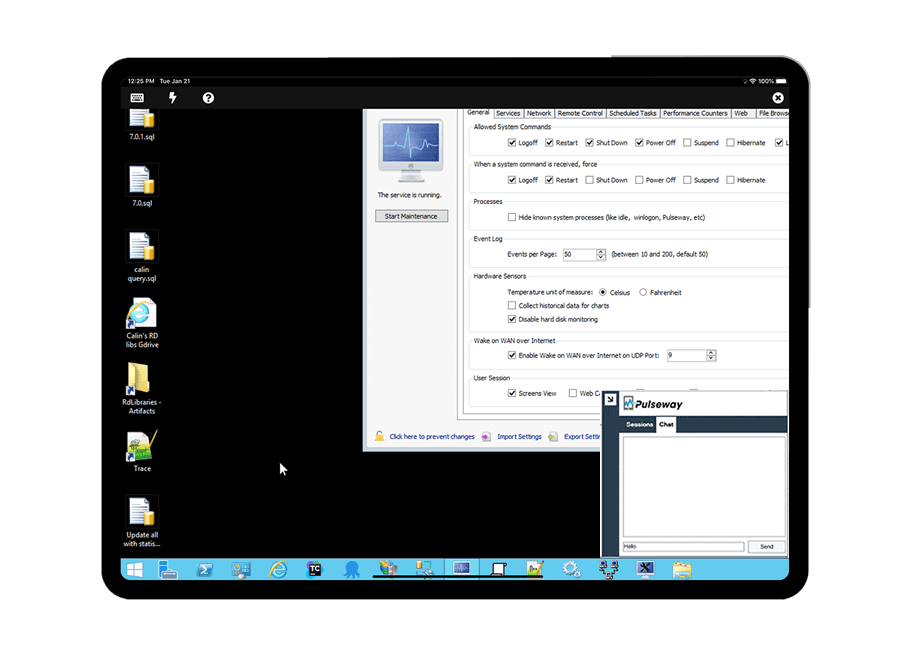
Screenshot of Cross-device functionalityScreenshot of Auto-Remediate IT IssuesScreenshot of Visibility Across the Entire NetworkScreenshot of Remote Control to Any SystemScreenshot of Systems and Application patchingScreenshot of Detailed Custom Report