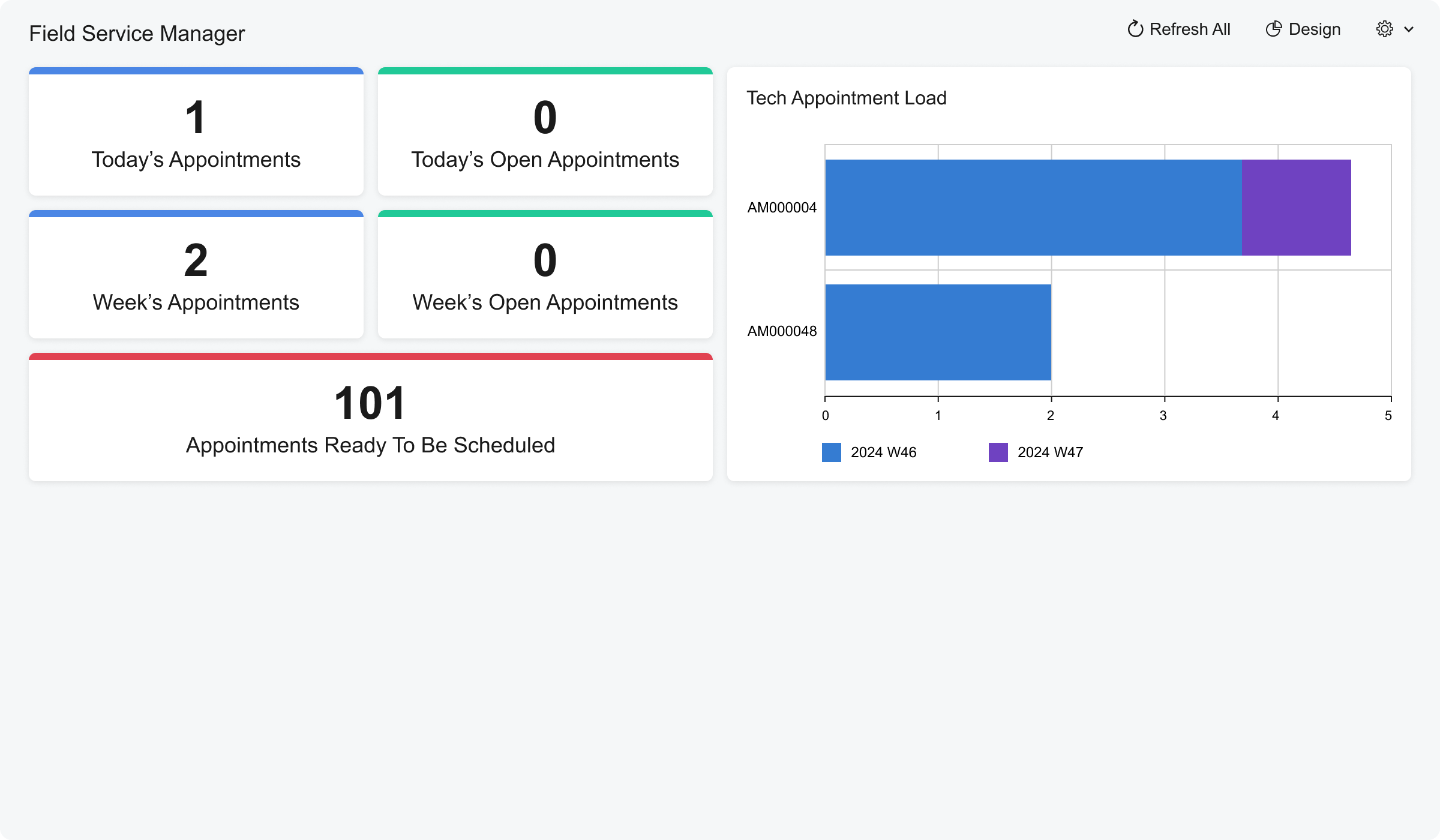
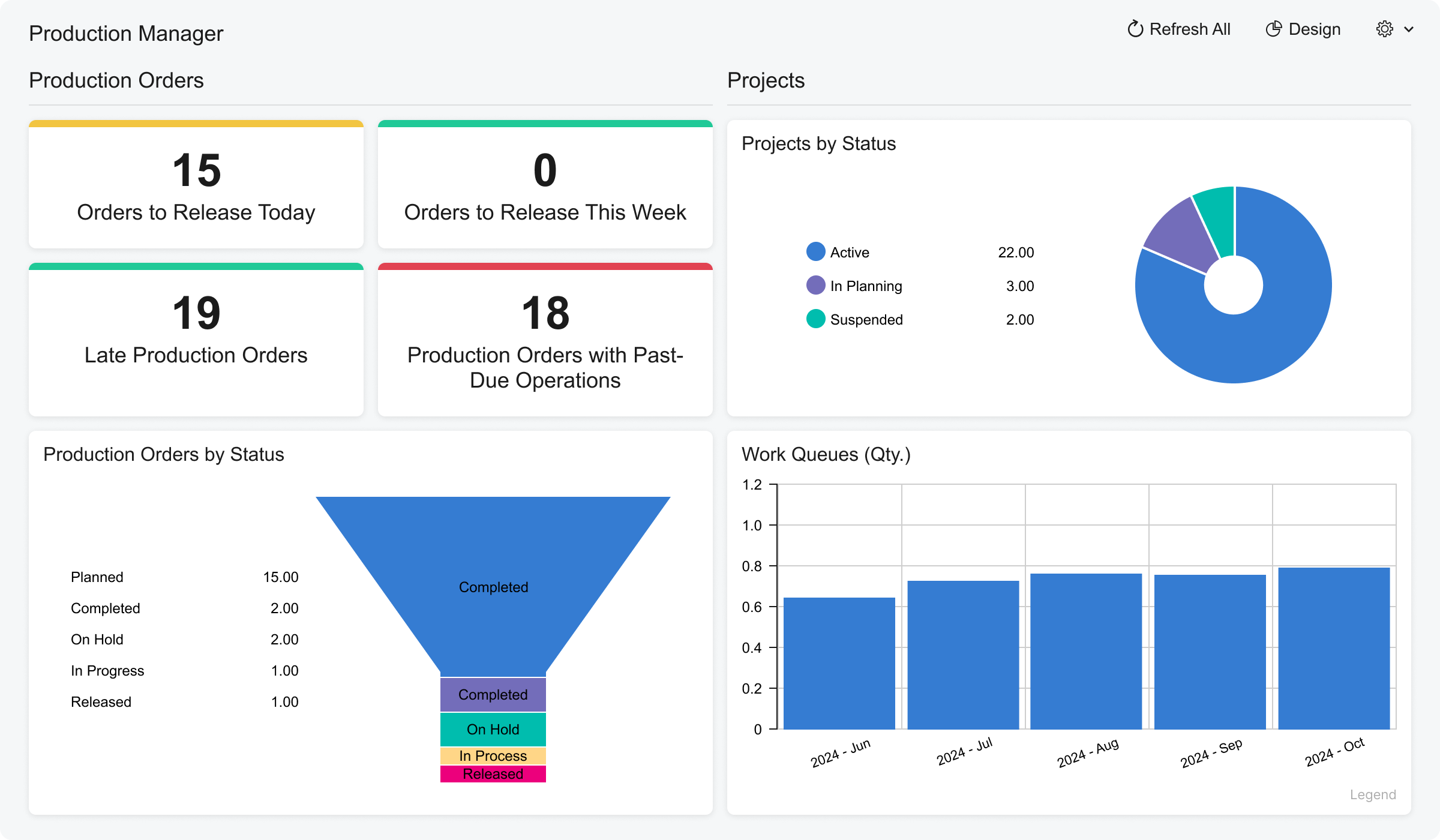
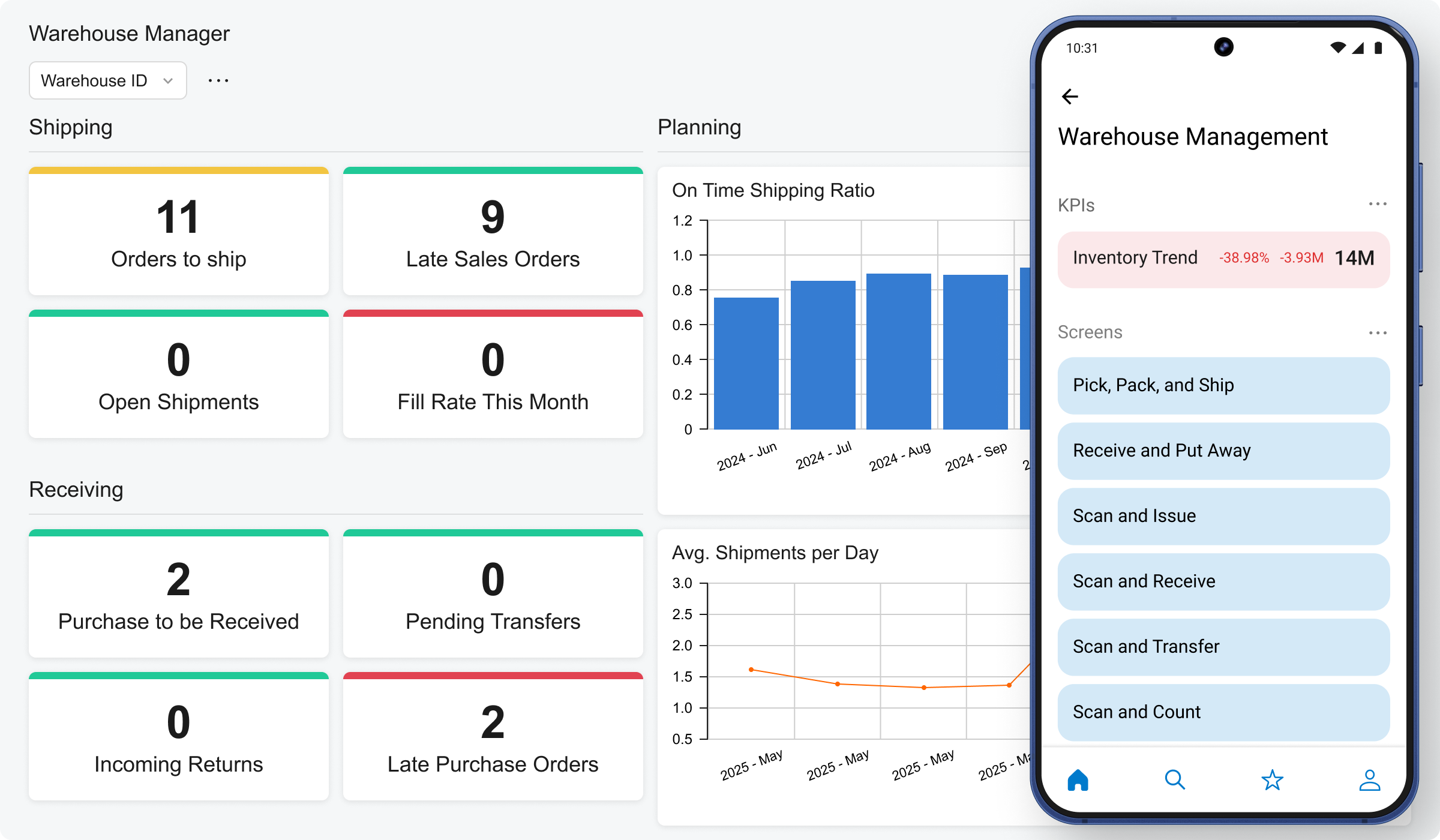
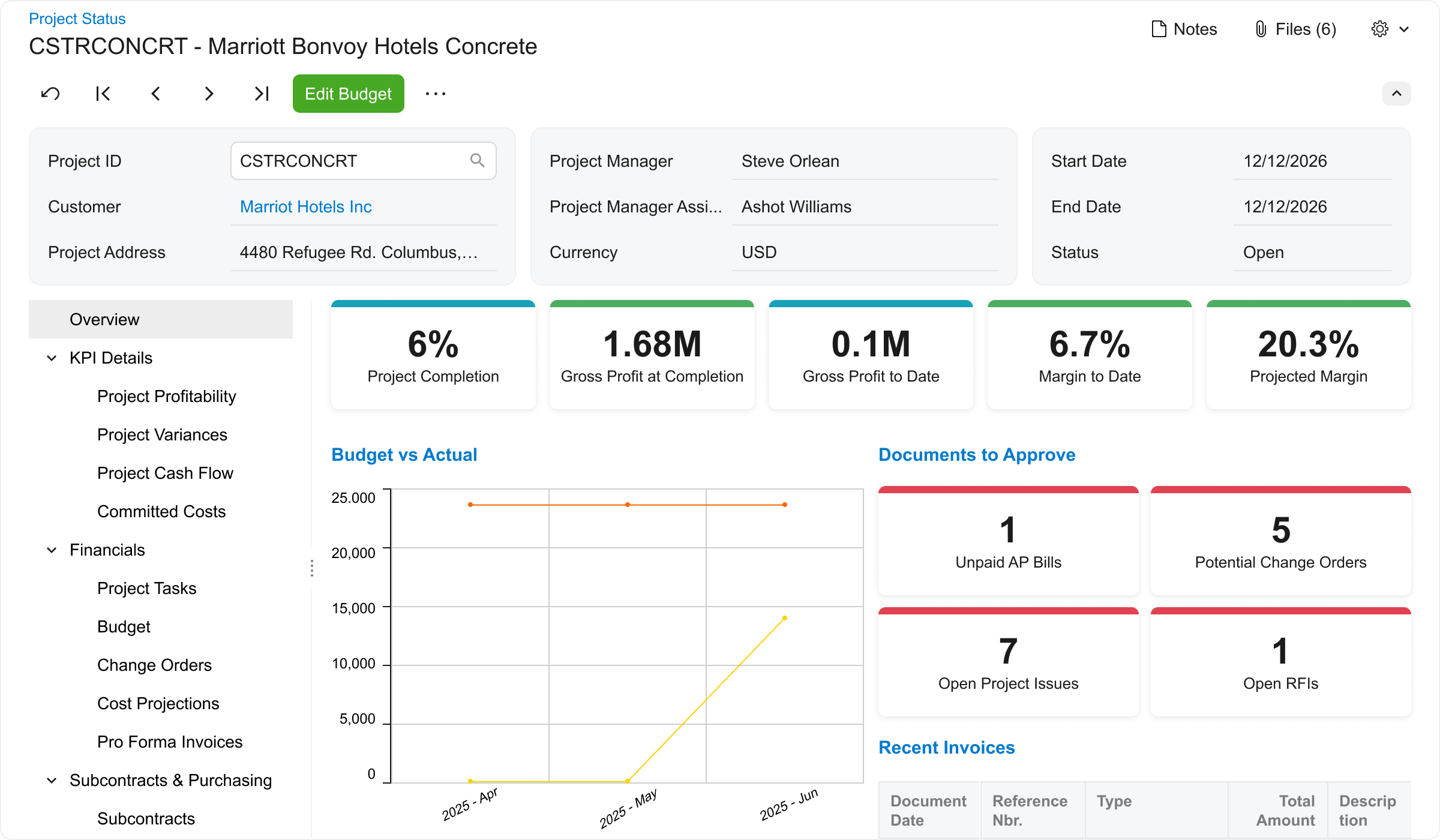
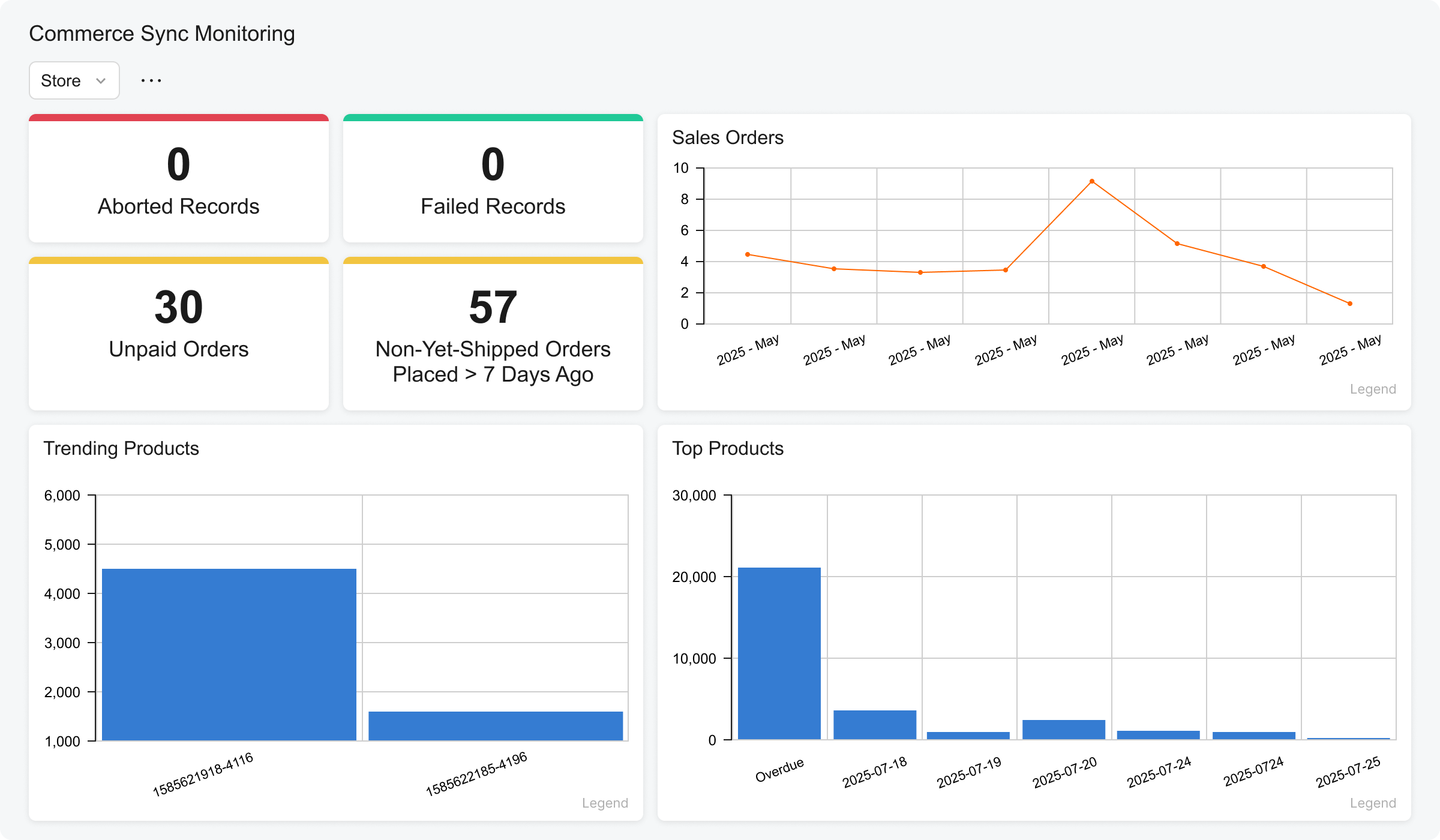
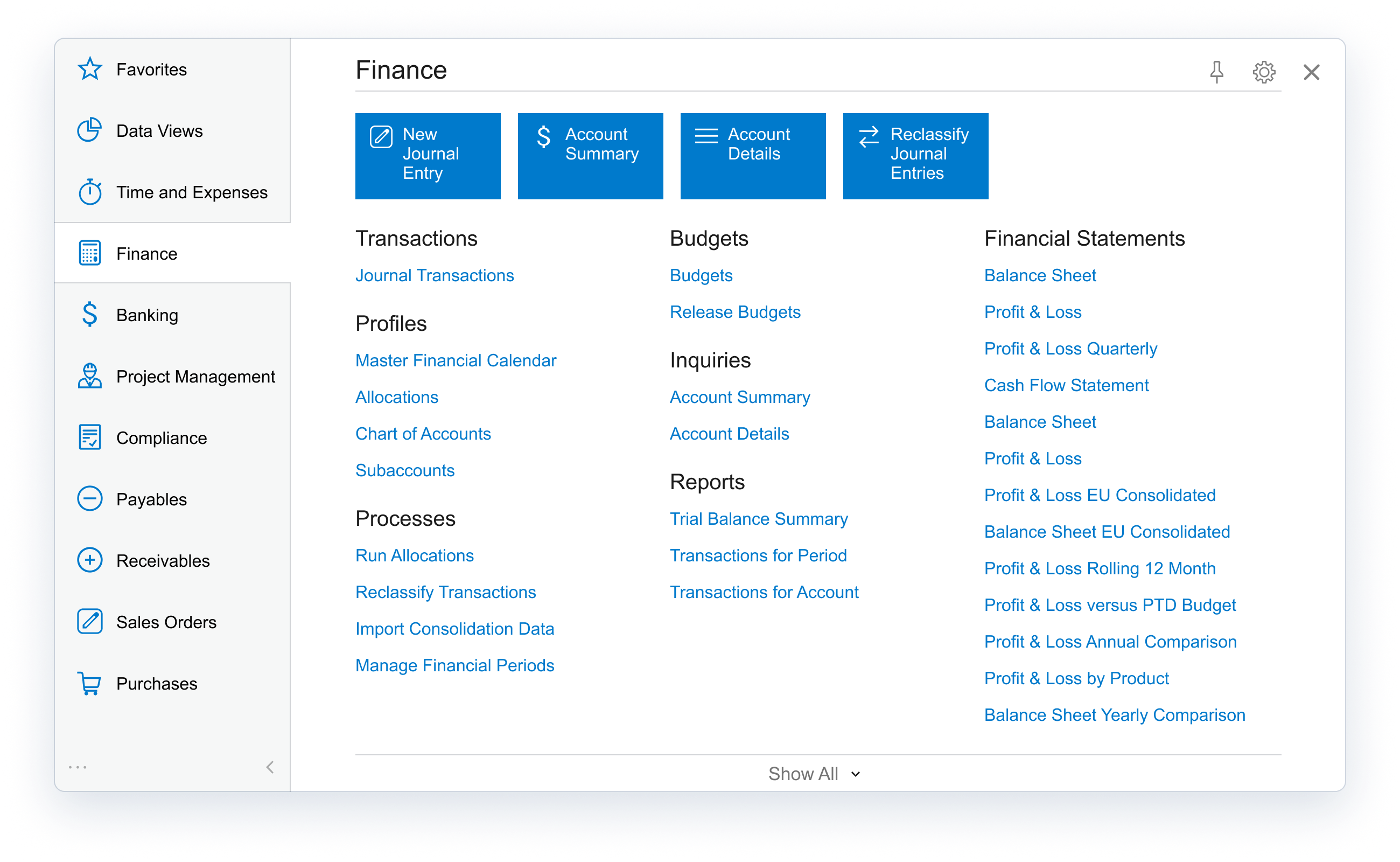
Acumatica delivers a set of cloud-based business software applications with dashboards, reporting tools, integrated document management, centralized security, and customization tools.
$1,000
per year
Workday Adaptive Planning
Score 7.7 out of 10
Mid-Size Companies (51-1,000 employees)
Workday Adaptive Planning streamlines planning workflows, using AI and real-time data integration to improve collaboration and provide predictive forecasts for better strategic analysis.
N/A
Pricing
Acumatica
Workday Adaptive Planning
Editions & Modules
No answers on this topic
No answers on this topic
Offerings
Pricing Offerings
Acumatica
Workday Adaptive Planning
Free Trial
No
Yes
Free/Freemium Version
No
No
Premium Consulting/Integration Services
Yes
Yes
Entry-level Setup Fee
No setup fee
Optional
Additional Details
Pricing is always consumption-based with no five-year lock-ins or termination penalties.
The Acumatica ERP pricing structure allows adding casual users, suppliers, and customers without paying for additional licenses.
The cost is based on the features and resources utilized, not on the number of users who access the system. An Acumatica partner works with users to understand specific requirements, determine the proper resources and modules for the company, and presents a price for the license.
Coming from Sage, when you have to post financial data, it locks the system. Acumatica, there is no delay, there is no downtime. Dashboards. My CEO recently asked me, "I really want to see what our top customers are and what markets that they're spending the most money in." Acumatica had that widget already prepared for me.
We're a mid-size organization working with a shoestring budget and an IT skeleton crew...not much room to dedicate resources to a platform like this fully. Having it SaaS based is helpful for system management through their Helpdesk system, and a single platform also helps streamline the knowledge needed by our developers when integrating other business aspects to Workday.
Real-time access to financials across firm's locations in India for better in-house sales, cost and financial health analysis
The tool is great with respect to the creation of dashboards and KPI reporting to get visual picture of profitability and cash flow metrics across projects
It helps create dynamic plans for finances, operations and various functional units in an organization all under one platform
It helps in scenario modeling to help analyze various business events and report by any number of business dimensions including channel, customer or product
It can be integrated with any system including ERP, BI or CRM
Mass updating existing BOMs or Production Order Details. For larger orders, especially if many things need to be changed it can take a painstakingly long time to update each production order one-by-one.
The product configurator is too flat, we definitely need nested configurations that can capture variable subassemblies.
Accounting has room for improvement, I don't really like the idea of SO Invoices living in a separate spot until they are Released. I have had complaints from our accounting personnel since they have to leave the "Accounting World".
Dashboards are not the best for graphs/charts. However, I have heard of companies using the dashboards for forecasting/budgeting. I would like to see Workday Adaptive Planning demonstrate this part of the feature.
Better security or locks to prevent deleting Actuals data - you are literally one click away from doing this.
On the web-based reports, better functionality when needing to reverse the sign in calculations - right now it is only available for revenue vs. expenses.
We are highly likely to renew because Acumatica has become the foundation of our ERP strategy replacing another ERP system with a more flexible, scalable platform while improving governance, planning, and operational visibility. Ongoing stabilization, roadmap investment in IBP and automation, and strong alignment across Finance and Operations give us long‑term confidence in the platform.
For one we're in way too deep to not move forward with Adaptive. We're integrated with Workday, we do a ton of reporting with Adaptive, and it's working very well for planning and forecasting. No reason to look back or change course.
The processes are very intuitive and easy to use. Whether you are entering AP bills, timecards for payroll, or AR invoices, the processes are similar and easy to use. The drill-down capability is also a huge plus as you can easily toggle between different modules without having to leave the screen you are in and navigating through a menu to get the information you need. We found that the standard reports out of the box are lacking. Our implementation did not go so well and when we were finally ready to run financial reports, it was both disappointing and frustrating to discover that the P&L was highly summarized and to get a detailed report required having to do a lot of formatting myself. I was able to figure it out on my own, but when our financials were already delayed getting published, I did not really have the time to spend trying to figure out how to build my own P&L.
It is overwhelming at first, but once you really get to know it, you realize it is fairly simple and customizable, and then it has a lot more limitations than you first thought. Realizing those limitations and finding workarounds is when you know you've mastered the software.
There haven't been any lately. The only one issue I can think of is when there was an update in Adaptive that altered our reports. Before I realized there was an issue, Adaptive reached out to let me know, so that it could be fixed.
All aspects of Adaptive Insights perform well. One area that I wish was quicker was integration. When importing data from Intacct our accounting ERP platform, it can sometimes take 4 hours for the import to process. The earlier imports are done, the quicker they complete. My estimate for a quick upload is about two hours.
I would rate the overall support for Acumatica an 8 out of 10. The support team is generally responsive, knowledgeable, and helpful when resolving issues or answering questions. Documentation and community resources are also useful. However, response times can occasionally vary depending on the complexity of the issue or support queue, which slightly affects the overall experience.
Whenever we have had any questions, issues, or concerns, the support has been quick and thorough. [This] allow[s] us to be able to fully resolve any issues, or be connected with the right group quickly to attain the result we were after; be it from simple formatting to adding new detailed reporting.
This was extremely helpful so that they could walk you through the model and teach you more about the complexity of various areas. It is most helpful when it is specific to your organization's model. The larger in-person trainings were helpful but they tended to be more generic and entry level. The trainings that are more tailored to your specific needs are the most helpful.
They often times tended to be way too generic or entry level. They would also become sales pitches to upgrade or get new Adaptive Planning products. The questions in the training would be very niche and specific to other organizations. They were rarely helpful to the group at large.
I'd say the partner selection is critically important. I think the software is very easy to implement. It's very customizable to your business. Finding a partner that will work with you to understand your business and your needs is the critical piece to make sure that the system goes along with it.
Trust the expertise of very strong 3rd party implementers. Having deployed Adaptive at a separate company before, I thought I knew it all (hubris, I know). Fortunately, I began to (very quickly) trust the judgment of our Carlson implementation team, and they provided invaluable insights and best-in-class processes that have benefitted me and my team greatly.
Having used Pastel for a long time in the business, it lacked certain features, or the system was not probably setup for our business needs and requirements at the time. It was also not 100% cloud based and needed to be used through remote desktop which had its limitations. Zero just had 10% of what our business needed.
Workday became our choice because it is fully web-based and easily integrates with other systems. The learning curve for Workday was shorter than that of Dynamics. The reporting tools in Workday are more user-friendly than that of Dynamics. However Workday did not have Check Printing tools which are available in Dynamics. The organization started a project to digitize all financial transactions so it was not a priority feature. When it comes to scaling up the functionalities of Workday it was much easier than Dynamics.
From my understanding, the P.O. module is not very robust, at least the last time I inquired about it. At the time, it had a one-to-one match, with one invoice for one P.O. and that isn't practical for many businesses. I don't believe it would be an easy system to use for sending out invoices, if we had thousands of retail utility customers. We do a small number of invoices because we sell wholesale power, not retail, so we only Invoice the municipality. Not each utility customer.
We went from 2 users to 70+ users over a 2 year period of time. The application scaled wonderfully. 65 of those users were non-finance users so they were able to quickly learn the software and prepare budgets quickly and efficiently. That is the power of Adaptive and its ability to scale
They are very responsive and knowledgeable about the product. If the rep doesn't have the ability to solve the issue, they quickly get someone else involved to assist us.
I feel like I am not using it to it's potential and it's frustrating to know that it can do more than I am able to use and more help with that would be great
The implementation was a lot of customize building and I felt like some of it could have been built by my partner rather than having them sit and watch me enter a bunch of stuff, especially when a lot of it was over my head in understanding
It's facilitated a better financial literacy and management by the non-financial managers in the company, giving them a much better ability to see what they're spending, control it, and plan better in the future.
It's hard to quantify the ease of model and version management, but we could never do what we're doing now with our current staff. It would take a small army to replicate anything close to what Adaptive pulls off using Excel, if it's even possible.