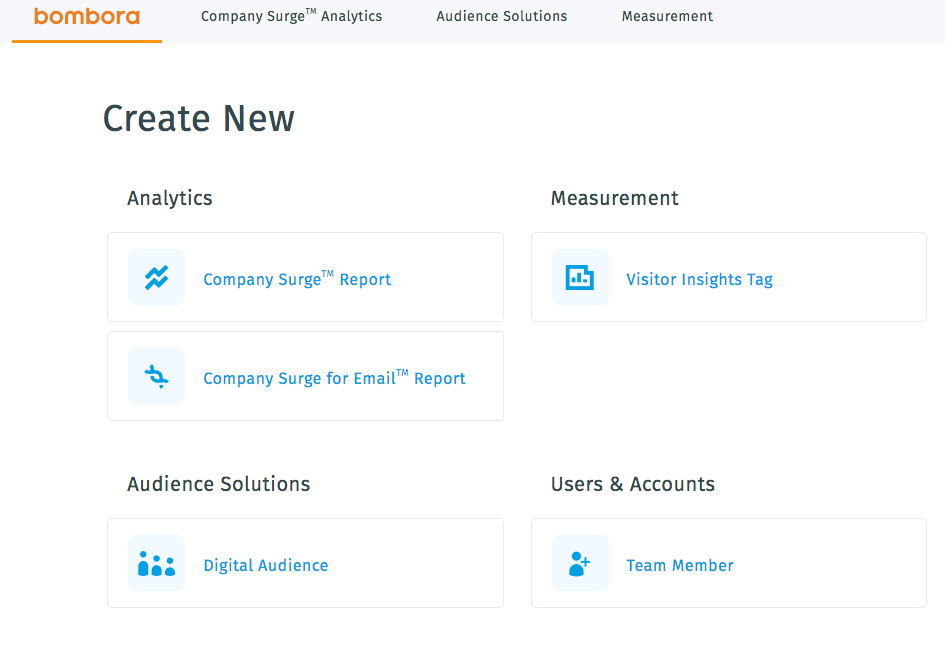
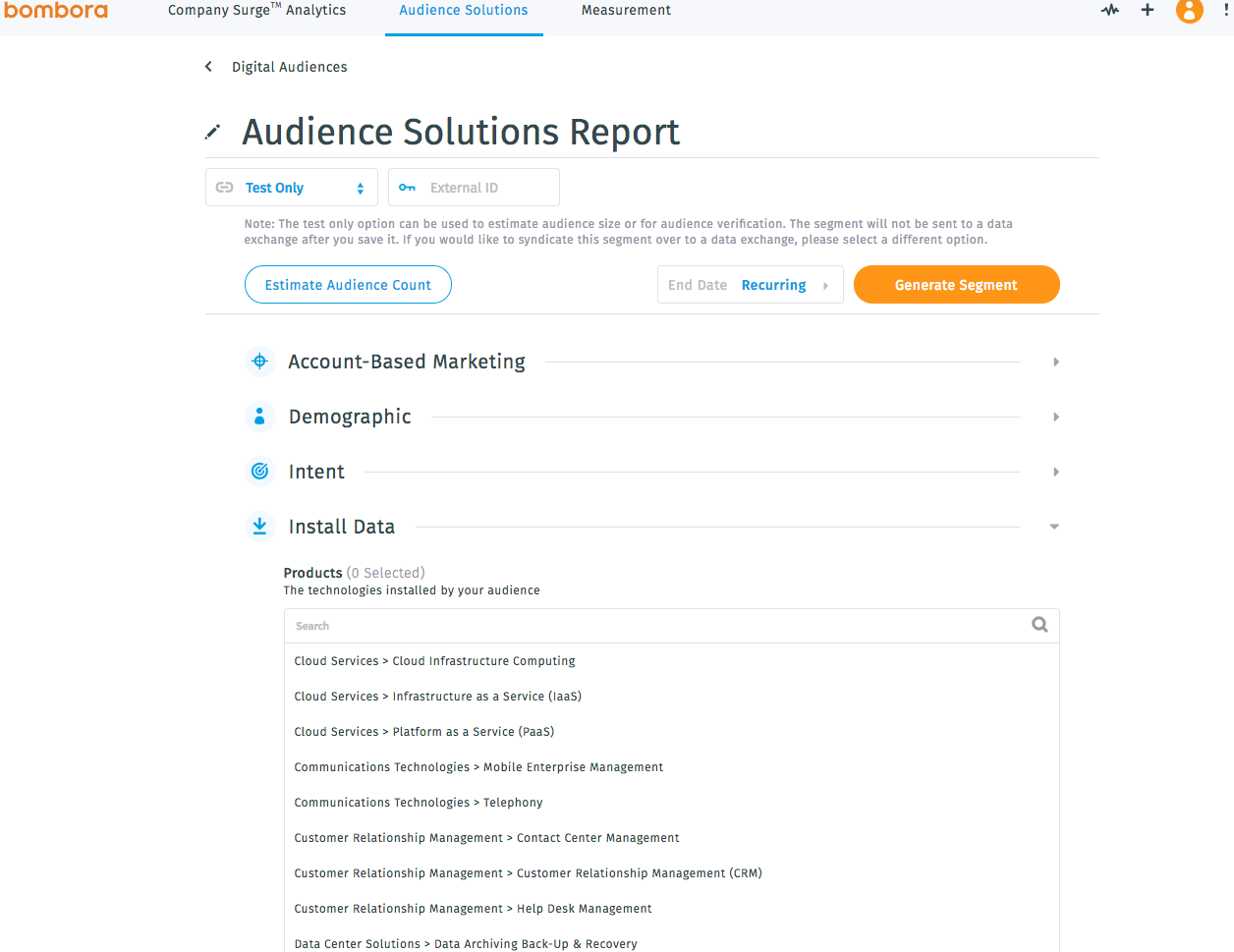
Bombora provides Intent data for B2B marketers. Bombora’s data promises to align marketing and sales teams and enable them to base their actions on the knowledge of which companies are in market for products and services. Bombora’s Company Surge™ data reports on changes in consumption of specific product related topics from within businesses. The source of this data is a co-operative of premium B2B media companies in the world. Members contribute content consumption and behavioral data about…
N/A
LinkedIn Sales Navigator
Score8.5 out of 10
N/A
LinkedIn Sales Navigator is a sales intelligence software solution offered by LinkedIn.
$79.99
per month
Pricing
Bombora
LinkedIn Sales Navigator
Editions & Modules
No answers on this topic
Professional
$79.99
per month
Team
$134.99
per license
Enterprise
Contact sales team
Offerings
Pricing Offerings
Bombora
LinkedIn Sales Navigator
Free Trial
Yes
No
Free/Freemium Version
Yes
No
Premium Consulting/Integration Services
No
No
Entry-level Setup Fee
No setup fee
No setup fee
Additional Details
Bombora is based on:
- The volume of Intent data needed
- Preferred integrations or partner platforms
- The level of support needed to get started
—
More Pricing Information
Community Pulse
Bombora
LinkedIn Sales Navigator
Considered Both Products
Bombora
Verified User
Chose Bombora
One major factor that influenced to have Bombora apart from the quality of data is competitive pricing.
A de minimis incentive was given to thank the reviewer for their time. The incentive was not used to bias or drive a particular response, nor was the incentive contingent on a positive endorsement. More Info
Verified User
Chose Bombora
I do not have a ton of experience with the other products but from the demos and calls I was on Bombora was the leading product in this area.
Additionally, the main deciding factor about choosing Bombora was their stellar sales team that prioritized our business needs over any …
A de minimis incentive was given to thank the reviewer for their time. The incentive was not used to bias or drive a particular response, nor was the incentive contingent on a positive endorsement. More Info
A de minimis incentive was given to thank the reviewer for their time. The incentive was not used to bias or drive a particular response, nor was the incentive contingent on a positive endorsement. More Info
Bombora is the perfect tool for anyone looking to understand their B2B customer and their buyer's journey better. Companies produce tons of content - and pay lots of money creating and then amplifying it too. But is it really what the customer is interested in? Now you don't have to guess, you can know thanks to company surge data.
A de minimis incentive was given to thank the reviewer for their time. The incentive was not used to bias or drive a particular response, nor was the incentive contingent on a positive endorsement. More Info
LinkedIn Sales Navigator is hands down the best tool for identifying targeted contacts or leads. You can drill down on a company and look at its entire workforce, or search by the exact title that is your key target. The information is up to date, as people tend to keep their LinkedIn profiles current. In terms of other marketing functions LI Sales Navigator is extremely limited. BUT if you are looking to identify contacts for prospecting purposes, then this tool is what you need.
A de minimis incentive was given to thank the reviewer for their time. The incentive was not used to bias or drive a particular response, nor was the incentive contingent on a positive endorsement. More Info
Intent topics, as well as the clusters tied to them, have enabled our PMMs to be more granular with specific workloads that are based on industry.
The "Account Intent" option within the "Insights" tab allowed us to look specifically into historical data tied to current activities that we were experiencing with that account.
A de minimis incentive was given to thank the reviewer for their time. The incentive was not used to bias or drive a particular response, nor was the incentive contingent on a positive endorsement. TR verified that a representative sample of customers was invited. More Info
Search Functionality: LinkedIn Sales Navigator has one of the most powerful search functions. The filters are not unnecessary and some are very well thought of. You can drill down to finding a needle in a haystack of 20000 employee company when it comes to using LinkedIn Sales Navigator if done in the right manner.
Smart Links: Gone are the days of attached Decks. One can simply create their deck online using this feature on LinkedIn Sales Navigator, or even upload an existing ppt. A smart link is shareable as well as trackable for opens and clicks.
Fewer Clicks: With a single click, I can filter out decision-makers in any company. With a single click, I can import contacts from LinkedIn Sales Navigator to Salesforce. Lesser clicks are actually less stressful if you think.
Downloading intent data and trying to use it outside of their environment is tricky because the data is essentially one large worksheet. We want to overlay the data with our own data but joining it all together is tricky. Our data comes from D&B so the names provided by D&B don't always match what we get from Bombora so account matching is not very clean.
Customer service is a bit hit or miss. I worked with an account rep to try and resolve it but she couldn't. However, she did open a ticket with the Bombora help desk to try and get me answers. I waited more than a week and got no answer. I followed up and the reply was the original owner of the ticket is out and the new ticket owner was wondering if I had rerun the report to see if the problem went away.
Despite having a self-service type set up for the dashboards and reports, trying to understand what exactly needs to be filled in isn't always easy. The data doesn't match up with what we download so trying to compare the dashboards/reports to the extract is next to impossible?! It shouldn't be this way.
A de minimis incentive was given to thank the reviewer for their time. The incentive was not used to bias or drive a particular response, nor was the incentive contingent on a positive endorsement. More Info
A de minimis incentive was given to thank the reviewer for their time. The incentive was not used to bias or drive a particular response, nor was the incentive contingent on a positive endorsement. More Info
This question is a no-brainer. The tool is the industry standard for anyone tied to sales and marketing. The name "LinkedIn Sales Navigator" is synonymous with streamlining relevant customer and account data in an easy to use format that is actionable and intelligent. The focus on continuous improvement and richer means of communicating with customers and prospects is evident each time new features are rolled out. The social component of the tool even includes a gamification component to ensure that peers remain relevant among each other, which is refreshing and enjoyable for those who engage the tool on a daily basis.
A de minimis incentive was given to thank the reviewer for their time. The incentive was not used to bias or drive a particular response, nor was the incentive contingent on a positive endorsement. More Info
I give Bombora an 8 as they do intent well for now. Not a 10 because again its a one trick pony where there are other platforms like ZoomInfo that offer intent as well plus so much more. From an end user perspective, I'd like Bombora to build out first party intent data capabilities to combine into the scoring.
A de minimis incentive was given to thank the reviewer for their time. The incentive was not used to bias or drive a particular response, nor was the incentive contingent on a positive endorsement. More Info
Overall, it's very user-friendly. It's hard for a tool to make sorting through loads of data easy, but Sales Nav does this very well. Its advanced search features enable us to be selective in finding the right people to talk to and connect with.
A de minimis incentive was given to thank the reviewer for their time. The incentive was not used to bias or drive a particular response, nor was the incentive contingent on a positive endorsement. More Info
Our CSM team is always available for us to meet with via an outreach click to book an invite and we have standing meetings. They met with us on day 1 of implementation and had us up and running that evening. They even go to the lengths of matching industry tenured folks with us to help us move faster.
I would recommend LinkedIn Sales Navigator entirely. It has been the most user-friendly tool to use starting off in a sales role. I genuinely enjoy the navigation of the tool and how easy it is to save lists and see job changes within those lists. Generating leads and finding the most up to date information on prospects is all housed within this tool.
A de minimis incentive was given to thank the reviewer for their time. The incentive was not used to bias or drive a particular response, nor was the incentive contingent on a positive endorsement. More Info
There is a room for improvement in a layman's perspective as it was difficult for our to understand things during training and had to rearrange sessions.
A de minimis incentive was given to thank the reviewer for their time. The incentive was not used to bias or drive a particular response, nor was the incentive contingent on a positive endorsement. More Info
A de minimis incentive was given to thank the reviewer for their time. The incentive was not used to bias or drive a particular response, nor was the incentive contingent on a positive endorsement. More Info
I am unsure of the rollout, as I was not involved. I was an early adopter, and I have had a lot of success with the tool personally at multiple organizations, but I have no idea whether the implementation process encountered any errors. I can personally say that it works, and that I have not encountered significant issues with the tool since adoption, although a few issues like messages showing up as being unread even though they have been opened have been an on-again/off-again issues throughout the past few years. Overall, the company is doing a great job, and our implementation seems to have been effective.
A de minimis incentive was given to thank the reviewer for their time. The incentive was not used to bias or drive a particular response, nor was the incentive contingent on a positive endorsement. More Info
Bombora doesn't give you a token for the number of accounts that are populated. You can search and request as many as you'd like. With other platforms, they provide you a token, and if you use all your tokens for the month, then you have to wait til next month.
A de minimis incentive was given to thank the reviewer for their time. The incentive was not used to bias or drive a particular response, nor was the incentive contingent on a positive endorsement. More Info
LinkedIn Sales Navigator is much more valuable than Dice or Cognism, as we do most of our prospecting on LinkedIn. Therefore, it means we can build lists of our prospects based on activity, connections, and buying intention. With Cognism and Dice, you cannot do this as they do not work alongside the LinkedIn platform and, therefore, lack the functionality that is essential to what we are using the platform for.
A de minimis incentive was given to thank the reviewer for their time. The incentive was not used to bias or drive a particular response, nor was the incentive contingent on a positive endorsement. More Info
A de minimis incentive was given to thank the reviewer for their time. The incentive was not used to bias or drive a particular response, nor was the incentive contingent on a positive endorsement. More Info
Bombora played a big role in us proving the effectiveness of ABM for our organization and had a huge impact on us gaining approval for a full ABM platform.
Bombora helped us identify key target accounts that brought great net new business to our company.
A de minimis incentive was given to thank the reviewer for their time. The incentive was not used to bias or drive a particular response, nor was the incentive contingent on a positive endorsement. More Info
A de minimis incentive was given to thank the reviewer for their time. The incentive was not used to bias or drive a particular response, nor was the incentive contingent on a positive endorsement. More Info