Gusto offers payroll, benefits and compliance capabilities. Gusto is scaled for small to mid-sized businesses, and emphasizes an easy to use interface.
$49
per month
TriNet
Score 7.6 out of 10
N/A
TriNet provides small and medium size businesses (SMBs) with full-service HR and payroll solutions tailored by industry. TriNet also offers specialized services through client access to HR representatives for advice and notifications on impactful regulatory changes.
N/A
UKG Pro
Score 8.2 out of 10
N/A
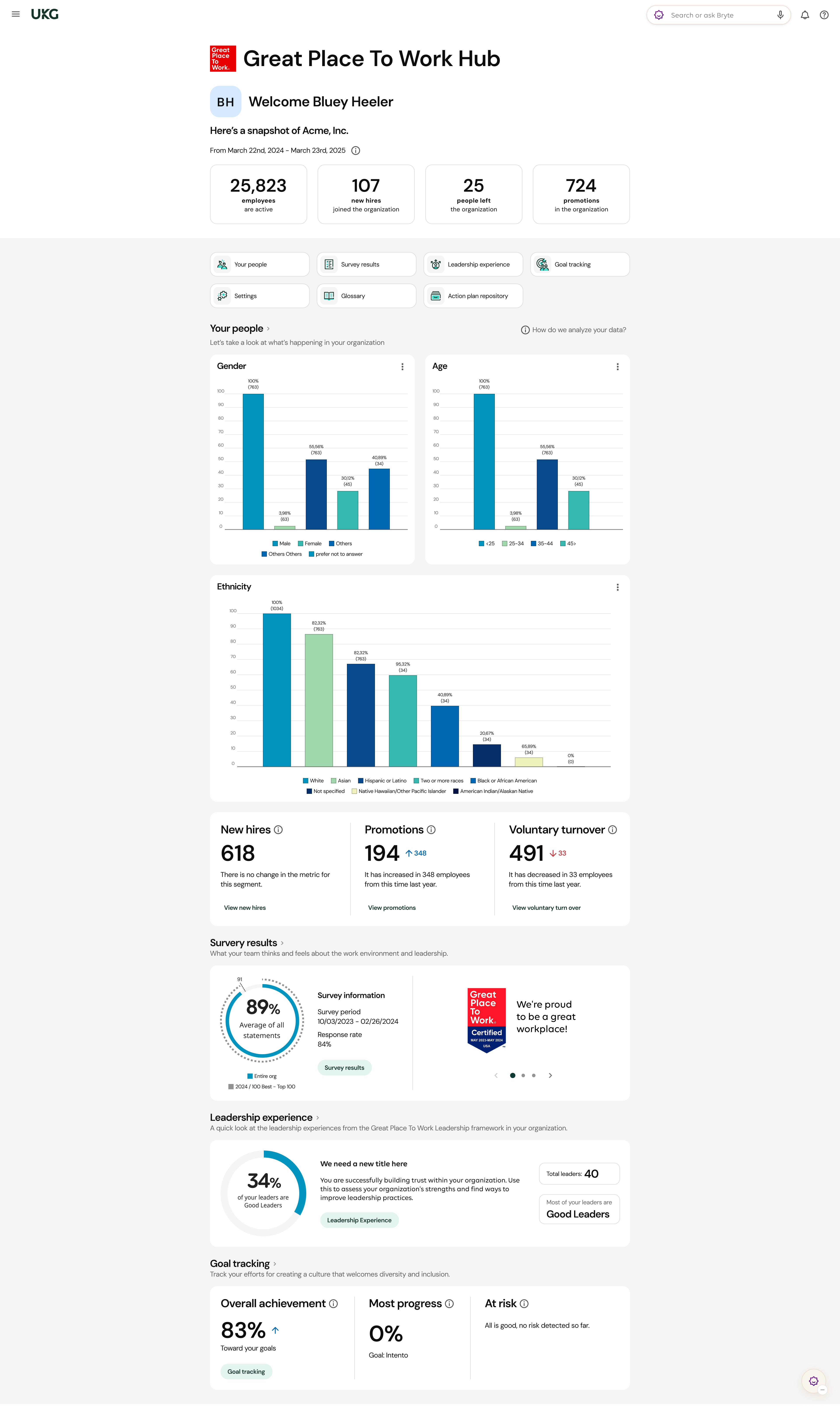
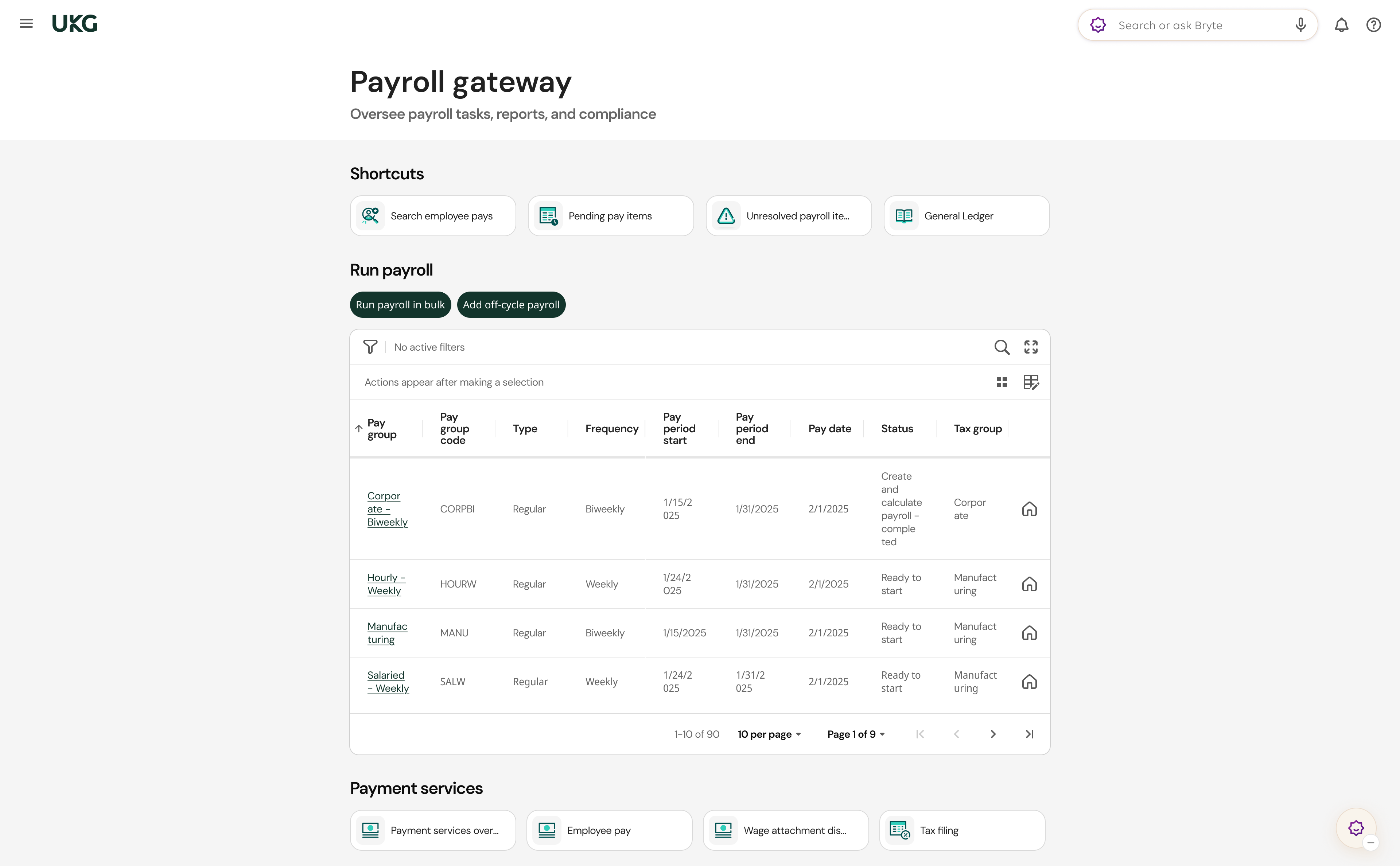
UKG delivers cloud-based HCM solutions including UKG Pro that help businesses simplify payroll computations, accelerate talent acquisition, manage time and attendance, and support proactive, strategic talent management on a global level.
N/A
Pricing
Gusto
TriNet
UKG Pro
Editions & Modules
Simple: A streamlined set of automatic payroll features and benefits integrations
$49/month + $6/mo per person
per month
Plus: Comprehensive payroll, benefits, and HR tools for employers building a great place to work
$80/month + $12/mo per person
per month
Premium: Scalable payroll and benefits, expert HR, and dedicated support for the complex needs of growing teams
$180/month + $22/mo per person
per month
No answers on this topic
No answers on this topic
Offerings
Pricing Offerings
Gusto
TriNet
UKG Pro
Free Trial
Yes
No
No
Free/Freemium Version
No
No
No
Premium Consulting/Integration Services
Yes
Yes
Yes
Entry-level Setup Fee
No setup fee
No setup fee
No setup fee
Additional Details
Gusto offers three pricing plans for payroll, benefits, and HR.
My employer had already selected Gusto. I would say it's about the same, but the UX is better. TriNet has a better benefit page that clearly breaks down what is included in your insurance. I got a much better monthly payment for similar health insurance with Gusto than I did …
Payroll is on par, however, the benefits management is not even close. BambooHR and TriNet both offered better benefit plans and over the course of years, never caused my teams to be uninsured for any period of time. BambooHR and TriNet support teams have always communicated …
TriNet is definitely a more robust platform that offers better benefit options, however Gusto is more cost effective and simple to use. Also, TriNet customer service isn't the best. I haven't had to use Gusto's customer service for anything, so I'm not sure how it compares but …
Gusto is the easiest to use out of all the payroll programs that I have tried out at various companies. Manually entering time is less complicated and requires less time on gusto than on the others.
I've been in UKG's time tracking and HR portal which is much less aesthetically pleasing and more difficult and less intuitive to operate. I prefer Gusto's interface and would be more likely to recommend Gusto by a long shot.
UKG is just annoying and hard to navigate. Paylocity is more similar to Gusto but just not quite as user friendly - thought Paylocity DOES do Payroll processing a bit earlier. Workday is the most frustrating site in the world.
Gusto has been my favorite option both as an end-user (ie. employee) and admin (ie. employer). It's easy to use, has all the features we need, integrates with Guideline (our preferred 401k provider), and priced well for great value.
Gusto was affordable and worked the best for what our organization needed. We only have four employees, so we didn't want something expensive or hard to use. Gusto is easy and works for us!
Verified User
Consultant
Chose Gusto
Gusto's customer service is superior. Their response times are excellent and the simplicity of the system is appreciated.
Gusto is geared more specifically to small businesses, which would service the majority of my clients. I find their platform and customer service are also quite good. Since they are more geared to a small business, under 5 employees, the cost difference is helpful for those …
When Astrolabe was founded we used Gusto. They have a slick portal and they are significantly cheaper than TriNet (order of magnitude or more). Unfortunately, Gusto does not provide small companies (less than 5 employees) with benefits or any concrete HR services other than …
I looked into Gusto, Concierge, but then I started seeing terrible reviews from my colleagues who utilize their service so I did not pursue a relationship with them.
Out of all of the platforms, I still think that Gusto is the most user friendly for employers and employees. However, they did not provide the support that I get with TriNet. In just a year, I feel that TriNet is listening to it clients and have already made changes to improve …
Trinet has more features than Gusto and QuickBooks Online as far as HR reporting, census, off-cycle payroll, tax reports etc. But the biggest thing it doesn't have that all of these other do is a live chat feature that is completely necessary for immediate payroll issues that …
TriNet has way more features and functionalities than Gusto. Specifically, the HR function is a big life from mine and the VP of Operations shoulders, and it's nice to have an HR function where we can direct the team to.
We found TriNet to be easier to understand and set up than Gusto.
Verified User
Professional
Chose TriNet
My company has been using TriNet for over a decade. The decision was made before I joined; however, it was a good business decision for us at the time due to the size of our company.
Verified User
General Manager
Chose TriNet
Both Insperity and TriNet have failed us in the same and different ways. Justworks was initially more expensive for benefits than TriNet. However, TriNet's benefits renewed with an average 10% increase, so we did not see savings for very long. If we could just be free of a …
Verified User
Director
Chose TriNet
I didn't select TriNet, it was at my organization when I got here. No one at TriNet gave my company information on how hard it is to move companies in the middle of the quarter. Even UKG did that. I think that every other system works better.
Verified User
Executive
Chose TriNet
Neither are as robust or as easy to use as Trinet. Customer service is not nearly as good as TriNet.
Very bottom of the list - I did not select TriNet, as I joined the company after it had already been implemented and in use for some time. If I had been involved, Rippling and/or Zenefits would have been my top choices due to their wide breadth of HR/Payroll/People support …
TriNet has fulfilled our requirements and making a switch would require us to change our benefit offerings quite a bit. From that standpoint, it paid to stay with TriNet. They also have been extremely responsive and we enjoy the level of support we receive. The only issue we …
TriNet by far is superior in terms of service and platform. Their focus on state and federal compliance is unparalleled compared to the other products I have used in the past.
I've used Gusto for timekeeping and payroll and HR. I do think the Gusto interface is nicer to look at and more motivating to visit. It has less functions, but I don't use all of UKG Pro's functions anyway, so I like the clean simplicity of Gusto. However, I like that you can …
Gusto is well-suited for small businesses looking for a one-stop platform for payroll, tax-related tasks, and onboarding. It has many automated features that make tasks related to running a business/running an S-Corp simpler. I have not tried any other similar platforms, so I am unsure how it compares, but the pricing Gusto offers feels reasonable compared to other providers.
I truly believe TriNet is the best PEO out there. Our specialist, [...], was top notch and always made me feel special. I appreciate all the features available, not just for my employees but for me, as an HR specialist. The benefits I am now able to offer is why we joined but all the features and ease of use is what will keep us clients moving forward. My only issue was feeling a bit rushed through training. I was told I would get written procedures but they were pretty antiquated.
I feel UKG Pro has been so horribly rolled out at the City of Houston. I'm amazed that, as a system administrator, it even works at all. In my opinion, the greatest expense the city has budgeted is managed by a shoe-string, janky, bug-ridden mess. I truly hope UKG is bought out for 2 cents and scattered to dust. In my opinion, terrible maintenance and support, the worst consultants money can buy, the sleaziest sales accountants. This system tries my patience as a lead system administrator and I would caution anyone considering bringing in this mess to their business. It's been a year now, and we still have workarounds and bugs daily.
Customer support is great when working with Amy Hoffman. She's always very quick to respond and helpful. I'd say she's the thing that makes me want to stay with TriNet the most.
The webinars are very helpful. I utilize those frequently and our CFO has signed up for some as well.
The expense management system has been very helpful. There are a couple issues with it, but it's leaps better than what the company was doing before this system through TriNet.
UKG has an amazing support team to reach out to if assistance is needed
All add-ons of UKG Pro integrate seamlessly making it a powerful software program
UKG Pro is very configurable to meet the specific needs of companies
It is easy to use and navigate
The mobile app is loved by all employees and provides on-demand access
The Ultimate Community is amazing!! On-demand information on all products and how they are used. Connect with other companies that use UKG Pro and learn from each other.
The Learning Centre is also amazing!! Learning right at your fingertips anytime, anywhere.
Gusto upsold us labor law posters, but I later found them available for free online. Since we’re a fully remote team, I had to manually download and distribute them digitally. It would be much more efficient if Gusto offered free, auto-distributed digital posters tailored to remote compliance.
Benefits setup is unintuitive for startups
While our rep was helpful, navigating the benefits system felt complex and not tailored to early-stage companies. More guided flows or simplified options for small, remote startups would be a big help.
Limited dashboard customization for remote workflows
As a fully online company, we’d benefit from dashboard options that highlight relevant tools for remote operations—like compliance tracking, digital communications, or onboarding checklists.
Teachers that are hard functionality. Okay. I would say the most issues that we've had is the admins or the HR department losing their access and it throws us for a loop. It's like, what happened? What's going on? So that's the main thing. And then some of our employees struggle with the hourly employees try to struggle with timekeeping as in clocking in and clocking out. But we got that resolved. Thank you UKG Pro. And our employees are happy again. I would recommend UKG Pro.
Unless they break it, I'm never leaving. It's just too easy. Gusto is also really affordable, and for what I pay, it's worth having the historical record within the system. I like that I can go back and pull up W2's for year's past. This sort of easy access reporting, has been helpful especially when getting reports for PPP loans.
e are currently seeing a massive shift in HR tech, with rapid strides being made in the integration of AI and Machine Learning models. These advancements allow for:Predictive analytics for workforce planning.Automated, intelligent chatbots for instant employee support.Smart data synthesis that provides actionable insights rather than just raw numbers.TriNet appears to be lagging in these areas, missing opportunities to leverage AI to reduce administrative overhead and improve data accuracy
We have been a customer since 2015, we have gone to market and find that UKG Pro product is both user friendly for administrators as well as the employee. The qualify of support and service of UKG team is valued and we trust the product.
Wonderful overall usability – especially for the new business owner. The user interface is clean and intuitive, so it's easy to find what you're looking for. They also have great explanation pages ingrained into the process, so if you get stuck knowing what to do next, there's a link right there to walk you through the process!
The platform is highly intuitive and user-friendly, making it easy to navigate for both admins and employees when handling everyday tasks like payroll processing, benefits enrollment, and HR reporting. The flexibility in HR and payroll features does not require a need for extensive training. The mobile app stands out as amazing, with a great interface that enables quick access to employee related items
It gets the job done, but not with a few deep sighs. Once you know where stuff lives, it's manageable, but the first learning curve is steep, some menus feel buried. However, it's consistent, reliable and doesn't crash on me, which counts for a lot. With a little UI glow up it could push into a 9 zone.
We had an issue with application errors - took TriNet 5 months to fix it, mean while we had someone manually tracking and keeping up with many requests and questions about the application error which affected time off. When we were all registering for Benefits during open enrollment there were lots of bugs that caused issues with registering for benefits or being able to see what benefits were available
For the most part UltiPro has been reliable, but it could definitely be better. There have been several notable server issues where we were unable to access the product or unable to utilize some of the features. Customer support is usually quick to respond to questions about these issues, but they do not proactively reach out to customers whose environments have been effected by outages
For the most part pages load quickly. Working for a software company we understand performance is everything, even a few seconds delay can feel like a lifetime, that being said, we ran into a few times where pages didn't load, information didn't load correctly, and an influx in users (like open enrollment) cause things to slow down
Normally UKG Pro loads quickly. We had been having major issues with reports running in a timely manner but recently they broke out our virtual server to another instance where is wasn't sharing resources and that seems to have helped reporting run more efficiently.
Gusto's customer service has really deteriorated lately and they seem to have really changed their focus. It used to be when you called you were routed to an individual who knew about payroll, benefits, reporting, etc. but now you get someone who seems to have not received the correct training. My last call about a dismissal payroll took me over an hour of my time and the person still could not help me and finally transferred me to someone else.
The support overall is very good. There seems to be a good number of customer support staff and they are knowledgeable and pleasant to deal with and it almost all cases are able to resolve the question or issue very quickly. My only complaint would be having to wait in some cases as I'm based in the UK and the correct department may not be open 24 hours.
The quality of UKG Support is related directly to the UKG rep. who handles the issue. In some cases you get someone who really is good at supporting the product and others may not have as much experience and it shows
it's been awhile, but I recall them being helpful. I got through a lot of it and when I needed help, they can walk me through it over the phone. It's also pretty user friendly in general at a platform. I don't really know what else to type, but they came and helped me in person and also when there was something new, they came and talked to me. They have not done that since with the new model that I hate
I've been to a few in-person (hands on) training sessions and it is very similar to the online classes. You have the same reference material to look back on after the training. So regardless of in person training or online you really get the same thing.
Since this was already implemented. I have another employee briefly train me. Then Trinet rep gave me some training as needed for things that came up. For one payroll preview report I figured it could be done, but I had asked the rep to be sure. One important training was when there was an employee leaving the company.
Most of the online training was very generic (to be expected) but we had specific requirements for configuration that could have been better addressed with more individual sessions earlier on from our project team. However, we did finally begin booking training sessions with our implementation team which were recorded, and so provided additional information for how to correctly configure and test the system.
Reach out to support immediately if you are having trouble setting up Gusto. Rather than being confused and trying to figure it out yourself, it's much better to talk to someone who knows what they are doing. Save yourself time and frustration and reach out to support
not applicable as I implementation was done 5 years ago and have no recollection of the details of the process. Above it says to skip question if not involved in the process but it will not allow me to skip it as it states explanation requitred thus making this process extremely frustrating.
Make sure you have all of your tax account information with all the states you are registered in available and that you are knowledgeable about the filing status, frequency, etc. We had some unique challenges with our state unemployment tax set up that I was not aware of and needed to be addressed prior to going live. Working with the state unemployment office can be a challenge.
It's been a while since I used QuickBooks for payroll, but it doesn't even come close to it. Gusto is infinitely easier, allowing for employee time tracking, handling calculations and payments of payroll and payroll taxes, managing regulatory compliance in the background, and more. I had a lot of moments using QuickBooks Payroll where I thought, "Am I even doing this right?" — it felt like you had to have additional knowledge of HR regulations in your state to do everything correctly. Gusto has it ALL handled so you can focus your time on higher-impact tasks in your business.
I liked Rippling's software better than TriNet. However, the pricing on employee benefits was through the roof, and they don't offer many selections/options. If it was a software only decision, I would go with Rippling (the 2.0 version of Zenefits which TriNet offers). However, the software isn't a major need, compared to smooth payroll and benefits that I get from TriNet (and great service). I'm happy at TriNet long term as long as the health insurance rates aren't exhorbinant.
We used ADP WFN prior to switching to UKG. We interviewed three different payroll companies to see what our options were. UKG stood out and aligned with our company values. The sales team was very helpful and asked questions about what we were currently doing and how they could assist with simplifying things. I personally had a side meeting with them to see if there were options for a process that we manually process and if UKG could actually eliminate the process. We came to the conclusion that we weren't able to get it 100%, but we could pull 80% of what we needed from UKG, and then we would only need to manipulate 20% of the information. It was also determined from that meeting that we wouldn't need to pay extra to have a special report built. The customer service is what we were sold on. The other companies that we looked at didn't give us the confidence that their customer service would be any better than what we previously had.
We are a small company, do we use it across departments and sites? Yes, we are all remote working, so there are as many sites as there are people. We also have our entire staff using TriNet, so every department from Accounting, Admin, HR, Development, QA, and Management are all using this. Can't say for sure how great the scalability is as we are only about 30 employees
I am not involved enough to know well, but I would say that Gusto has saved me about 1-2 hours in my onboarding process with my new company compared to my past experiences trying to onboard with ADP. I have also finished the process and am not frustrated like usual.
Stay within HR Compliance - when the new laws about Salary change came into effect I received an email on impacted employees and how to address.
More involvement in employee benefits. With greater benefit selection more employees were able to find plans that suited their needs.
The TimeClock took a little time to get used to. It is still a little frustrating at times for hourly employees to be able to track how many hours they actually have for the week/pay-period. The off the clock meals count towards "hours" and employees have to subtract that out to be able to see what they need for the rest of the week.
My company acquired another company, and with a UKG partner, we were able to bring them online in UKG within two months of the acquisition date.
When COVID sent us remote, we could configure custom fields to track vaccination status.
The C-suite can get custom reports done in minutes, or ours, where our previous HRIS would have taken days to accomplish, as data would have had to have been exported to Excel and then manipulated inside Excel.
UKG has allowed to go virtual paper free as both a candidate and employee.