Constant Contact is a full-featured email marketing solution with capabilities such as social media integration, drag-and-drop editing, and real-time reporting. It is a bulk email tool designed for SMB customers. Since 2019, Constant Contact also offers marketing automation features, a website and landing page builder, and other tools to support midsize businesses.
$12
per month
HubSpot Marketing Hub
Score 8.6 out of 10
N/A
HubSpot's Marketing Hub is an all-in-one inbound marketing engine that includes tools for email marketing, landing page creation, social media marketing, content management, reporting & analytics, search engine optimization (SEO), and more.
$15
per month per seat
Zoho Campaigns
Score 8.8 out of 10
N/A
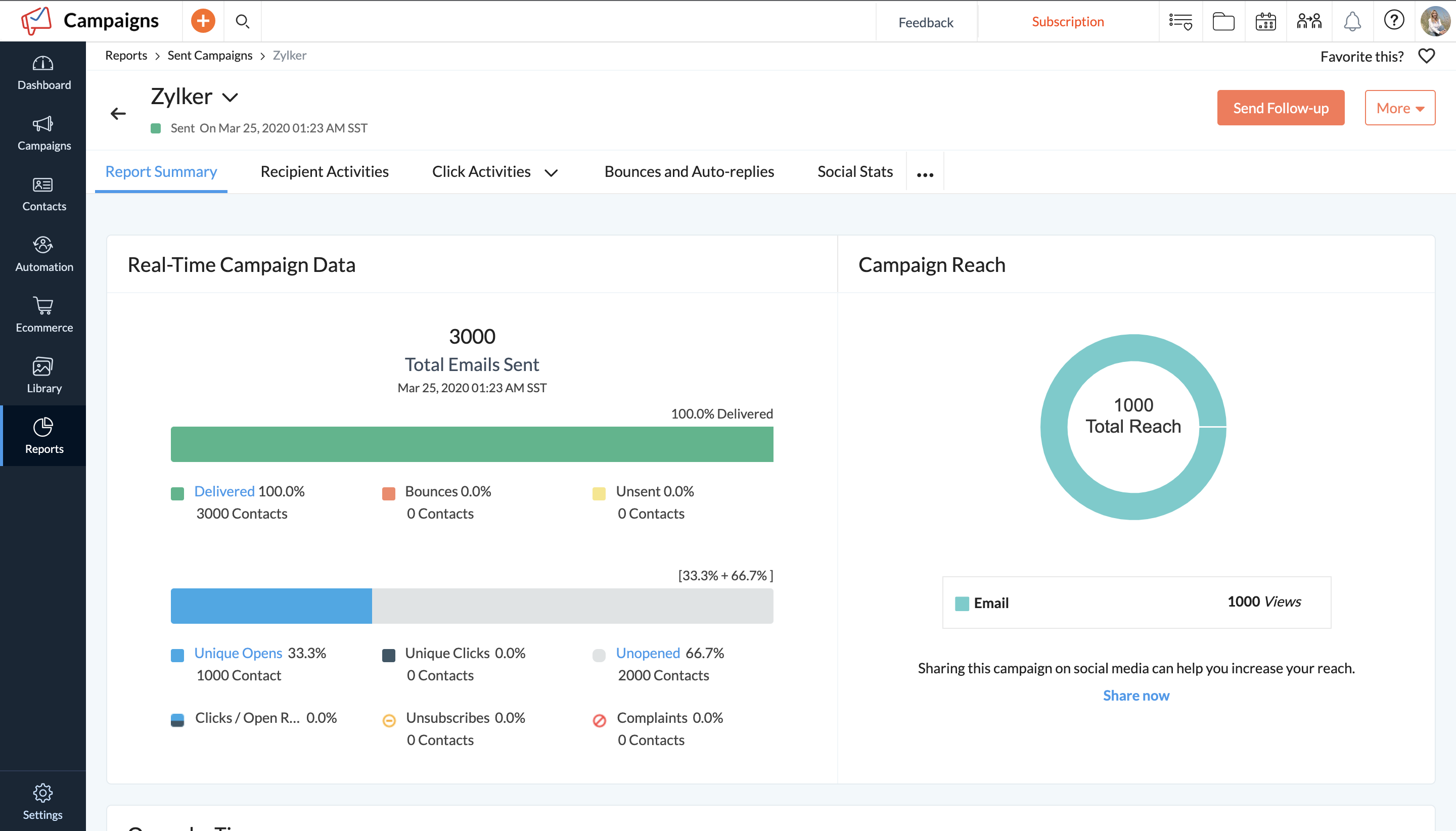
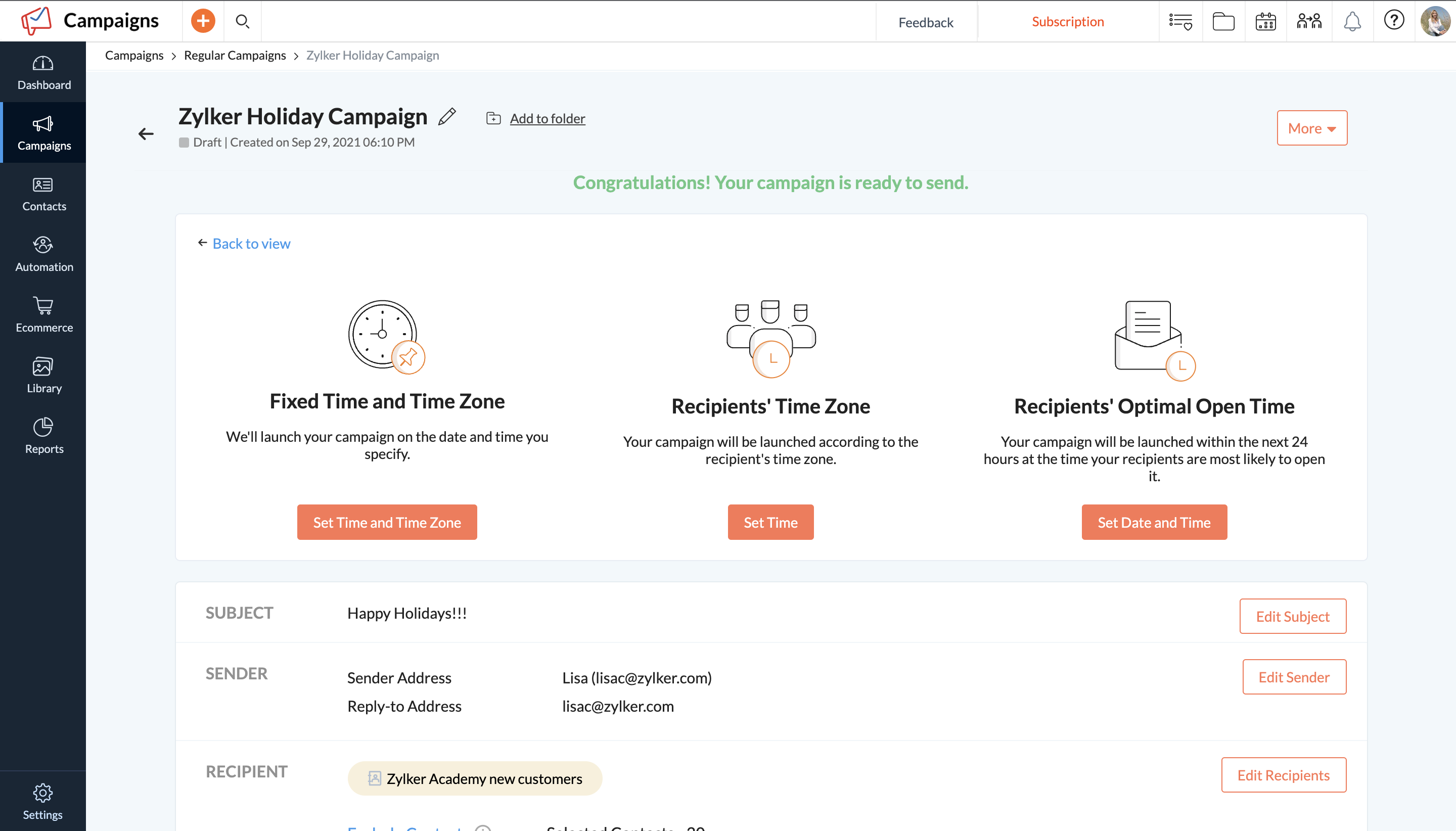
Zoho Campaigns is an email marketing and social networking campaigning tool for smaller companies that helps create, send, and track effective email campaigns. It features list management and segmentation, A/B Testing, tracking and reporting, automation, and mobile campaign management.
$0
Pricing
Constant Contact
HubSpot Marketing Hub
Zoho Campaigns
Editions & Modules
Lite
Starting at $12.00
per month
Standard
Starting at $35.00
per month
Premium
Starting at $80.00
per month
Marketing Hub Starter
$15
per month per seat
Marketing Hub Professional
$890
per month Includes 3 Core Seats (Additional Core Seats start at $50)
Marketing Hub Enterprise
Starts at $3,600
per month Includes 5 Core Seats (Additional Core Seats start at $75)
Forever Free
$0
Standard Plan
$3 for 500 contacts
per month
Professional Plan
$4.5 for 500 contacts
per month
Pay as you go
$14 for 500 contacts
Offerings
Pricing Offerings
Constant Contact
HubSpot Marketing Hub
Zoho Campaigns
Free Trial
Yes
Yes
Yes
Free/Freemium Version
No
Yes
Yes
Premium Consulting/Integration Services
No
Yes
No
Entry-level Setup Fee
No setup fee
Required
No setup fee
Additional Details
The SMS Marketing tool can be added to any Standard or Premium Constant Contact account. SMS is only available in the US for Standard and Premium paid plans. SMS can be added when logged in to an account after purchase. Plans start at $10/month for up to 500 messages.
—
—
More Pricing Information
Community Pulse
Constant Contact
HubSpot Marketing Hub
Zoho Campaigns
Considered Multiple Products
Constant Contact
Verified User
Manager
Chose Constant Contact
Very similar in nature. I feel it's more just what works for your organization as to what solution you are more familiar with and the pricing structure that fits your needs. For most organizations with sales departments, I would recommend a email platform that is linked with …
Constant contact was perfect for our needs for many clients, it wasn’t overly robust, but powerful enough to see strong ROI. With regards to the competitor tools, amongst standard ESP there’s not a huge difference as they all essentially work the same, it’s just about pricing …
Along with Constant Contact, I've also used Mailchimp, Klaviyo, HubSpot, and others -- but these are the main email tools I felt that it could compare to overall.
There is no real comparison, I find that Constant Contact does not have the same user-friendly interface as HubSpot. We used HubSpot and it's awesome. It has every tool we need for an all-encompassing sales and marketing software that will help deliver the results our clients …
We initially selected Constant Contact because it was a price effective software and our company was still growing. At the time, we hosted our websites locally and didn't see the need to have our email marketing platform sync with our CRM. As our companies grew, so did our …
I have used MailChimp which competes with Constant Contact. MailChimp is also a solid program though it seems as if their emails are filtered more strongly - not sure about that point, however. Big difference is the support. Constant Contact has very high level support that can …
Constant Contact is extremely limited in what they offer - essentially, everything the Hubspot email function offers is what you get with Constant Contact. However, if you have another way to track leads from your website and are just looking for a way to send out emails in a …
We moved to HubSpot from Constant Contact, which was a substantial leap forward in marketing technology. Compared to other popular solutions on the market, HubSpot is much more affordable and still gets results. A large enterprise might need a more robust marketing system with …
It does everything Constant Contact can do, and more. Instead of having your email marketing cobbled onto the rest of your campaign it is completly integrated with HubSpot
Verified User
Administrator
Chose HubSpot Marketing Hub
Hubspot is by far more user-friendly, intuitive and better at automation than Constant Contact. Value is also another huge plus when you compare Hubspot to Constant Contact. There are free, readily available, integrations you can use with Hubspot such as SurveyMonkey, …
Dynamics 365 is definitely harder to use and navigate, much less intuitive than HubSpot Marketing Hub. Constant Contact is fine for what it does, marketing email communications, but is much more limited in scope compared to a full Customer Relationship Management platform like …
HubSpot Marketing Hub is preferred because it is all in one, and you are able to view all your marketing data in one place. You can see all the interactions your contacts make with your marketing efforts versus diving into various point solutions and 'guessing.'
I've used and evaluated several other marketing automation tools in addition to HubSpot Marketing Hub. Some of the notable ones include Marketo, Pardot, and Eloqua.
Each of these platforms has its own unique strengths and weaknesses, and I've found that they can be better …
we found that SharpSpring was really well suited for a small agency like ourselves. It had many (not all) of the functionalities that HubSpot has at a way better price. The problem was that we would be locked into a contract. Also, it wasn’t as streamlined and high tech as …
Verified User
Manager
Chose HubSpot Marketing Hub
HubSpot is an all around inbound marketing suite while the others are just pieces.
First just to note: Pardot is just marketing automation and does not include a CMS or something in which you can build and manage a website. In addition, at least when I used it, Pardot doesn't have a blog portion to it so you'd still have to have your blog in something like …
In and of themselves these softwares work well. But none of them boast all the other softwares' capabilities as well. That was a huge selling point for us was that all the tools we used could be found in one spot.
To be technical, I have never used another lead generation or marketing platform. I have only used CRMs in the past and completely winged it on the marketing side. So of course it's way above anything else I've ever tried. Because of this, I am unable to answer this question …
HubSpot is all encompassing with an amazing user interface. It's as simple as that. Update: We use so many tools that HubSpot has to offer. Before HubSpot, we were using an email provider with a separate service for landing pages. Not cool. Too many things were disconnected by …
HubSpot provides the best product with the best customer service at the best price. It is more expensive than other marketing platforms, but we have never questioned the value in that expense, especially after hearing complaints from users of competitor platforms. It was an …
HubSpot is leaps and bounds above other marketing technology platforms that I have used. While other platforms have really been email marketing solutions, HubSpot is literally an extension of my sales and marketing team.
Other things we've used in the past have been tools that only satisfy one area of an integrated digital marketing campaign (social, email, etc.). Once HubSpot came into the picture and updated some of their tools, we no longer had a use for these tools since the cost of …
HubSpot beat these companies based on their robust power, interface, and value. Other companies wanted to charge outrageous enterprise rates for each of our locations. HubSpot worked with me to prune our contacts database and agree on a reasonable pricing package. Their sales …
HubSpot has more features than these products, however, these products offer a much quicker solution to email marketing campaigns. MailChimp and Constant Contact require VERY little to set up and provide an acceptable amount of statistics. However, they do not offer as many …
We didn't look at any other integrated systems. In the past we have used WordPress for blogging, Constant Contact for email, Joomla for web site maintenance and SalesLogix for CRM. HubSpot was selectged specifically because it will eliminate the four independent systems and the …
Marketo had more capability than what we needed. There wasn't a circumstance that I could see us using all of the functionality so it would be like buying a Porsche when you need a reliable Toyota. HubSpot has almost all of the capabilities that we need in our small business, …
I personally find HubSpot to be easier to use and to provide better functionality than most other email platforms I have used (including Constant Contact and iContact), as well as social media platforms such as HootSuite
Verified User
C-Level Executive
Chose HubSpot Marketing Hub
Leaps and bounds better in terms of additional functionality.
The main reason we picked Zoho Campaigns was that we needed to use Zoho Books. QB Desktop, Online and Xero all didn't support the features we needed so we went with Zoho Books. It was the best decision we made. We now get Zoho CRM, Campaigns, Inventory, and 20+ other major …
If you are on a budget or already using Zoho's other products such as CRM, Zoho Campaigns is a good choice to get you up and running with email campaigns. Mailchimp is also affordable and has a lot more capability and customization of the templates and landing pages, but does …
Zoho is not just the one application but actually is a suite of interconnected applications so I can use my Campaign and incorporate it into another application. I also have a little more flexibility with Zoho Campaigns like creating something in a different format then just …
I have not chosen Zoho Campaigns over any other solution, I use all of them for different business scenarios and various client initiatives. I use smaller campaigns under 5k subscribers and use the other solutions for larger campaigns.
Zoho Campaigns is a clumsy attempt to further bring your customer management under the Zoho umbrella. Contact management and CRM integration need a lot of work. Master style definitions, custom templates, and deliverability statistics would be good improvements. On the other …
Zoho Campaigns is much less user-friendly than the other options I've tried. It doesn't seem to have great integrations with other systems either. For example, the forms they give you slow down websites and look terrible. Ultimately, the only time I've gone with Zoho Campaigns …
Zoho Campaigns is honestly the worst email sender in the world. Anyone considering it should stay away. We have opted-in customers who are begging for emails from us and while we were using Zoho Campaigns (we are still moving away currently) no customer has received even one …
Constant Contact is an excellent tool for sending out flyers and newsletters. However, I feel the content's appearance is typically all the same. When I receive an email from Constant Contact, I can immediately identify it - the templates usually all look the same. When sending out communications with images, it is easy to use Constant Contact and link webpages. However, the email layout is always vertical and can get very lengthy. I prefer a more flip-book approach with options to flip the page.
As I said previously, I was not a fan at the beginning because, like everyone, I don't take change so well. Once I started following leads through HubSpot Marketing Hub, I integrated it with my email and created templates for what I needed, I started to see the positives immediately. My time working was better spent as I eliminated time put in routine tasks. I was able to track all communication in HubSpot Marketing Hub, we created systems in the office assigning tasks to one another and, through HubSpot Marketing Hub, our leads were able to book meetings in my calendar automatically. To be honest, if you are in sales and marketing, I cannot think of scenarios where HubSpot Marketing Hub cannot help. All I would like to say is, when using templates, pay attention to where you send them - you may need some personalization. I would encourage the management of HubSpot Marketing Hub to create short tutorials for beginners like me who need to configure and start using various features: setting up deals, templates, and dashboards.
Market segmentation is great: my main segmentation is by region because that's how our sales team is divided.
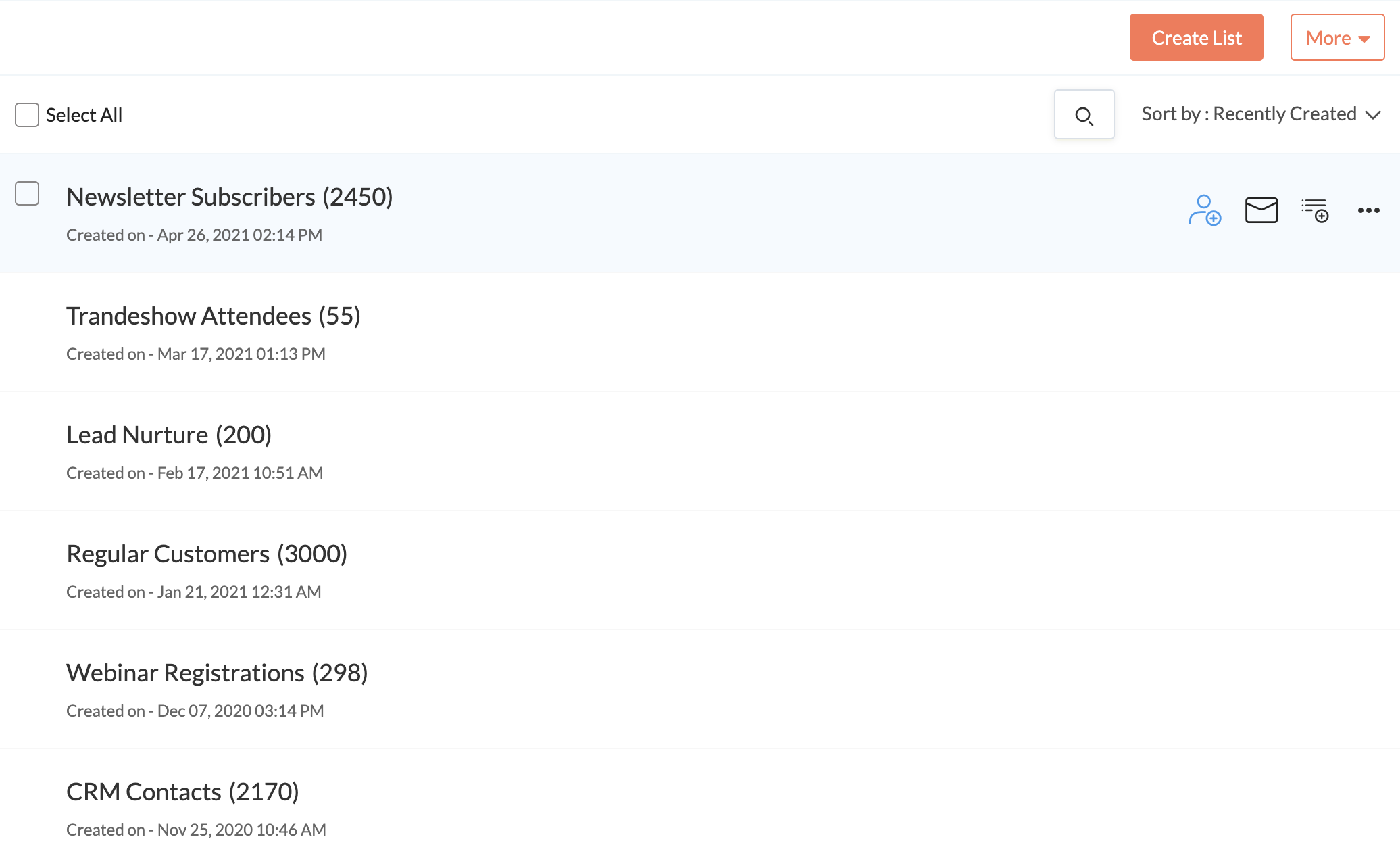
Lists: making customized email lists is easy and intuitive; the custom fields allow some flexibility in case our fields don't exactly line up with Constant Contact's.
Campaigns: creating campaigns is quick and simple. I especially appreciate the 'resend to non-openers' option. I am constantly using this feature.
Subject line generator: I like using the recommended subject lines. I'm able to plug in their recommended ideas, or sometimes, this feature helps me generate my own ideas.
It would be nice if we had more customizable options for emails - like moving around pictures and text boxes, rather than a set spot for everything to go.
I would like it if multiple people could work on a document at one time. So if I'm in charge of graphics, I can get those updated while someone else is entering content, etc.
While Hubspot has added some collaborative tools, I think this could improve. I'd like to see more options to comment on emails and ways of being able to share out changes as well as approval channels.
The ability to update ads via the calendar is pretty cumbersome. There's no good way to bulk edit or update. You have go into each one individually.
Real time edits would be nice. If you have multiple people working on the same thing, you'll get kicked out and your changes might not be saved.
Zoho should start by throwing this tool in the trash and then recreate it from scratch. There are so many flaws I would be here all year trying to list them all. Start by the fact that creating templates is an absolute nightmare. You'll find over and over again that something that should be easily executed can't be done. It is NOT a plug and play program. Everything is trial and error.
The reporting SUCKS bad. It gives you basics, but if you want any real insights... I have to export all my data into my own spreadsheets to compare results from multiple campaigns.
Customer service is B.A.D. You'll spend HOURS upon HOURS with a tech support team that knows less than you. The only time anything gets accomplished is when you work with a programmer. BUT, you'll seriously waste 1-2 hours explaining a problem to someone who is only taking notes. You'll get so frustrated when they try to show you how they think it works and you respond with... "I know how this works because I have used it for a year - the problem is that it stopped working the way it always did before. They will argue with you. You will respond accordingly. They will close tickets without resolution. Speaking of tickets, you'll never get one. They say they will take care of it and a week later you will follow-up and no one will have any idea what is going on. You'll start from scratch and be even more frustrated. You will learn to "fix" it on your own or deal with it, broken.
After two years, I'm still not sure if my emails even make it to an inbox. When asked, you'll be told that you need to write better subject lines. I call bull****. Don't rely on this product to deliver your email. And don't question Zoho, as it will always be your fault.
You can't use this tool to send to ANY group email addresses. You can't even override the system. I have a lot of clients that use info@xxx.com or sales@xxx.com, etc. and I have to send them personal emails since this will not allow them to be sent. They say it is to protect them from getting blacklisted. I call bull**** again.
The templates offered by the system are crap - unless you only send holiday emails. Not a large selection of just generic templates. You'll be pulling your hair out trying to use their builder to create your own. In the end, you'll end up sending emails with nothing "pretty" about them.
There is no doubt that we are going to renew Constant Contact. We have not just invested a lot of time in learning and creating a great looking product but we have developed a strong database of information that allows us to track how we are doing for each newsletter. This supports our goals of creating products that residents desire and are excited to receive.
Our business relies on the HubSpot platform to manage our marketing, sales and CRM processes. HubSpot marketing automation helps us define our activities and streamlines them in a cohesive and efficient way. Without HubSpot, we will have to revert to the 'old way' of doing everything with a variety of disparate systems.
There is always room for improvement. I don't know how they test their systems, but they should invite not-so computer savvy people to test it. If I, as an expert have problems, they need to think like the technophobe. Since I've used Constant Contact in the past as part of my former employment, I have not viewed any of the tutorials and just jumped in to work on my client's newsletter. With that said, I found some areas easy and some a bit cumbersome
While there are some frustrating things that pop up unexpectedly ("wait... I can't do X?"), I have found HubSpot to be easy to use and extremely helpful to my daily work. The documentation is really good, and when it's not helpful, the support staff have been amazing.
Zoho Campaigns is a powerful email sending tool. Zoho Campaigns is highly user-friendly and intuitive software. Complex email marketing tasks are simplified by Zoho Campaigns. Best part of Zoho Campaigns is that when you upload the email addresses it verifies that emails are valid or not. I have never seen this feature except in Zoho Campaigns.
They have had issues with system availability over the course of days. Sometimes the system is unusable, other times updates simply take a long time to show up. It's better now but, from a reliaibility standpoint, HubSpot is not Salesforce.com yet. Still great software though.
The system seemed quite slow sometimes. Specifically, there was sometimes a delay in sends if it was during a high traffic period. There were time-outs when uploading new code for an email, and a lag in reporting analytics which was sometimes as long as 72 hours
With all the new features in HubSpot, the system can get a tad slow sometimes... That said, most of the time it is lightning fast and I have no problems. Because most of the integrations are API, they silently work in the background. I have not had trouble with lag due to HubSpot integration
I think the overall support for Constant Contact has always been incredible; I have nothing negative to say. Our customer support representative was attentive, easy to understand, and very knowledgeable. I never felt like I wasn't a priority of his and my issues, while very small, were fixed in a very short time frame.
During the few times I've needed it, HS support has been accessible, helpful and efficient. Often rolling up their sleeves to make changes for you as opposed to leaving you with a list of instructions to decipher on your own.
I did the 2-day classroom at HubSpot's corporate office in Cambridge. First off, it was amazing to see their corporate office in general. They have such a cool office environment. But it was also great to have the ability to learn in a workshop format with other HubSpot users and meet my Account Manager/ Inbound Marketing Consultant in person.
I went through Inbound Marketing University in 2006. Great training and helped my transition from traditional (outbound) marketing to inbound marketing that I've been able to apply to a number of businesses from wastewater and water reuse, to professional services and SaaS. Share information of value to build awareness and trust. Answer customers' questions in a transparent way to generate more qualified leads. Understand the difference between a marketing qualified lead and a sales qualified lead and put together a lead nurturing program. Your sales and marketing efforts will see significant ROI.
Implementation is very easy for someone who wants to send out the “batch and blast” type newsletters. If you want to use their templates with no customizations, the product works fine. However, the more customizations you get into involving link color, etc, that’s where things can get tricky for someone who may not be familiar with coding
My biggest piece of advice for those who are implementing Hubspot is that you need to devote the time up front and learn how to use the product. Once you learn how to use Hubspot, it will be much more effective as well as much easier to use in the long run
Constant Contact is much more intuitive for people who are not tech-savvy. Also, while sendgrid offered more options in it's drag and drop interface, it displayed differently across different email clients, which made it very cumbersome to use. It also took much longer to upload contact lists and it was harder to manage existing contacts. Performance in sendgrid was much slower as well, and the Preview feature was quite buggy. Our team initially chose sendgrid because of the integration options that it's API offered, but we ultimately switched to Constant Contact because it was much easier to build campaigns and better suited our requirements.
Other competing software such as Zoho and Boomtown may have more bells and whistles, but it is too cumbersome and has many parts that only advanced users can operate. With HubSpot, each function is within reach of the average agent. It doesn't overpromise and then makes you feel incompetent when you can't use it all...
Zoho Campaigns is not for beginners to email marketing, but it’s an excellent choice for those who want to send out a lot of emails with few restrictions and great reporting. It’s a no-brainer if you’re already a Zoho user, as Campaigns is included in Zoho One subscriptions and integrates nicely with other Zoho apps.
Very reliable in sending email campaigns and controlling the recipients so that no contact is sent the same email more than once, even if they are on a resent list
HubSpot is addressing this more and more. Currently you can assign tasks to designated sales teams, which grow as you grow. They've added free baseline products for those just getting started. These and more contribute to the scalability of HubSpot - so I gave it an 8 and am hoping for more in the future!
I have had nothing but positive impacts from using Constant Contact.
The church is large, and there are many subgroups and axillary groups within the church. Setting up specific groups based on responsibility, interest, member goals, and service needs allows me to send information quickly, saving valuable time for other tasks.
Constant Contact allows leadership to stay personally engaged with the members I work with, without over-taxing my time. It feels so seamless.
It allows us to communicate with all our customers or lists together or individually, and to track how successful our campaigns are.
Customer Service is a target area of why we use Zoho Campaigns, and it meets our needs greatly.
To date we have not really measured the ROI or impact that Zoho Campaigns has on our marketing efforts but with this product it certainly has the means to do such.