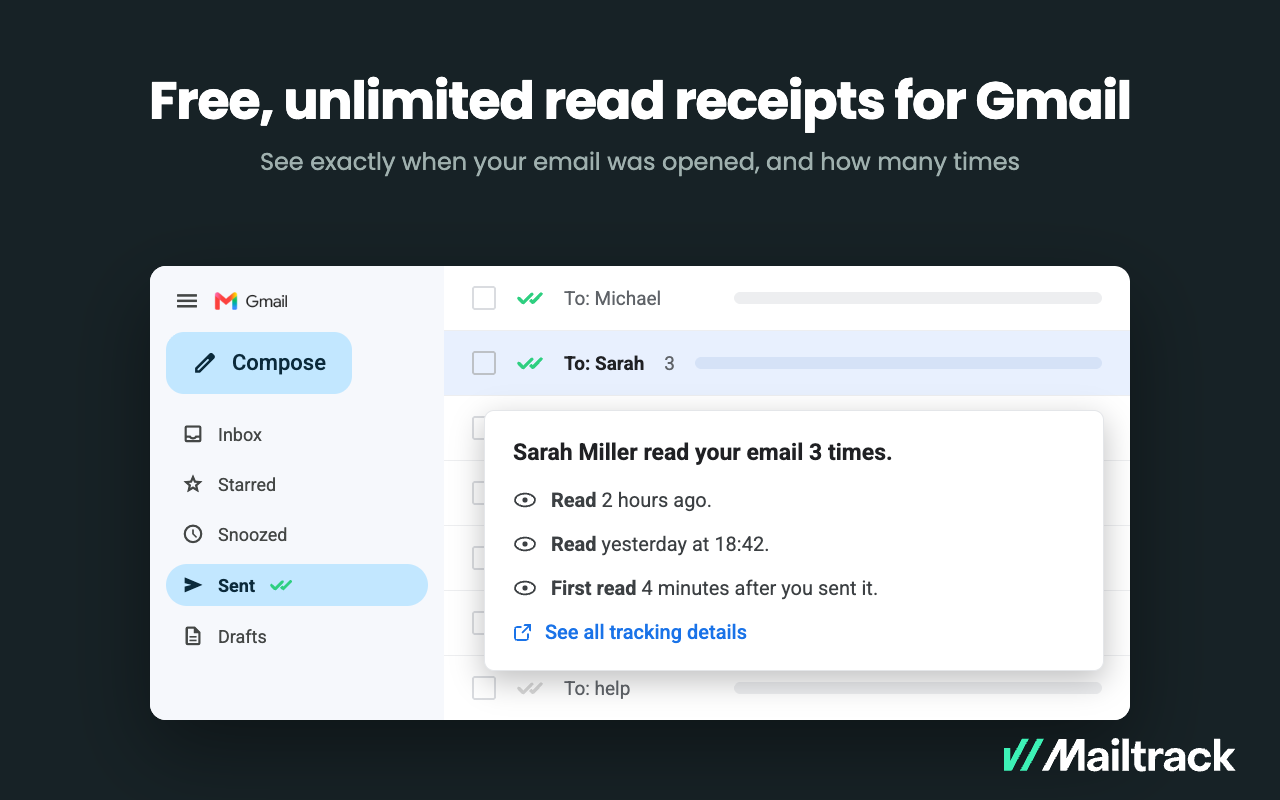
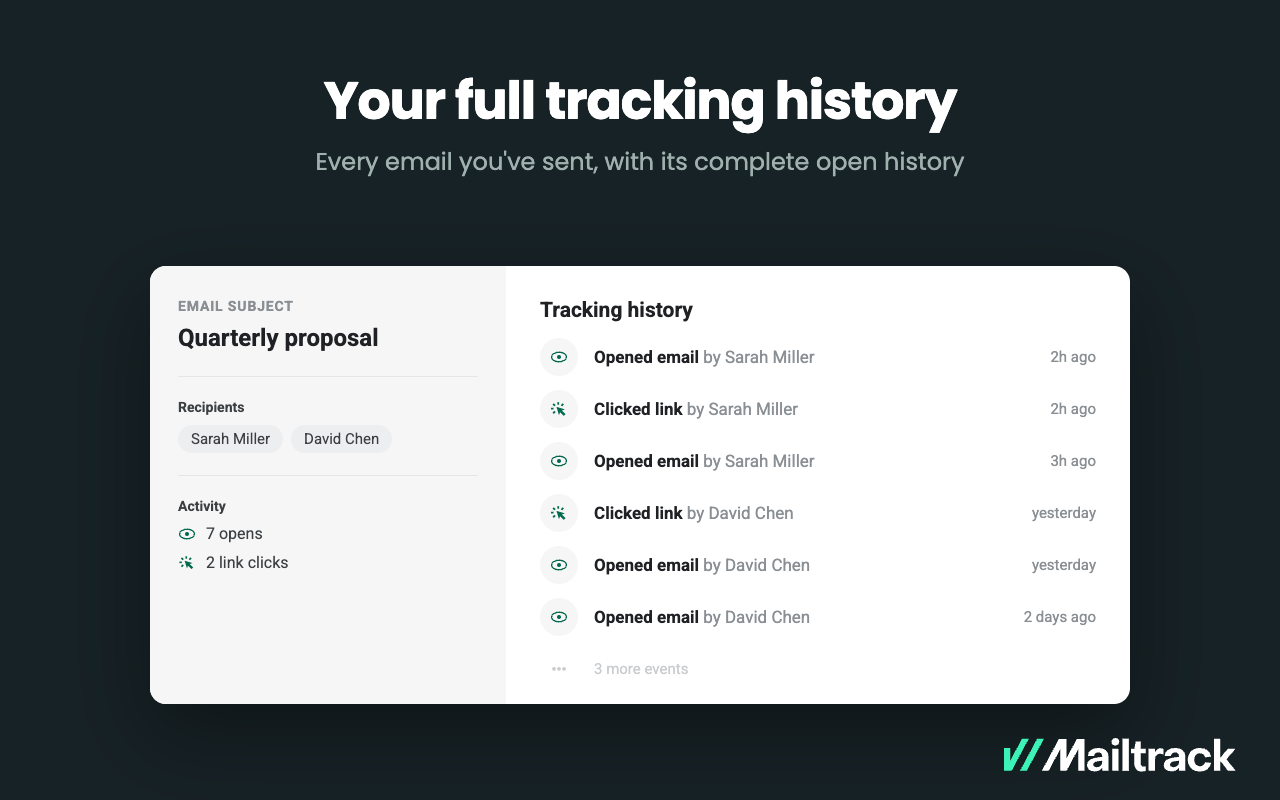
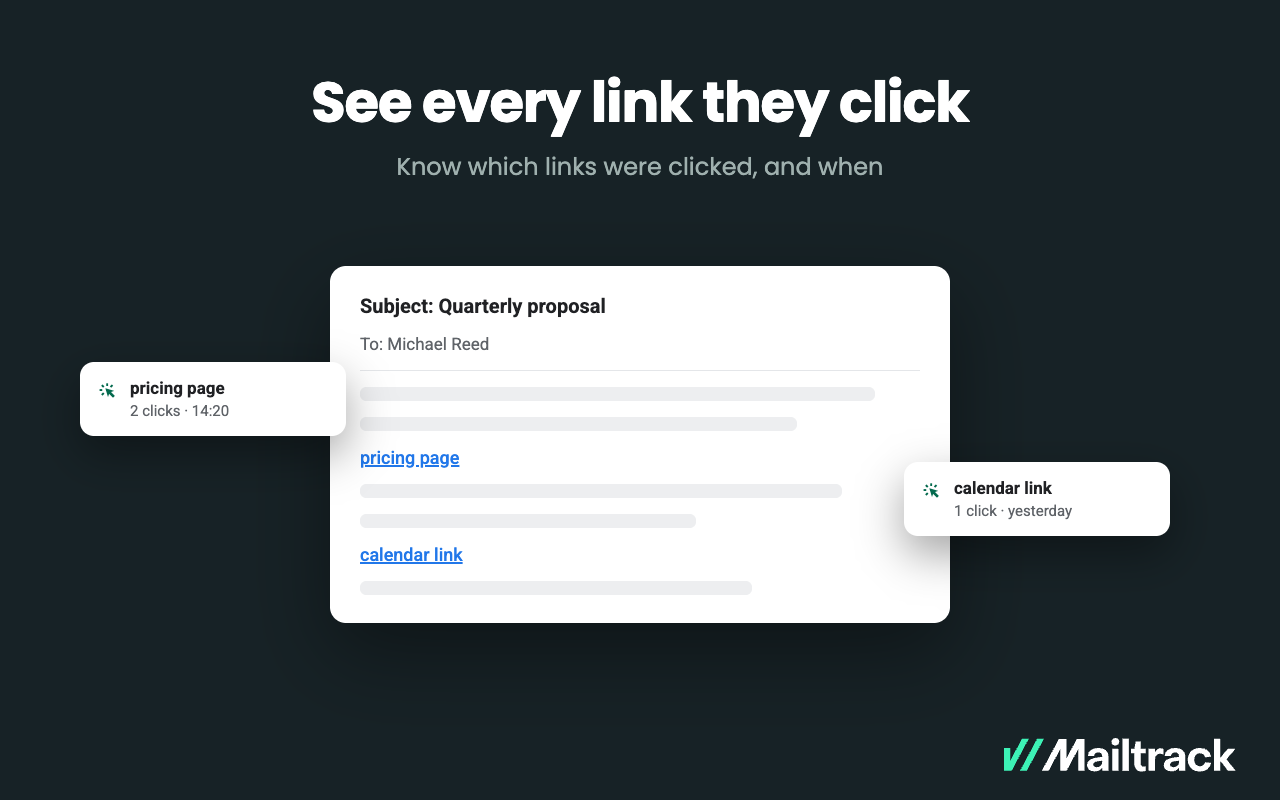
Mailtrack is an email-tracking extension for Gmail and part of Mailsuite. It adds delivery and read-status indicators to sent messages, showing when recipients open an email or click a tracked link without requiring users to leave Gmail. Key Capabilities Gmail read receipts: Mailtrack adds one or two checkmarks to sent messages. Grey checkmarks indicate delivery; green checkmarks indicate that the message was opened. Open and…
$2.99
per month per user
Salesflare
Score10 out of 10
Small Businesses (1-50 employees)
Salesflare headquartered in Antwerp offers their small business intelligent CRM, providing automated event tracking and related features designed to aid the operations of SMBs.
Mailtrack is great for tracking emails if you do not want to pay for larger more complicated tools that do the same thing. If you already love your system but just want to add some convenient read tracking, that's exactly what this is for. If you have a system that doesn't work well, I would take the time to evaluate alternatives that also include read tracking (Salesforce for example). This also applies if you're trying to use this for large outbound sales emails - there are a lot of applications that have email tracking built in (Outreach.io is a great example) so it may just be worth switching your whole system.
A de minimis incentive was given to thank the reviewer for their time. The incentive was not used to bias or drive a particular response, nor was the incentive contingent on a positive endorsement. More Info
If a client or friend of mine was in search of a quality tool that is a robust CRM and has a great team behind it, I would highly recommend SalesFlare. The team has consistently updated the application; it is a robust and useful tool, and most importantly, the team behind SalesFlare is easy to work with when needed.
A de minimis incentive was given to thank the reviewer for their time. The incentive was not used to bias or drive a particular response, nor was the incentive contingent on a positive endorsement. More Info
A de minimis incentive was given to thank the reviewer for their time. The incentive was not used to bias or drive a particular response, nor was the incentive contingent on a positive endorsement. More Info
Salesflare automatically captures and organises data about leads so it can effectively surface the ones that require your attention. It also provides you with the tools to do just that. What it doesn't cover as much right now is feeding top of the funnel: I would for example happily pay extra to have a website visitor identification functionality into the mix.
I would rate Mailtrack's overall usability as a ten out of ten. The reasons for this are actually quite simple. For now, only I have been using Mailtrack. However, looking at the rather easy to use characteristics Mailtrack has to offer, I would not hesitate to recommend it to the rest of my colleagues.
A de minimis incentive was given to thank the reviewer for their time. The incentive was not used to bias or drive a particular response, nor was the incentive contingent on a positive endorsement. More Info
The pipeline, which is the core of the platform, is very clear and full of features. On top of that Salesflare added automations, integrations, plugins and emails. You can easily get your leads there from any platform and nurture your leads until you get the deal done. I think any business can benefit from using this sales CRM.
I didn't really need to use the customer support but the fact that they proactively make the installation process so easy by providing step by step instructions with videos and everything is kind of pro-active customer support that is needed. Good for them because at the end of the day, it's everyone's dream to use a product that they don't need support for.
Hit them on Chat support, and you are gonna get a response within a few minutes (if not in a few hours, during weekends) But they are gonna keep following with you till they make sure that your query has been resolved. Keep it up!
There's a free tier. Obviously, there are other things to love, like notifications about your email being read, the fact that if an email hasn't been responded to in some time it gets bumped up. The fact that if other people have Mailtrack you will actually get notified who read your email. But the fact that there is a free tier is HUGE.
Pipedrive was another option but I chose Salesflare for the seamless integration into my regular everyday workflow as well as its ability to integrate with just about any app you can think of. It plays nice with all of my other apps and makes using a CRM actually fun. I love the fact it works inside my Gsuite account and automatically pulls data from Gsuite into Salesflare.
A de minimis incentive was given to thank the reviewer for their time. The incentive was not used to bias or drive a particular response, nor was the incentive contingent on a positive endorsement. More Info
I'm currently using the free version so my investment was time spent downloading the browser extension. I would say it's worth the investment because I can make more value through each email by finding the right time to send replies or know when is the exact time I should follow up.
Knowing when an email is read multiple times helps me know the importance of the content in my email.
The paid version allows Mailtrack to tell you which recipient read the email if there was more than 1.