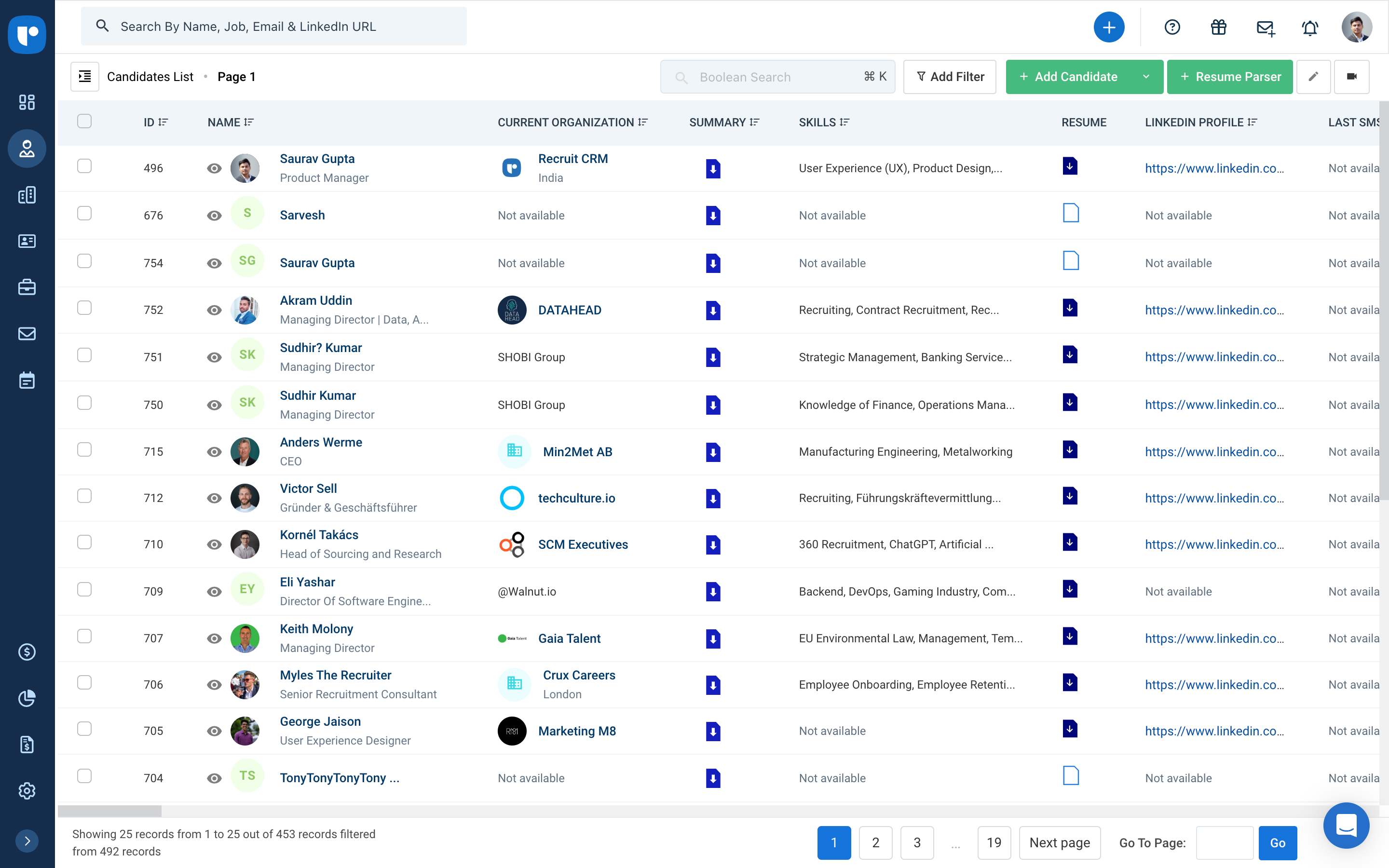
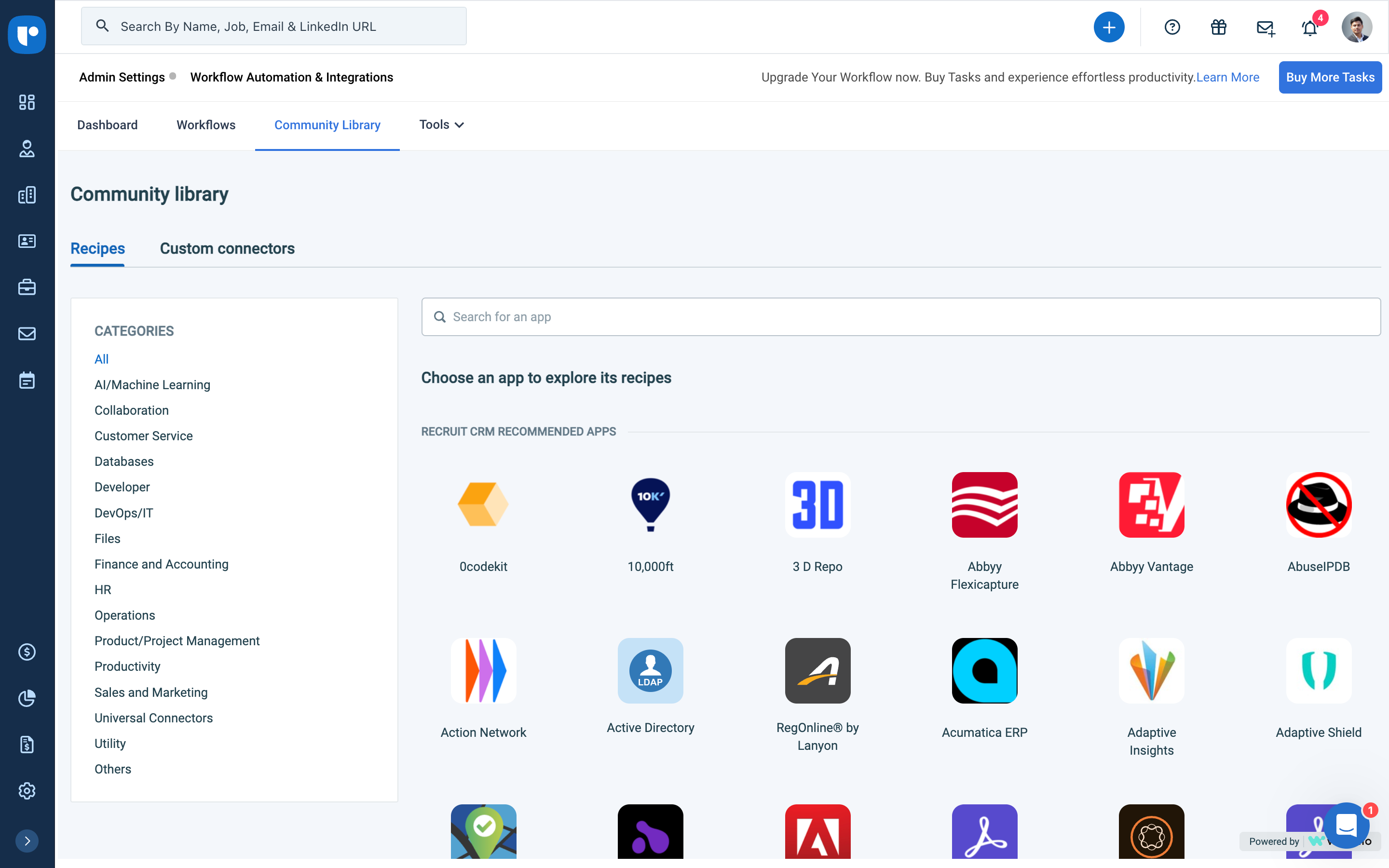
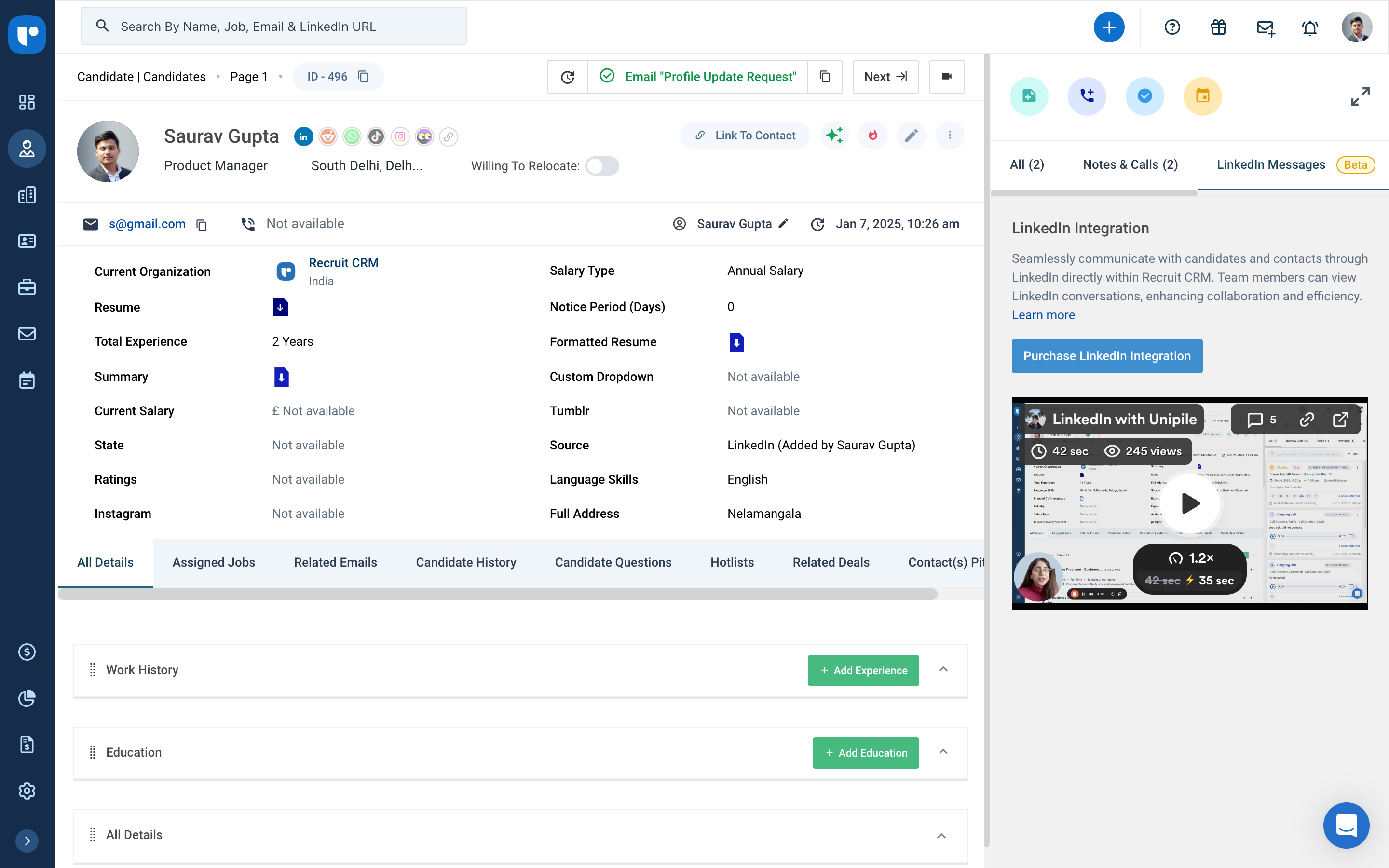
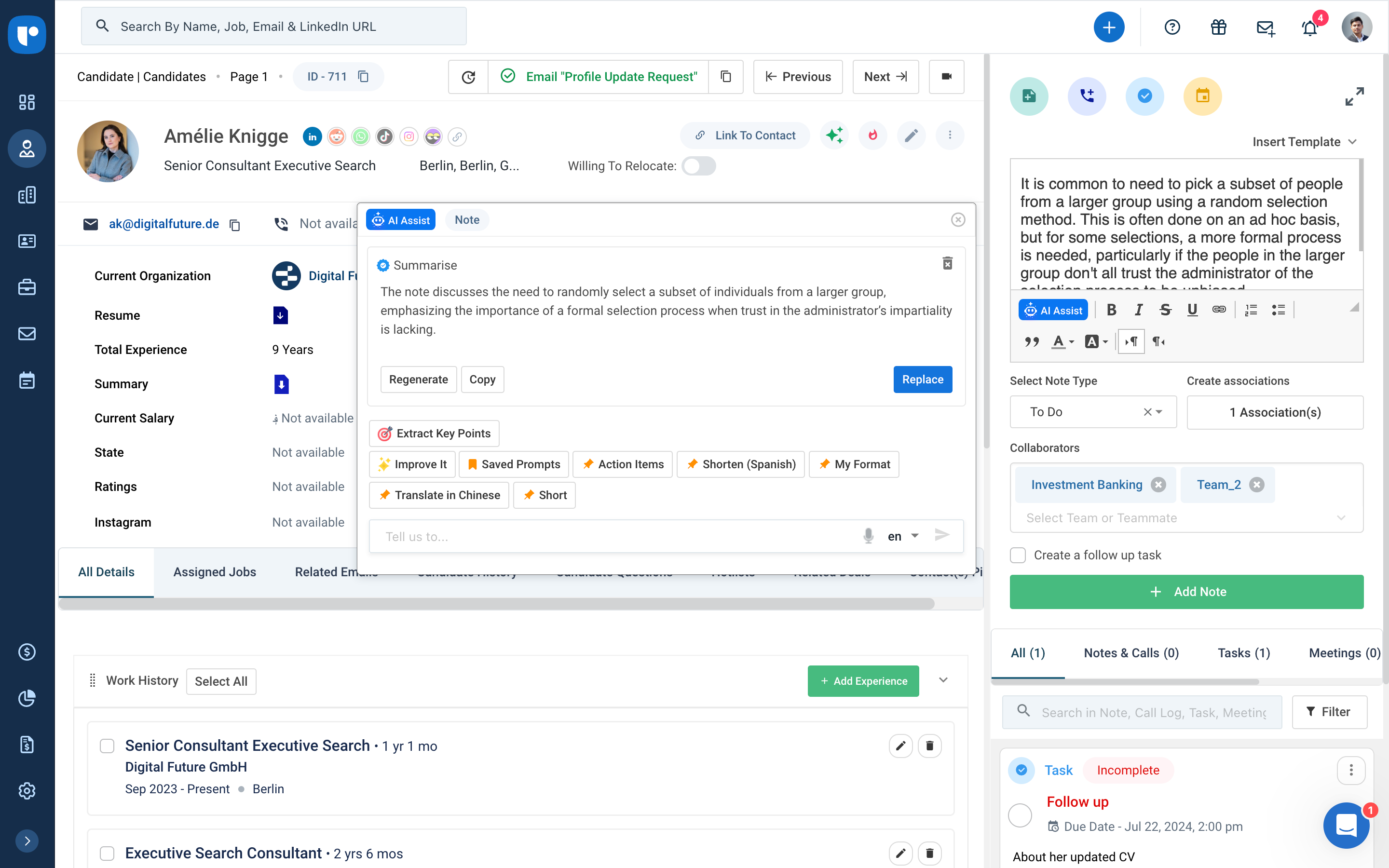
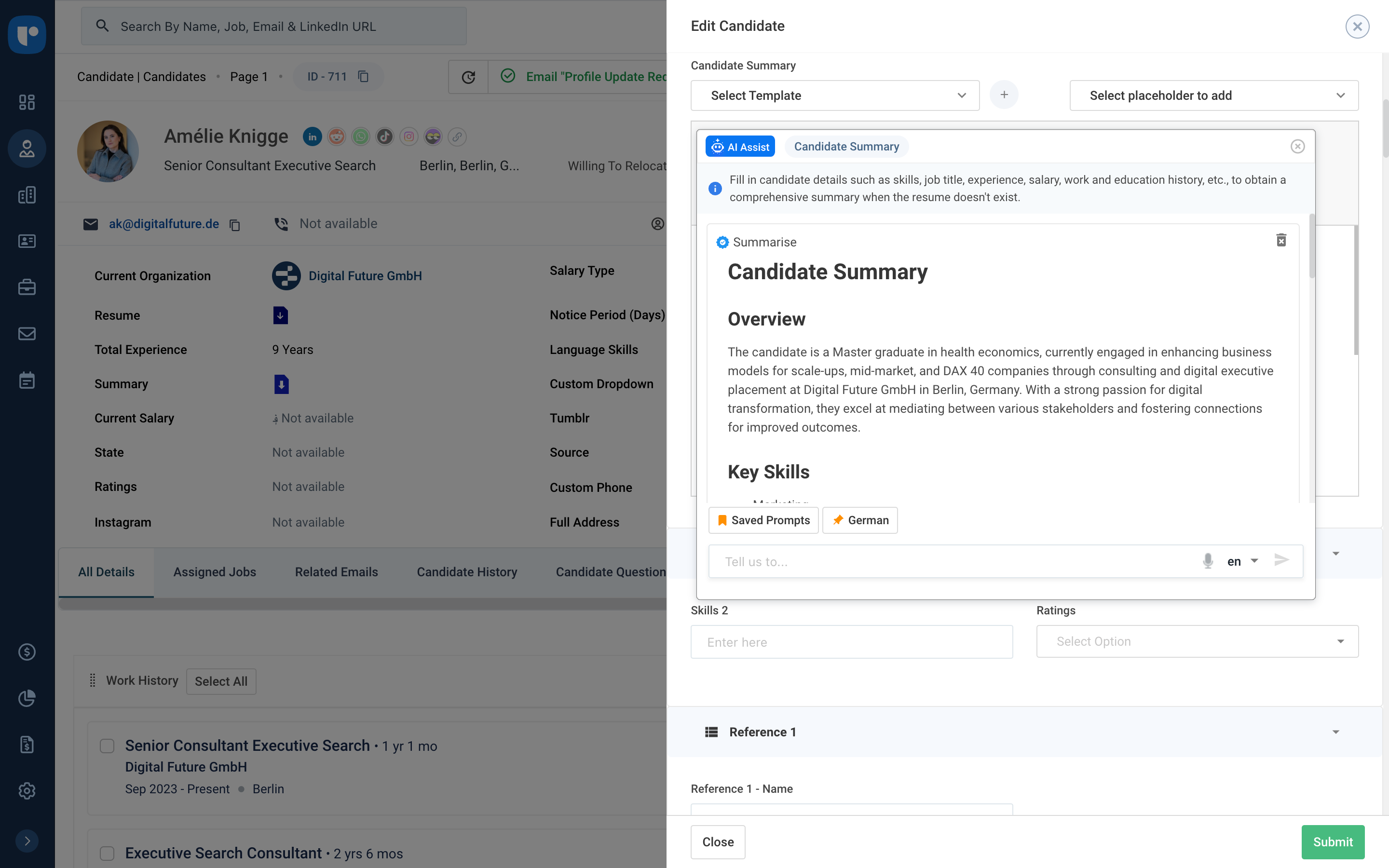
Recruit CRM is an ATS + CRM built for recruitment and executive search firms. It centralizes candidates, clients, jobs, and candidate communications. Key features include AI resume parsing, intelligent candidate matching, automated sourcing, GPT-powered content generation, and customizable workflow automation. A visual Kanban pipeline, AI search, and no-code integrations streamline operations, reduce manual work, and help recruiters fill roles faster while maintaining a structured, data-driven…
$95
per month per user
Rippling HCM
Score 8.9 out of 10
N/A
Rippling HR is a human resources platform for managing employee records, onboarding, benefits, time and attendance, compliance, and other core people operations in one system. It serves as the HR layer of the broader Rippling platform, giving companies a central place to manage the employee lifecycle while connecting HR data to payroll, IT, and finance workflows when needed.
$8
per month per user
Pricing
Recruit CRM
Rippling HCM
Editions & Modules
Pro
$95
per month per user
Business
$125
per month per user
Business
$135
per month per user
Enterprise
$259
per month per user
Recommended
$8.00
starting price per user, per month
Offerings
Pricing Offerings
Recruit CRM
Rippling HCM
Free Trial
Yes
No
Free/Freemium Version
Yes
No
Premium Consulting/Integration Services
Yes
Yes
Entry-level Setup Fee
No setup fee
No setup fee
Additional Details
Up to 20% discount for annual pricing on Pro and Business plans.
For additional pricing details visit the Rippling pricing page.
More Pricing Information
Community Pulse
Recruit CRM
Rippling HCM
Considered Both Products
Recruit CRM
No answer on this topic
Rippling HCM
Verified User
Employee
Chose Rippling HCM
I have experience using BambooHR, and though it has similarities in most features, I would say that Rippling does the job because of its functionality in contract templates that we can utilize for independent international contractors. It is very easy to navigate and set up, …
Another way to describe your CRM experience is to show your skills and abilities in using CRM software and tools. For example, you can mention the specific CRM platforms or systems that you have used or are familiar with, such as Salesforce, HubSpot, Zoho, or Microsoft Dynamics.Highlight both technical and transferable skills. Showcase your ability to collaborate with and contribute to a team in addition to your capabilities in CRM applications. This way, the interviewer can see how your skills are assets to their organization. Highlight any special certifications in CRM software you haveTalent Shortage.Attracting the Right Candidates.Targeting Passive Candidates.Engaging with Qualified Candidates.Reducing Time-to-hire.Building a Strong Employer Brand.Creating an Efficient Recruiting Process.Eliminating Bias in Hiring.
It has a favourites section for commonly used functions. This is perfect for logging in pre-sift and managing my timekeeping. It is easy to view my payslip. It is well-documented and accurate, and it also provides me with an accurate timeline for when to expect my pay to clear. Overall, very easy to use and great interface.
Rippling could improve their payment days. Currently they make employee payments around the 15th and 30th of the month, but it varies slightly with every month. It would make more sense to do this payment on every other Friday or every other Monday.
I've been fully impressed with the tool so far in my 6 months of being a daily user. It's rare to run into an issue that can't be solved. Customer service is quick to respond and are usually very helpful. The price is great for the upgrade we got from our past tool. We hit our ROI within the first month.
There is always room for improvement and I believe RCRM is a great system that is adapting to what it's users want and need. The system suits our needs and is a huge improvement from our previous system. I can't say enough good things about the customer service. They have great follow up and always get back to me within the same day. If there is ever an unknown, there is a timeline given for follow up and a promise to get it resolved. They always come through. It's important to have a team behind your software that listens and adapts.
I think you are redundant with these questions. I have mentioned how easy of to use and a great tool for tracking activity. It wastes no time and has what you need. I am pleased with its usability, and if it were up to me, I would keep using it.
I like that the availability in using Rippling at any given time is useful to me. Getting on the site freely when I need gives me security of knowing that I can be in control of viewing health insurance and hours information. I have yet to get any errors in using the Rippling app.
Rippling's performance has been great, no errors or glitches yet so far. I am confident that Going from one page to the next and all its complexity usage does not lag or times out, it works effectively and efficiently. While using Rippling and other apps it does not tend to slow it down, works great. No complaints.
Again, the customer service team is awesome. They always respond in the same day and have resolved any issue I have ever had. They have made improvements to the system on a weekly basis, always improving for their users. There is a forum where you can leave your feature suggestions and vote on ones left by other users. The reps will jump on a call or screen share with you if you need to be walked through anything. They go above and beyond.
They have been quite responsive to questions and clarifying settings, approaches, listening to feedback. Their knowledge base and training seem well-established and user-focused. Really like their offerings in Rippling U to help orient admins on features, functionality, and best practices. The IT implementation specialist was kind, efficient, and walked us through each screen, explaining different scenarios as we got things configured. They followed up after each call with action items, recommendations, and made themselves available between working sessions. The whole process felt very productive.
It's really easy to implement in comparison to other tools or applications. Different key points are easily configured and implemented as per need, having different configurations in systems. Implementation is something which binds the different parameters of an organization in a single row. Implementation of rippling is much easier, quicker, and error free than any other software. I recommend it strongly!
We evaluated about 3-5 different vendors. The low barrier to entry made it an easy target to test out. Forcing an upfront annual fee was not in our interest without extensively testing the product. We also had a very basic requirement - an easy way to intake a large number of candidates and move them through a recruitment process. We didn't need anything else special at the time and recruit CRM was the most straightforward application that would provide us with a solution.
Rippling far outshines Employment Hero from an LMS perspective; the EH LMS is really bad and has very little functionality, as well as being completely user-unfriendly. The UE is much better with Rippling, no more searching for things that are in obscure places or running reports that need refining to the extreme.
I can go on here and see all my hours and pto plus health benefits. I like to have the work handbook handy to refer to legal things. How to work my role within it's limits. Being able to put in my hours and view when they are approved is a huge benefit for me.