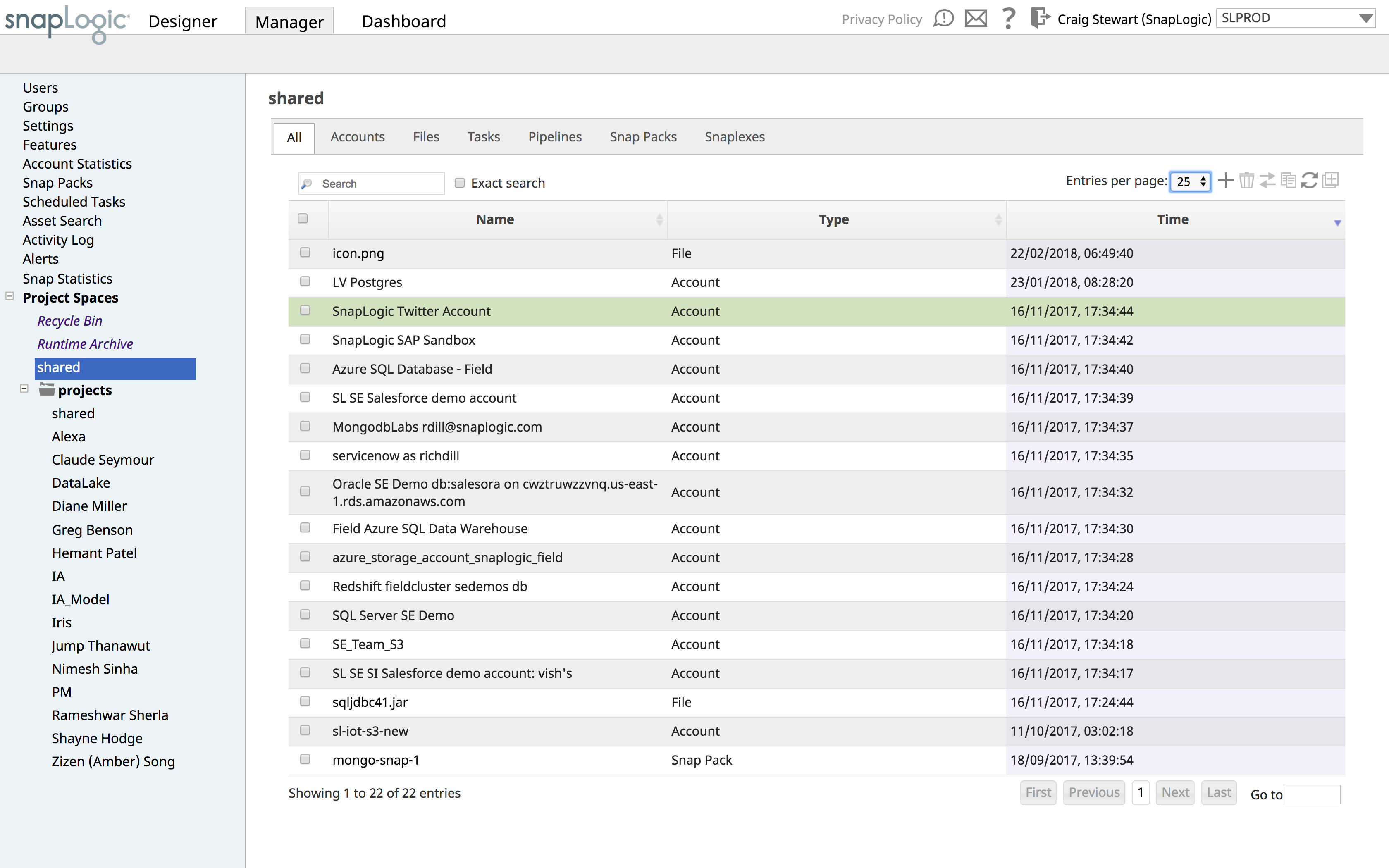
SnapLogic is a cloud integration platform with a self-service capacity supported by over 450 prebuilt modifiable connectors. SnapLogic also offers real-time and batch integration processes for interfacing with external data sources, a drag-and-drop interface, and use of the vendors’ Iris AI.
N/A
Zoho Flow
Score9.8 out of 10
N/A
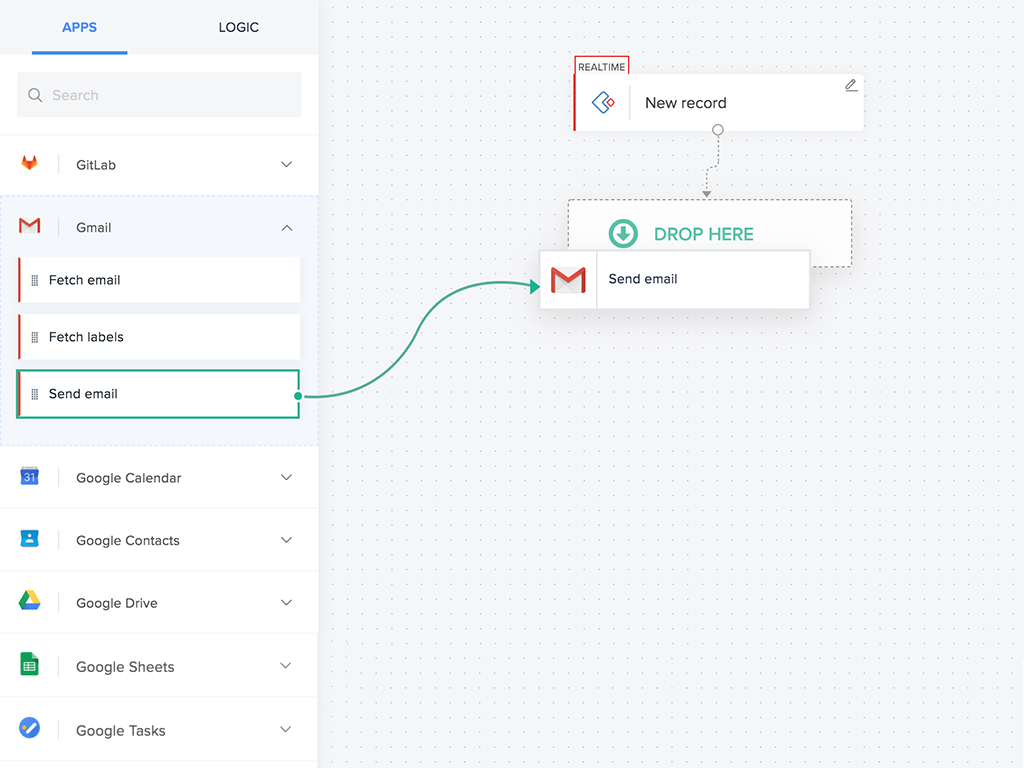
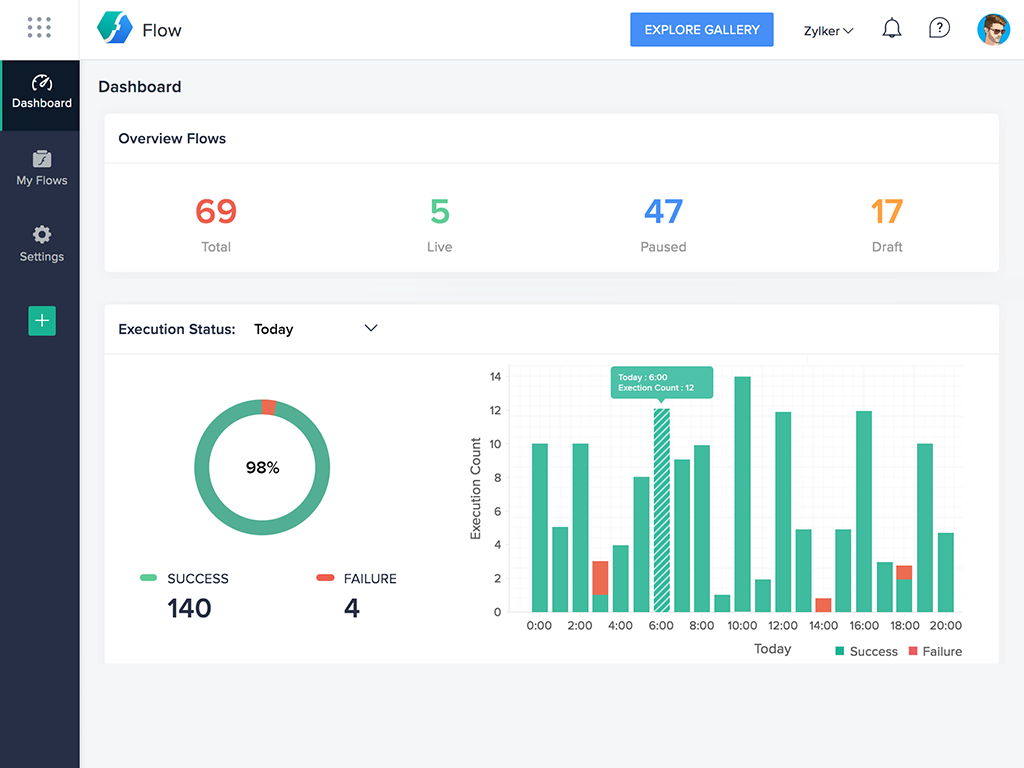
Zoho Flow allows the user to integrate business apps to automate a workflow.
$29
per month (for 5k tasks per month)
Pricing
SnapLogic
Zoho Flow
Editions & Modules
No answers on this topic
Standard
starting at $29
per month starting with 5k tasks per month
Professional
starting at $49
per month starting with 10k tasks per month
Offerings
Pricing Offerings
SnapLogic
Zoho Flow
Free Trial
No
Yes
Free/Freemium Version
No
Yes
Premium Consulting/Integration Services
Yes
Yes
Entry-level Setup Fee
Optional
Optional
Additional Details
—
Discount available for annual pricing. Higher monthly task volume available.
Snaplogic is unique from other IPASS tools if you're very sensitive about data security as they have an on-premise option where your data never needs to leave your data center. And data pipelines can be quickly created if Snaplogic has the requisite connector to your data sources. On the downside, if you're transforming a large amount of data for example in training machine learning models, a tool with elastic compute capability is more appropriate.
For small—to medium-sized connections between different applications, Zoho Flow is quick and easy to set up and test. However, as a Flow becomes more complicated with multiple connections and decisions, it becomes more difficult to track errors and faults and manage changes. Some of this is due to the history not being detailed enough, and some is just the UI, where you can't zoom in and out and clearly see connecting lines for flows.
A de minimis incentive was given to thank the reviewer for their time. The incentive was not used to bias or drive a particular response, nor was the incentive contingent on a positive endorsement. More Info
A de minimis incentive was given to thank the reviewer for their time. The incentive was not used to bias or drive a particular response, nor was the incentive contingent on a positive endorsement. More Info
A de minimis incentive was given to thank the reviewer for their time. The incentive was not used to bias or drive a particular response, nor was the incentive contingent on a positive endorsement. More Info
A de minimis incentive was given to thank the reviewer for their time. The incentive was not used to bias or drive a particular response, nor was the incentive contingent on a positive endorsement. More Info
A de minimis incentive was given to thank the reviewer for their time. The incentive was not used to bias or drive a particular response, nor was the incentive contingent on a positive endorsement. More Info
This has been hands down the BEST software company I have ever used and dealt with. I am a 25 year IT veteran at this college. They go above and beyond in soliciting our feedback/input and proactively follow up about bugs, issues, etc. I have given multiple potential clients my thoughts and after seeing the SL demo they all sign up. I appreciate their support model, it's REFRESHING!
A de minimis incentive was given to thank the reviewer for their time. The incentive was not used to bias or drive a particular response, nor was the incentive contingent on a positive endorsement. More Info
A de minimis incentive was given to thank the reviewer for their time. The incentive was not used to bias or drive a particular response, nor was the incentive contingent on a positive endorsement. More Info
Flow can accomplish almost anything you want to do. It's imperfect, but it could be with just a few more features and better error management/visibility. For someone who's not a developer, this is a no-brainer. Having used other products in the past, like Zapier, this is as easy to use, if not even easier.
A de minimis incentive was given to thank the reviewer for their time. The incentive was not used to bias or drive a particular response, nor was the incentive contingent on a positive endorsement. More Info
They can be prompt but they have not been as useful as I've wanted. We had a bug that affected many of our customers through an API connection between SnapLogic and our platform. Eventually they were able to figure it out, but it took a long time of negotiating between our engineering team and theirs. Additionally, we installed the SnapLogic groundplex for our customers and we've run into a bunch of problems of connectivity. If SnapLogic offered to be on those calls with our clients to troubleshoot how to fix these problems, I would give them a better grade here.
A de minimis incentive was given to thank the reviewer for their time. The incentive was not used to bias or drive a particular response, nor was the incentive contingent on a positive endorsement. More Info
I've reached out to the support team several times with assistance requests in Zoho Flow. Each time the team has answered my questions promptly and accurately. And because we are mainly integrating other Zoho apps their teams are perfectly positioned to solve our problems.
A de minimis incentive was given to thank the reviewer for their time. The incentive was not used to bias or drive a particular response, nor was the incentive contingent on a positive endorsement. More Info
A de minimis incentive was given to thank the reviewer for their time. The incentive was not used to bias or drive a particular response, nor was the incentive contingent on a positive endorsement. More Info
We opted for SnapLogic due its ease of use and the flexibility it offers, it was the platform that was strongest in both application integration and data integration and both were use cases we wanted to be able to cover.
I've used Zapier and both programs are similar. Zapier has deeper integrations or more apps to integrate with but considering Flow's association with other Zoho apps this does it for us!
A de minimis incentive was given to thank the reviewer for their time. The incentive was not used to bias or drive a particular response, nor was the incentive contingent on a positive endorsement. More Info
A de minimis incentive was given to thank the reviewer for their time. The incentive was not used to bias or drive a particular response, nor was the incentive contingent on a positive endorsement. More Info
A de minimis incentive was given to thank the reviewer for their time. The incentive was not used to bias or drive a particular response, nor was the incentive contingent on a positive endorsement. More Info