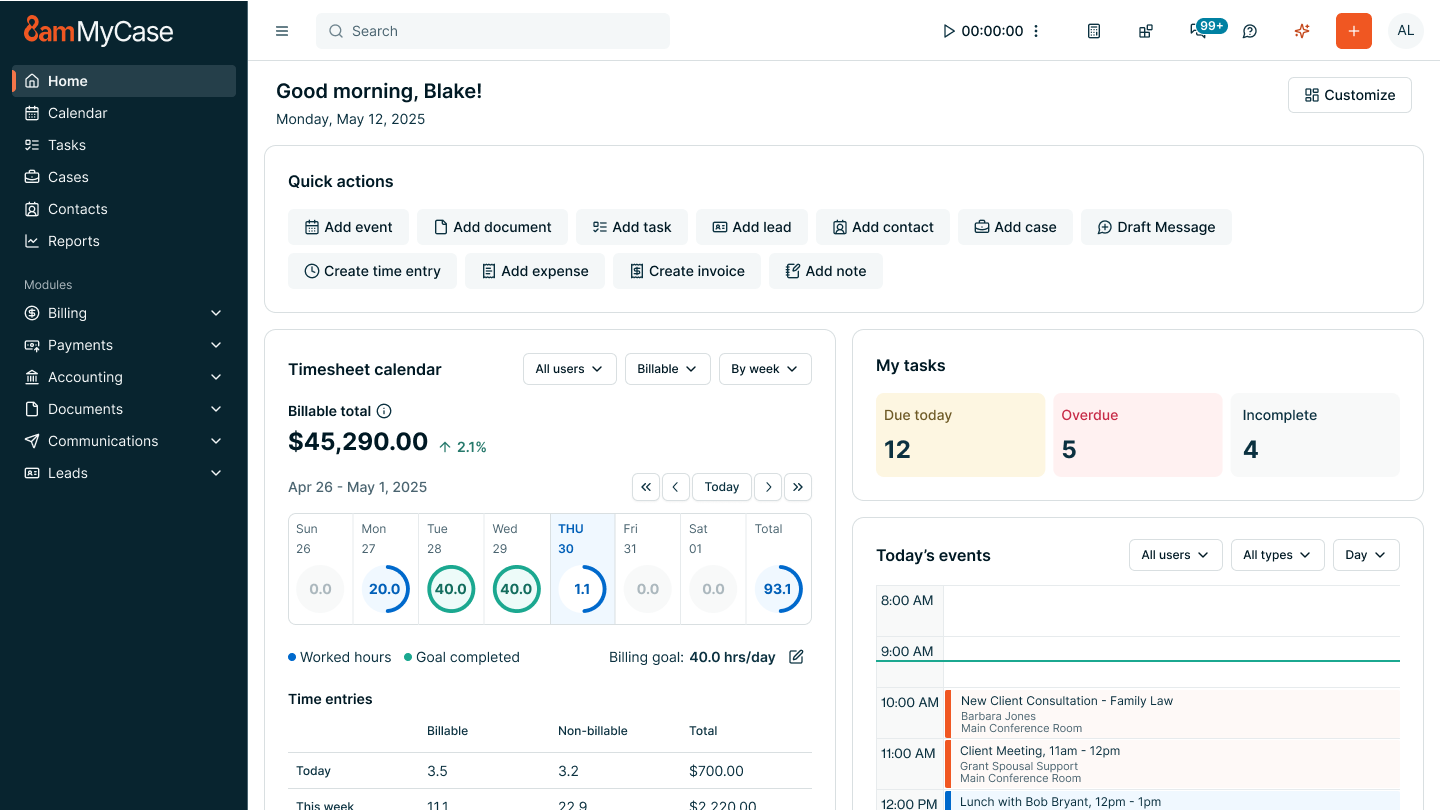
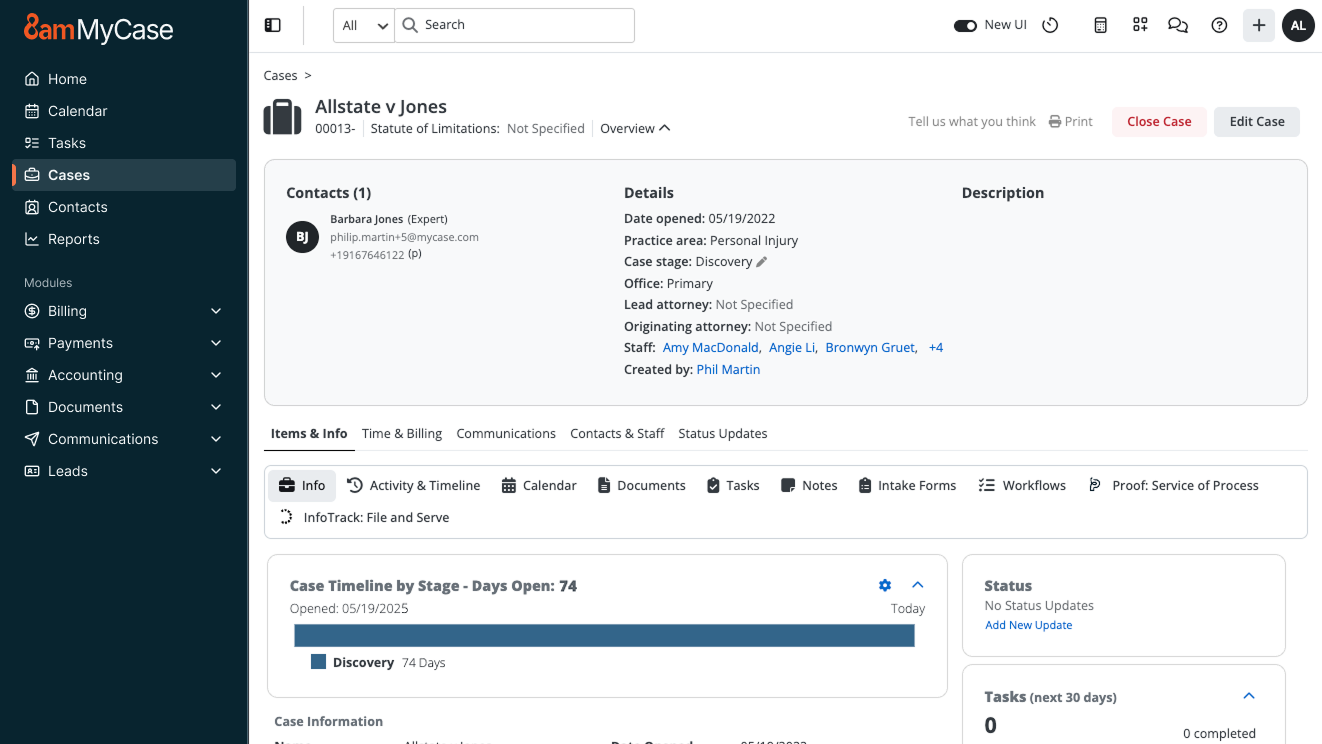
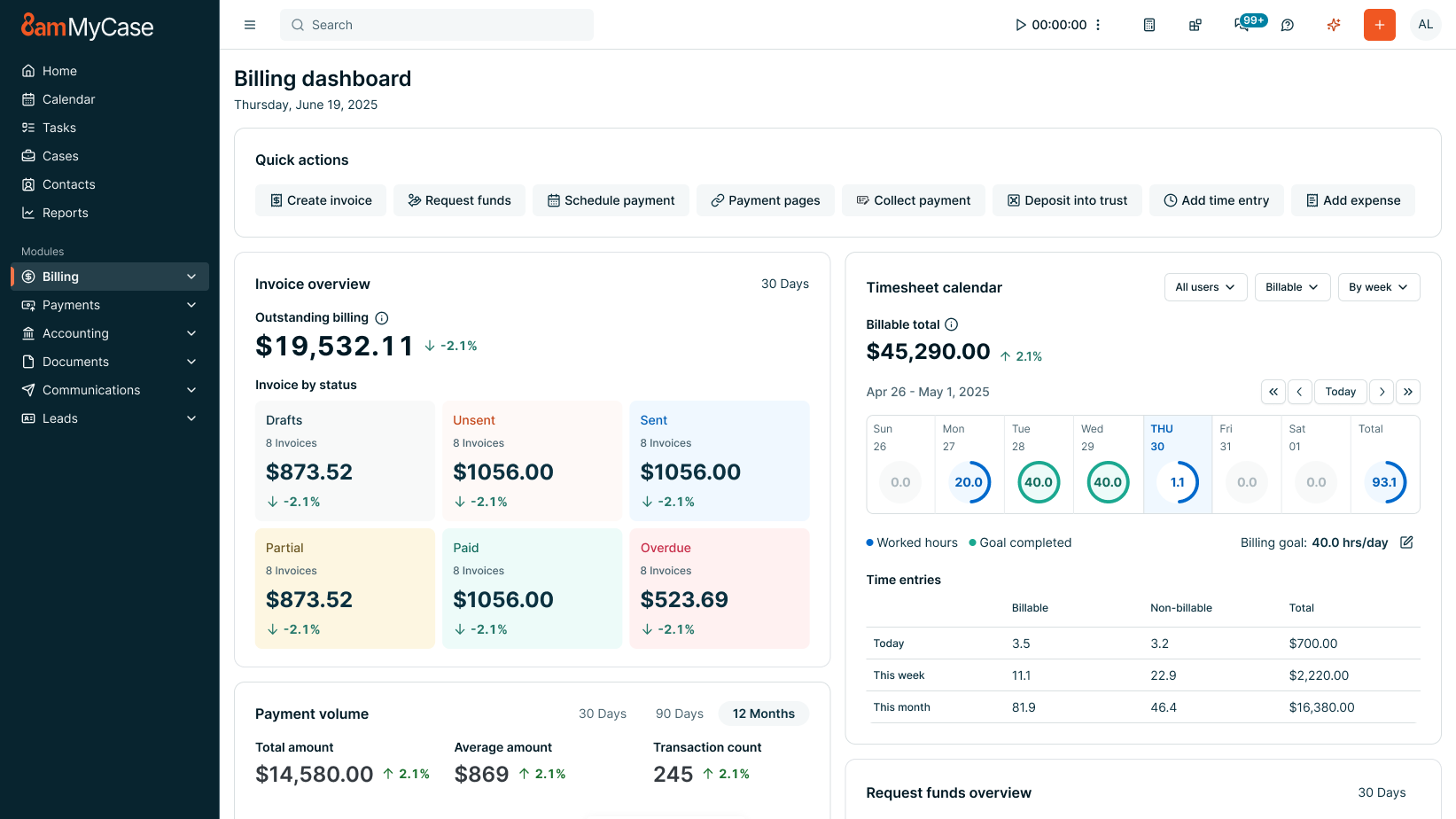
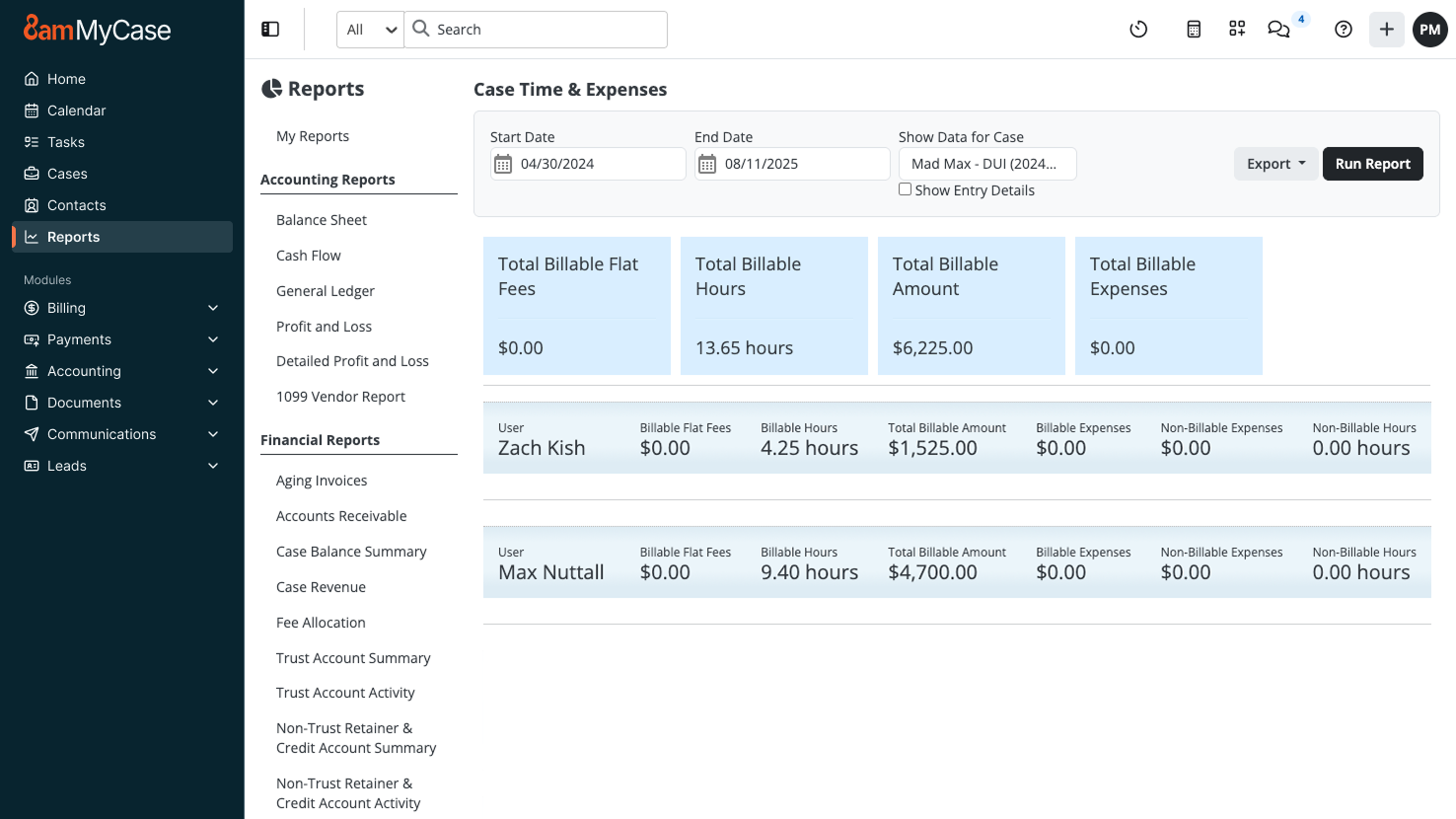
8am MyCase provides web-based practice management software designed for solo and small firm legal professionals. MyCase aims to offer a secure, all-in-one legal practice management solution to alleviate the burden of high caseloads, poor client communication, and practice management operations. The product aims to help users spend less time managing their firm and more time practicing law. MyCase can be accessed from any device or computer so users can manage documents and…
$49
per month per user
PCLaw
Score6 out of 10
N/A
PCLaw is offered as an all-in-one billing, legal accounting, and matter management solution, from PCLaw | Time Matters, a joint venture spun out of LexisNexis in collaboration with LEAP in 2019.
It is great for taking credit card payments, managing calendars, sharing and accepting document uploads and maintaining digital files. The app is better than nothing, however is vastly inferior to the web version. The time entries should show on the first screen whether they are marked as billable or non-billable without having to enter each specific time entry
A de minimis incentive was given to thank the reviewer for their time. The incentive was not used to bias or drive a particular response, nor was the incentive contingent on a positive endorsement. More Info
PCLaw is well suited for small to medium sized law firms with minimal accounting and bookkeeping needs. The software provides basic case management functions, and I've encountered issues with viewing or organizing new documents. The software crashes and freezes often, especially when multiple users are trying to access it at the same time. The user interface is a bit outdated but still very easy to navigate. You have to pay more for the cloud-based version of the software and it does not allow software integrations or workflow automations. I would recommend using this software only for billing/accounting purposes and subsidizing case management with more modernized products
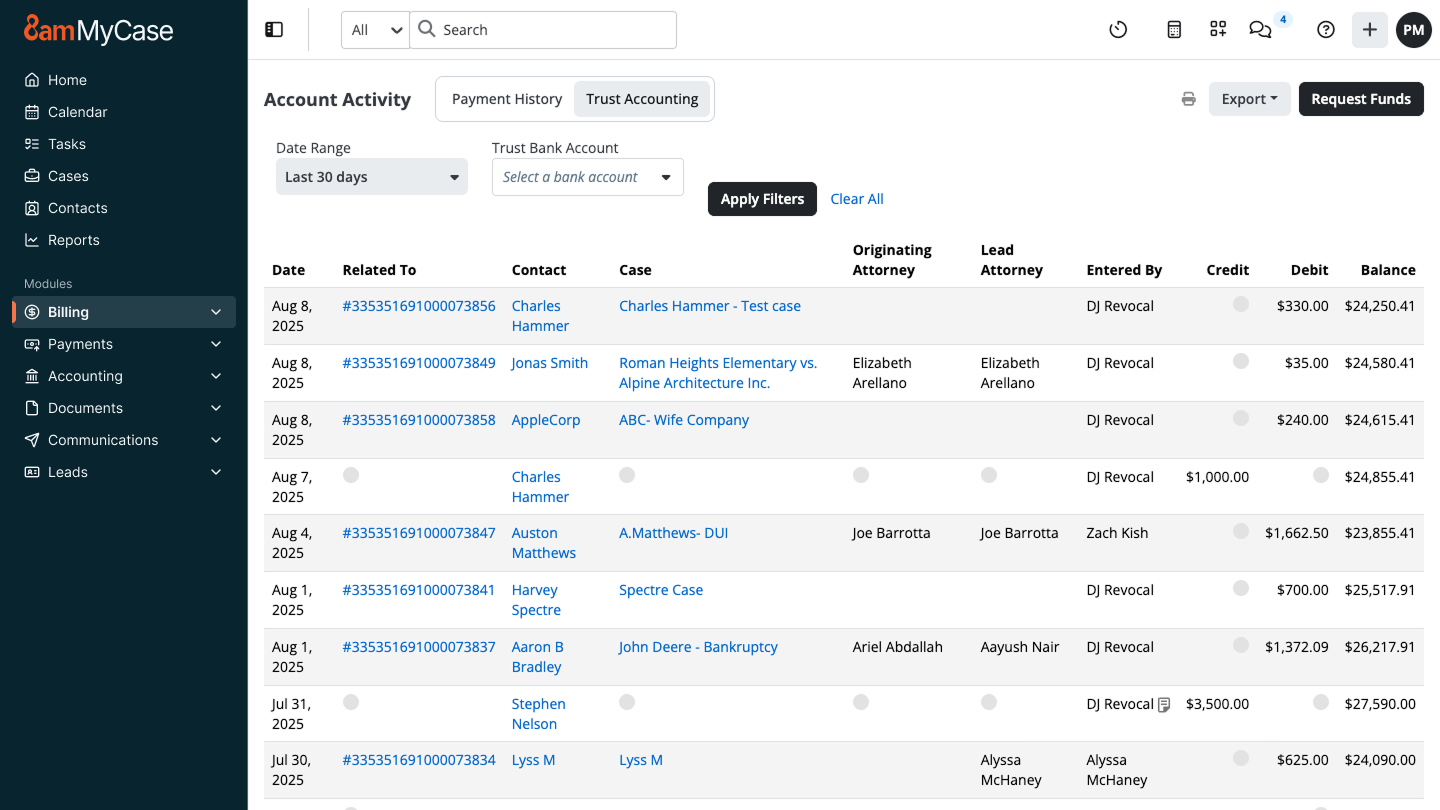
Trust accounting. This is an area of great concern as little mistakes can lead to serious consequences.
Client management. By posting all client documents we have significantly reduced postage and rather than getting a phone call, the clients can see what is happening in their case.
Scheduling. This is a great way to keep on top of calendars and a better way to avoid missing deadlines.
A de minimis incentive was given to thank the reviewer for their time. The incentive was not used to bias or drive a particular response, nor was the incentive contingent on a positive endorsement. More Info
Use of AI (should not be integrated into MyCase, especially with legal services that require a high-level of confidentiality which AI cannot guarantee)
Payment Reconciliation (sometimes invoices don't show up, nothing in Help Center about how to remedy)
Billing (doesn't consider that billing contacts for a case may change based on who can pay)
A de minimis incentive was given to thank the reviewer for their time. The incentive was not used to bias or drive a particular response, nor was the incentive contingent on a positive endorsement. More Info
Like I said in my pros, it can hold a lot of matters. But, if your firm is very large, PCLaw may not be the best option. My old firm grew to the point where they had to switch because they had too many matters for the system to hold.
The software is definitely dated, and I have some issues with crashing and other weird/buggy behavior. I have to set the default printer every time I log on in order to avoid multiple pop-ups when trying to print a document/report (which definitely doesn't take much time, but it can get annoying).
A de minimis incentive was given to thank the reviewer for their time. The incentive was not used to bias or drive a particular response, nor was the incentive contingent on a positive endorsement. More Info
A de minimis incentive was given to thank the reviewer for their time. The incentive was not used to bias or drive a particular response, nor was the incentive contingent on a positive endorsement. More Info
It is so easy to use. We've had multiple people join our team and they don't have any issues using it right away. It's also easy to use new features as they're developed. I think everyone should have and use a simple case management platform, and MyCase is my usual recommendation.
A de minimis incentive was given to thank the reviewer for their time. The incentive was not used to bias or drive a particular response, nor was the incentive contingent on a positive endorsement. More Info
The software may not be pretty, but it works. It could use a facelift but the functionality is still there. Personally, I would like to see an investment to make it prettier, but again, function over fashion. It is not a client-facing application, so internal use does not need to be razzle-dazzle.
A de minimis incentive was given to thank the reviewer for their time. The incentive was not used to bias or drive a particular response, nor was the incentive contingent on a positive endorsement. More Info
One of the things we liked most about Tabs3 when we used that system was its support. PracticePanther was step behind in support when we switched to it, but when we switched to MyCase, it actually seems to be a step ahead of Tabs3. The chat support feature has saved me hours on dealing with issues both internally with users and externally with clients trying to navigate the client portal.
A de minimis incentive was given to thank the reviewer for their time. The incentive was not used to bias or drive a particular response, nor was the incentive contingent on a positive endorsement. More Info
Tech support for LexisNexis PCLaw has been seamless as far as I know. Those issues have been dealt with by others at my organization and I do not have personal experience.
A de minimis incentive was given to thank the reviewer for their time. The incentive was not used to bias or drive a particular response, nor was the incentive contingent on a positive endorsement. More Info
A de minimis incentive was given to thank the reviewer for their time. The incentive was not used to bias or drive a particular response, nor was the incentive contingent on a positive endorsement. More Info
A de minimis incentive was given to thank the reviewer for their time. The incentive was not used to bias or drive a particular response, nor was the incentive contingent on a positive endorsement. More Info
Prior to using MyCase, my firm relied on AbacusLaw for its CRM program. I have also used Amicus Attorney prior to that. AbacusLaw and Amicus Attorney were local area network programs using an onsite computer server. I started using MyCase so that I would have an entire cloud-based legal CRM program. At the time its best competitive feature was that the program was entirely cloud-based and that online retrieval of documents and client contact information was easily retrievable. The best contribution of these features is not just improving team collaboration, but improving efficient communication with clients by allowing them online access to their case file and secure communication with the client portal. Our Intake staff uses Clio Grow as a CMS (Contact Management System) despite some intake features being added my MyCase in the past year. Clio Grow has a Kanban board interface to manage incoming leads and improve intake team collaboration. MyCase's intake feature is new and less robust and intuitive to use compared to Clio Grow (formerly Lexicata). From the beginning, G Suite has always been an integral tool for email and calendar management. MyCase offers email and calendar support but G Suite is easiest to use on multiple platforms and hardware devices compared to MyCase.
A de minimis incentive was given to thank the reviewer for their time. The incentive was not used to bias or drive a particular response, nor was the incentive contingent on a positive endorsement. More Info
PCLaw is still the only product that provides both front office (practice management/calendaring) and back office (accounting) solutions for a law firm in one product
A de minimis incentive was given to thank the reviewer for their time. The incentive was not used to bias or drive a particular response, nor was the incentive contingent on a positive endorsement. More Info
Organization: I know where to go for my case details
Efficiency: I just leave a window open on one screen logged into mycase and I can instantly modify/update matter details
Billing: integrated credit card payments/invoice updating is nice. Invoicing is a lot easier than prior platforms I used given you can email the invoice out directly from the platform, and see when it has been viewed.
A de minimis incentive was given to thank the reviewer for their time. The incentive was not used to bias or drive a particular response, nor was the incentive contingent on a positive endorsement. More Info