TrustRadius: an HG Insights company

monday.com

Score8.3 out of 10

4,994 Reviews and Ratings

What is monday.com?

monday.com Work OS is an open platform designed so that anyone can create the tools they need to run all aspects of their work. It includes ready-made templates or the ability to customize any work solution ranging from sales pipelines to marketing campaigns, CRMs, and project tracking.

Media

Work OS
Ready-Made Templates
Mobile
Visual Boards
Real-time Notifications
Automations
Integrations
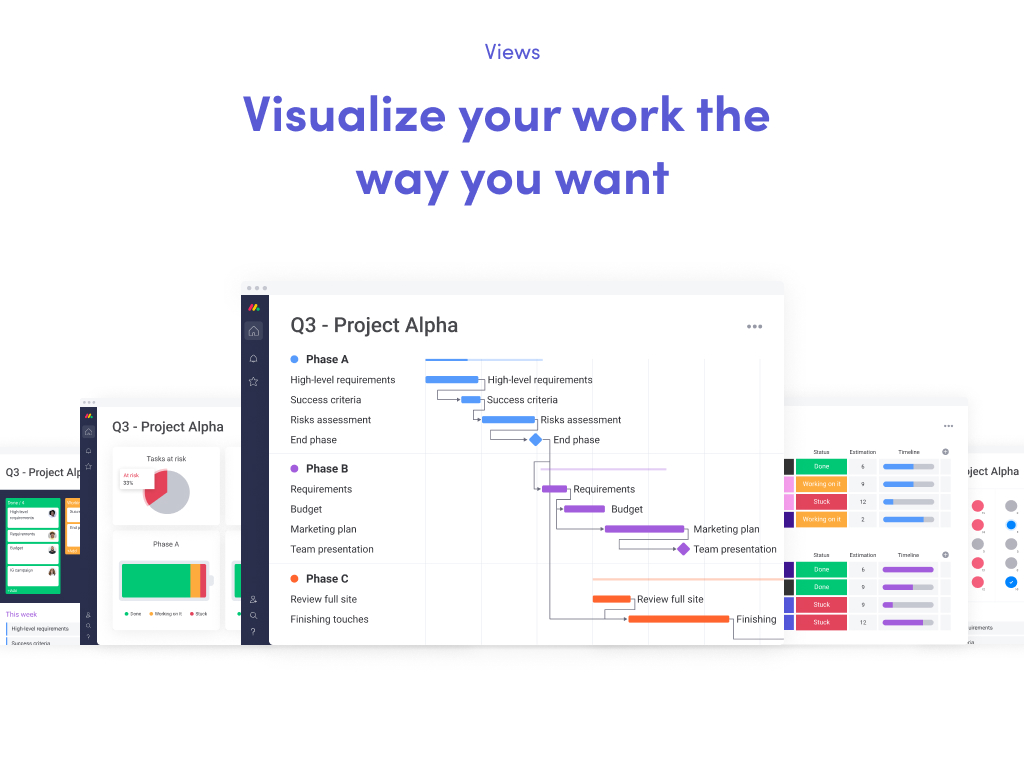
Views
File Sharing
Dashboards
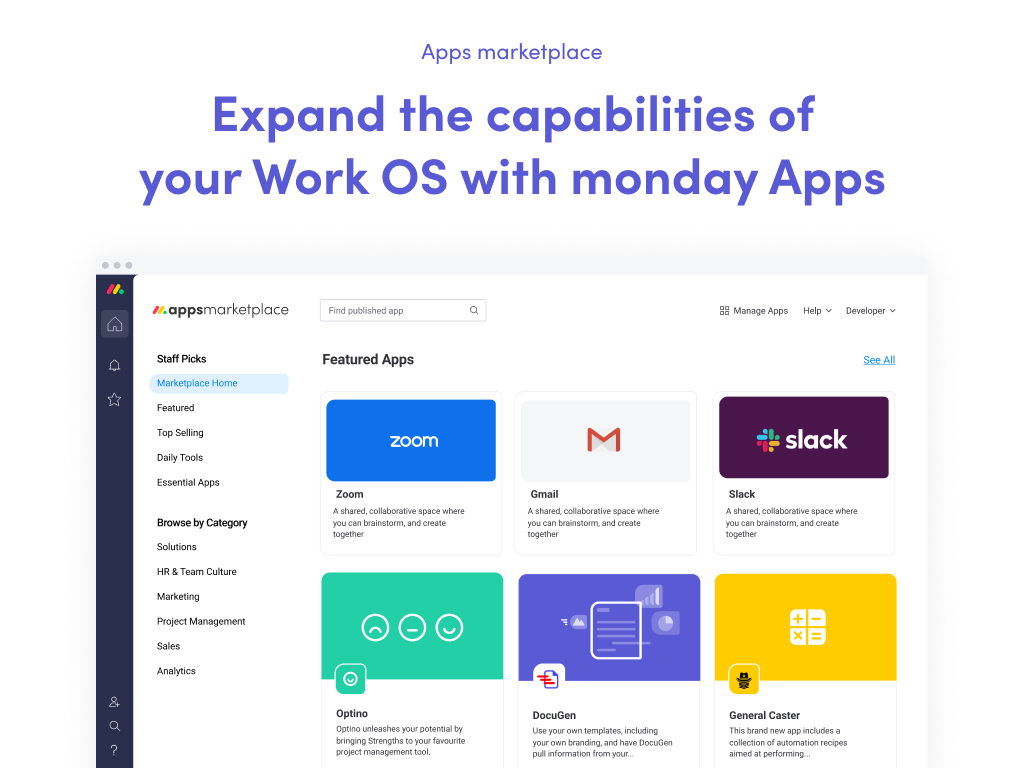
App Marketplace
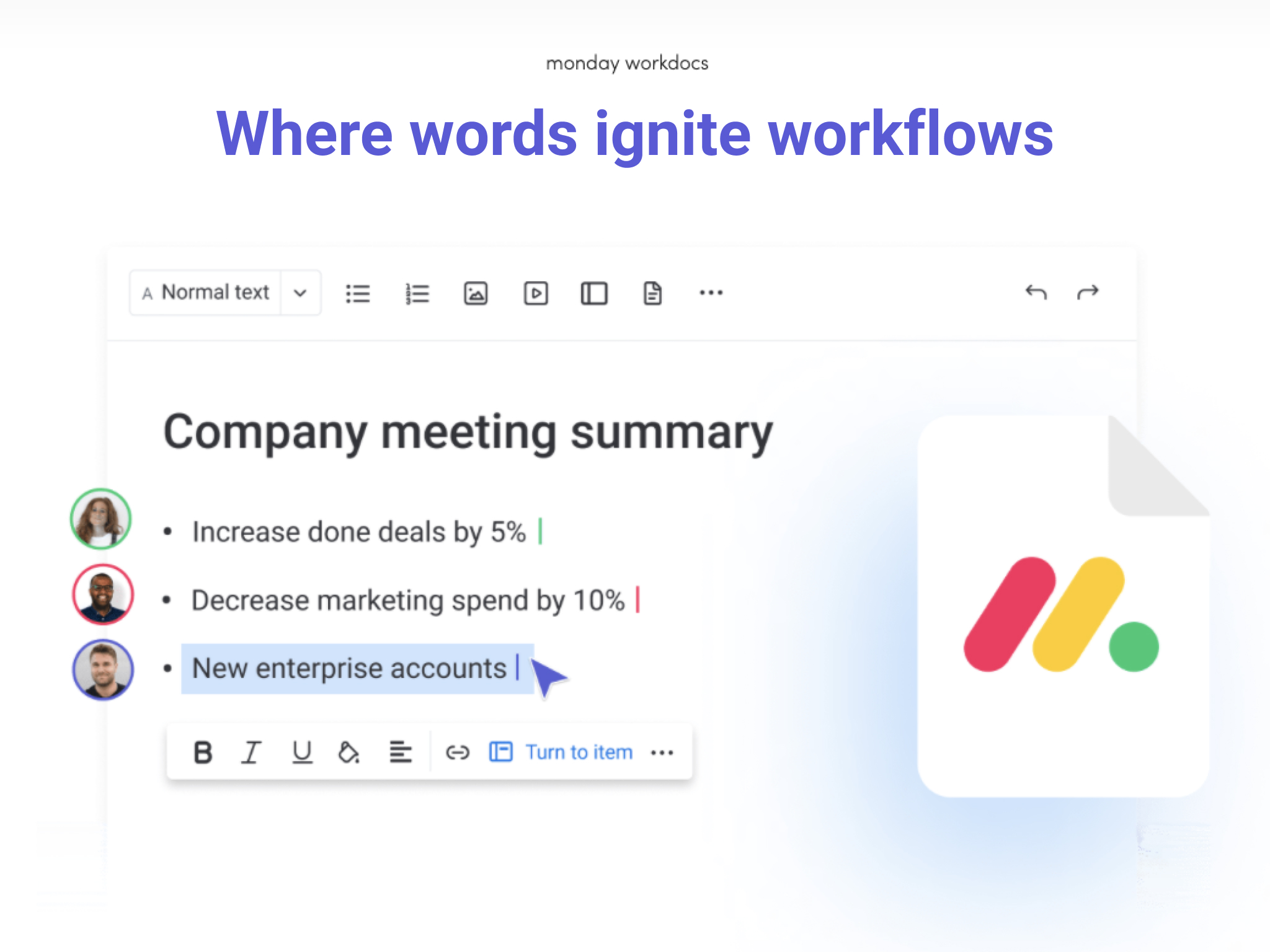
Docs

1 / 12

Top Performing Features

  • Team Collaboration

    Team collaboration capabilities let team members work directly with each other and provide team updates.

    Category average: 8.8

  • Task Management

    This includes the ability to plan, track, collaborate and report on tasks.

    Category average: 9

  • Change request and Case Management

    Change request and change management enables tracking of all customer requests including priority and timeframe.

    Category average: 8.5

Areas for Improvement

  • Timesheet Tracking

    Timesheet tracking is the ability to track all billable and non-billable hours for each project.

    Category average: 7.9

  • Integration with accounting software

    Real-time, two-way sync with accounting or financial software to facilitate project and financial reporting

    Category average: 7.5

  • Support for Waterfall Methodology

    Waterfall methodology is a tradition development method that is linear and sequential.

    Category average: 7.9

Great Platform to Start with but Some Limitations for Complex Uses

Use Cases and Deployment Scope

Our organization has used monday.com extensively over the past 6-7 yrs for project management, inbox intake, user lifecycle management, asset inventory management, new hire onboarding paths, and vendor management. The automations within each board and across boards have enabled teams to collaborate more efficiently, and it has integrated decently with other platforms such as Google, Slack, and by way of Zapier. When they introduced the WorkForms feature, this greatly enhanced a number of our boards set up as inbox intake, allowing those teams to consolidate functionality from other areas into the monday.com Work OS ecosystem. We also heavily leveraged the mirrored columns to avoid tedious duplication or possible issues with missed synchronous info.

Pros

  • Intuitive board functionality with a variety of column types and customizations to address different use-cases, such as templates for user lifecycle management, checklists for onboarding.
  • Extensive automation capabilities to reduce tedium in more complex boards, such as our company's computer asset inventory board, to ensure devices are kept organized within the board for quicker reference.
  • The ability to connect boards and mirror info across them allowed us to build out a cross-functional, quasi-ticketing system enabling more efficient processing of requests that involved action items from different departments and/or teams.
  • We could use both the many board functions in tandem with the WorkForm feature to create an IT ticketing system that could be replicated and tailored for other teams needs.

Cons

  • While the automations themselves and the customization options are great, there are some gaps that require either a creative workaround or feel like they should be more readily available. We noticed limitations with mirrored columns between connected boards that would not allow automations on the connect board to trigger off of values in the mirrored column.
  • We have noticed that some boards may experience performance issues depending on the nature/number of automations, data, and widgets.
  • Automation options have improved, but it feels like their performance has become more laggy.

Return on Investment

  • Early on, monday.com had quite the positive ROI as it enabled IT request/incident management, project management, user lifecycle management, internal audit/review evidence, and many other use-cases.
  • As our company has grown and required more complex workflows or use-cases, monday.com features have been stretched past their limits, and we have had to offload to other tools/platforms more specialized for those scenarios.
  • The past 2yrs have seen aggressive price increases from monday.com, and the ROI no longer feels worth the money for company-wide usage, and we are now reducing to only those specific teams that are more deeply embedded with monday.com features and capabilities.

Usability

Alternatives Considered

Atlassian Jira

Looking to streamline projects and reduce your inbox? monday.com can help

Use Cases and Deployment Scope

We use monday.com as a project management tool to track and communicate about projects. It has helped reduce the amount of email in our inbox. In addition, we can collaborate on event planning with organizations in other countries, which is much easier than holding virtual meetings or navigating long email chains.

Pros

  • Project management
  • Workload tracking
  • Form submission

Cons

  • Automations - even with the templates, they are hard to navigate
  • monday.com is still not intuitive; features can be hard to find, and there are many features available that aren't obvious
  • Harder to work with external partners

Return on Investment

  • Investment - Unfortunately, adoption among our team members varies widely, which increases time on some projects because they combine email and monday.com.
  • It has saved our event team hours of planning time as they work with an organization in another country to plan a major event.
  • Charts reduce workload because they clearly show how busy each team member is.

Usability

Other Software Used

Canva, Intuit Mailchimp, Google Forms, Microsoft Teams, Sprout Social

Easy to use and flexible.

Use Cases and Deployment Scope

We primarily use Monday to project manage approximately 1000 projects at any one time. These include Consultancy, Programmes and Events, Member Benefits, and Product Development. The ease of use has helped us implement these into teams very rapidly. The easy integration with other systems has also helped us to control processes such as issuing Fellowships and monitoring Member renewals. We also run much of our month-end and forecasting processes from Financial DBs created using the Monday API.

Pros

  • Project Management.
  • Automating Tasks.
  • Communication
  • Single Point of Truth.

Cons

  • Speed of system.
  • Number of boards in Portfolio.
  • Automation triggered of other types of columns.

Return on Investment

  • Enhanced ROI by saving on project costs.
  • Automated loads of manual tasks.

Usability

Alternatives Considered

Wrike

I definitely don't hate THIS Monday!

Use Cases and Deployment Scope

We use monday.com to schedule install and repair jobs. We're able to organize it to show who the client is, whose job it is, order number, point of contact, date the work has been scheduled for, if it has been cleared by DigSafe, and other important details. We also use monday.com to coordinate our production work (custom flags, stock flags, repairs, etc.).

Pros

  • Organize job schedule
  • Easily access details of jobs from all sales people
  • Check status of specific jobs

Cons

  • Quicker navigation between boards
  • Alerts when passed the due date of jobs
  • Archives (it may have it already, but I don't know where on the site to find it).

Return on Investment

  • Easer setup of project management boards
  • Universal access to production/repair information
  • Projects moving through the monday.com workflow helps with communication between coworkers and between workers and clients.

Usability

monday.com - if you aren't using it you are missing out

Use Cases and Deployment Scope

One large usage of monday Work Management is to run our Technology Portfolio - from project request intake, to budgeting/approvals, to resource allocations to end to end project management (project plans, RAID log, communication strategy, RACI, etc.). Additionally, other departments use Work Management to manage creative campaigns, business process improvement efforts, corporate calendars, and our indirect procurement process. Gaining efficiencies on our work, viewing shared resources and managing them and seeing a program level view of all our commitments has been a huge achievement that monday has afforded us. With automations, integrations and AI - our efficiencies and data integrity continues to be improved.

Pros

  • automations - reducing manual work efforts
  • ability to customize boards and processes based on individual project needs
  • ease of use - minimal training required due to system being intuitive
  • ability to control permissions - at a system level and board levels

Cons

  • ability for multiple users to be assigned to a task and the ability to mark themselves "complete" so we know who the task is still "open" for - vs having to define the same task over and over for each person who needs to work on it
  • My Work view - needs a lot of improvement - takes way to much effort to customize it and knowledge of all the boards design to do so. it also ties to need for multi-task assignments and ability to mark people complete vs entire task (until all people assigned are done)
  • ability for users to create custom views only for themselves
  • ability for users to create/save custom filters on a board only for themselves
  • ability to copy automations from one board to another
  • ability to "duplicate" and "move" items in a single step vs multi-step process
  • ability to load values into a field list of values or copying values in a field to another field (same or different board) to ensure consistency (without using the managed template which is limited in #)

Return on Investment

  • process adherence/governance
  • time savings - PMO and project tasks are repeatable, fast to setup and consistent
  • end to end program/project management - providing visibility to the right people at the right time
  • adoption / change mgmt is a bit of a challenge as not all users have full licenses as they don't "live" in monday and need more of a "partial license" but that doesn't exist today

Usability

Alternatives Considered

Microsoft Powerpoint, Zoho Projects, Microsoft Project, Smartsheet and Microsoft Excel

Other Software Used

Microsoft 365, Adobe Acrobat, DocuSign, Atlassian Jira, Atlassian Confluence